
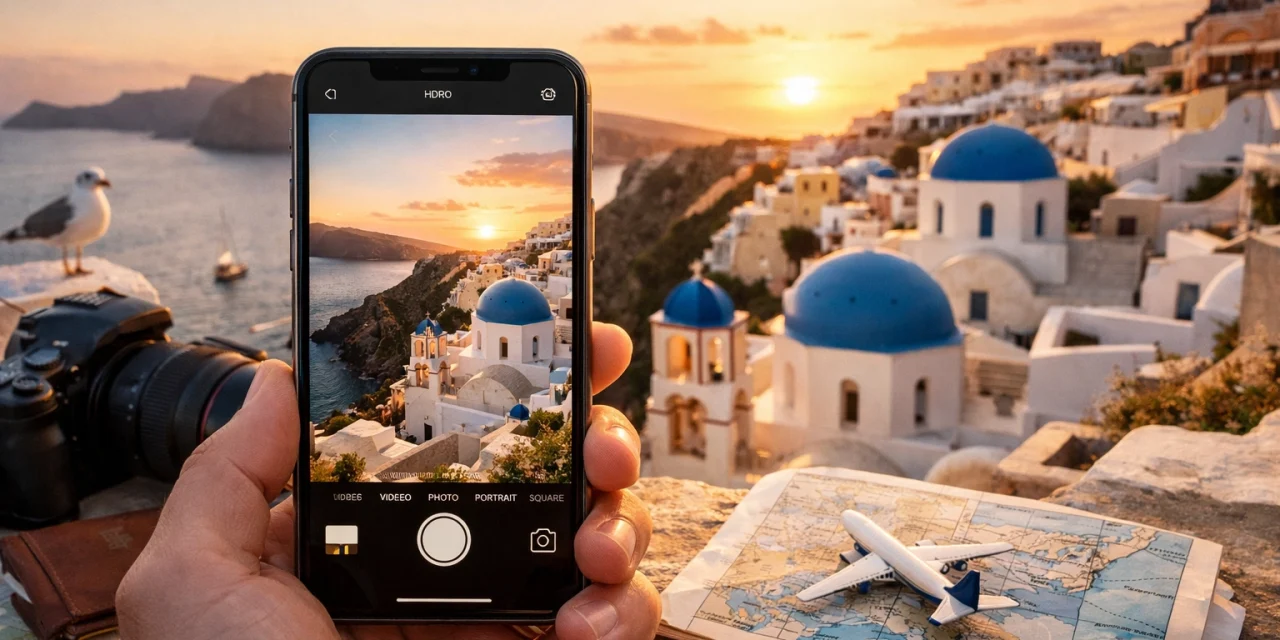
It’s 2026, and the line between a bulky DSLR and the smartphone in your pocket has never been thinner. We’ve all been there: standing in front of a breathtaking sunset in the Amalfi Coast or a bustling street market in Kyoto, only to have our photos come out looking flat, blurry, or just "okay."
The truth is, you don't need a $5,000 camera setup to capture professional-grade travel memories. Most of the time, the secret isn't in the hardware: it's in how you use it. Whether you’re scouting for photo spots near me or embarking on a global adventure, these 15 iPhone photography secrets will transform your travel feed from amateur to high-end.
1. The "T-Shirt" Fix: Clean Your Lens
It sounds painfully simple, but this is the number one reason for hazy, "dreamy" (but not in a good way) photos. Your phone lives in your pocket or bag, collecting fingerprints and lint. Before you snap that iconic shot, give your lens a quick wipe with a microfiber cloth or even a clean cotton t-shirt. This ensures your highlights are crisp and your colors are vibrant rather than washed out by grease.
2. Master the Grid and the Rule of Thirds
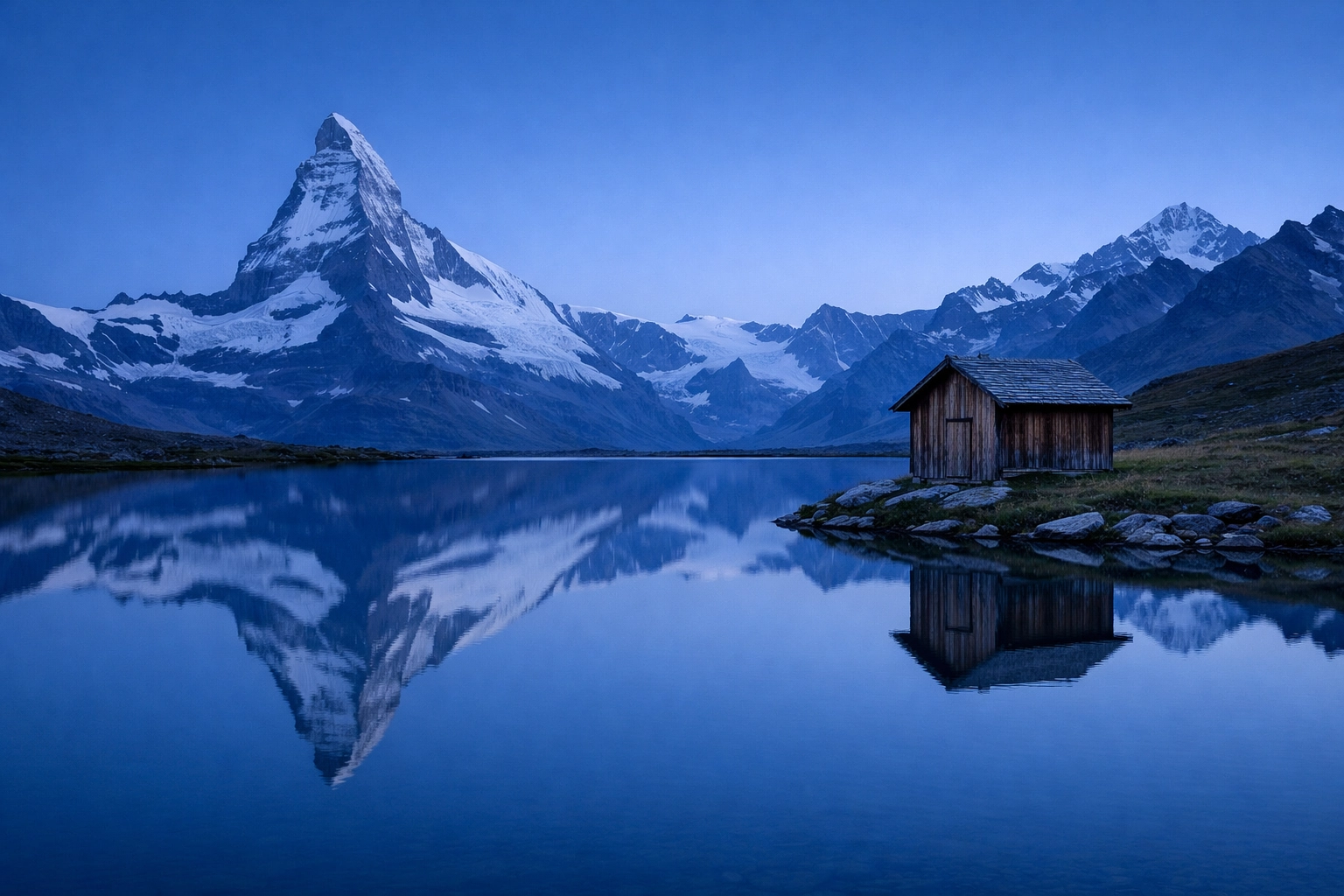
Professional composition starts with the grid. Head to Settings > Camera and toggle on the Grid. When you’re out exploring, try to place your main subject: whether it’s a lighthouse or a lone hiker: along one of the vertical lines or at the intersections. This creates a natural balance that is far more engaging than simply centering everything.
3. Control Your Exposure Manually
Your iPhone is smart, but it doesn't always know what mood you’re going for. Tap your subject to focus, and then look for the small sun icon next to the yellow box. Slide it up to brighten a dark alley or down to preserve the details in a bright sky. Managing your light on the spot saves you a massive amount of time in post-processing. For more advanced lighting tips, you can check out some of our educational guides.
4. Use Portrait Mode for More Than People
Portrait Mode isn’t just for selfies. It’s an incredible tool for travel photography to create "bokeh": that soft, blurred background that makes a subject pop. Use it for close-ups of street food, intricate architectural details, or colorful flowers. In 2026, the edge detection on the latest iPhones is so advanced it can rival professional glass lenses.
5. The Power of "Low and Wide"
Most tourists take photos from eye level. To make your travel photos look professional, change your perspective. Flip your phone upside down so the camera lens is closer to the ground. This creates a heroic, high-end feel for architecture and landscapes. It’s a great trick when visiting Miamis hidden speakeasies or grand cathedrals where you want to emphasize height and scale.
6. Long Exposure for Water and Lights
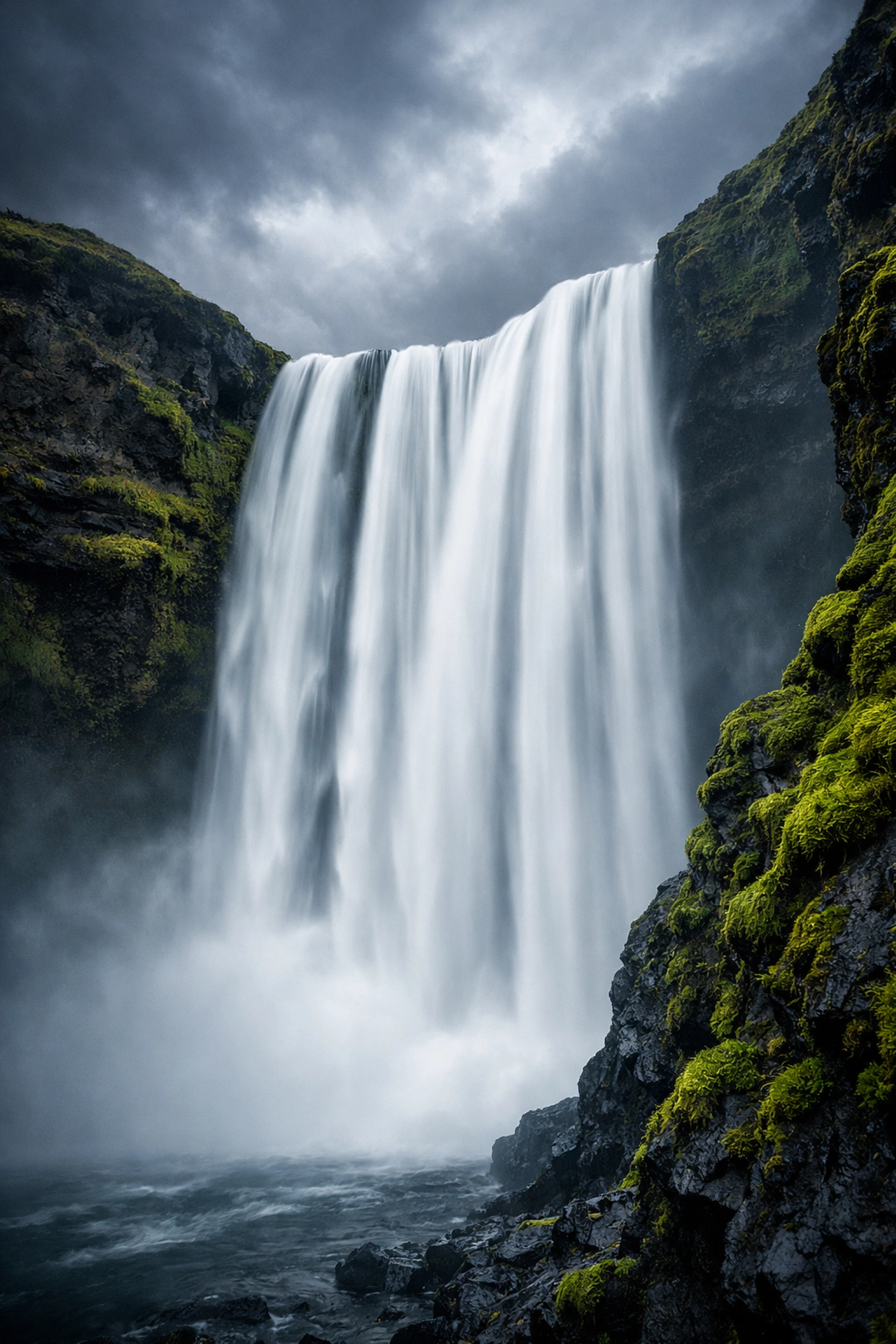
Want those silky-smooth waterfalls or light trails from city traffic? You don’t need a fancy filter. Turn on Live Photos, take your shot (keep your hands steady!), then open the photo in your gallery. Swipe up or hit the "Live" menu in the corner and select Long Exposure. The iPhone will stack the frames to create a professional motion-blur effect. This works wonders when you're exploring best photography locations involving moving water.
7. Shoot in ProRAW for Ultimate Control
If you’re serious about your craft, turn on Apple ProRAW in your settings. While these files take up more space, they contain significantly more data. This allows you to recover shadows and highlights in editing without the image falling apart. It’s the closest thing to shooting with a professional mirrorless camera. If you're looking to upgrade your mobile kit, see our essential photography gear list for the latest 2026 recommendations.
8. Utilize Cinematic Mode for Video
Travel storytelling isn't just about stills. Cinematic Mode (available on iPhone 13 and newer) allows you to record video with a shallow depth of field and adds automatic focus transitions. In 2026, the 4K Cinematic capabilities are stunning. It makes a simple walk through a forest feel like a big-budget movie.
9. Find Natural Frames
Look for "frames within the frame." This could be an overhanging tree branch, an archway, or a window. Framing your subject adds depth and layers to your photo, guiding the viewer's eye exactly where you want it to go. This technique is a staple for capturing professional-looking shots of hidden gems.

10. Master Night Mode (Without the Flash)
The flash on your phone is rarely your friend. It flattens images and creates harsh shadows. Instead, embrace Night Mode. For the best results, use a small mobile tripod or lean your phone against a wall. The longer the shutter stays open, the more detail the iPhone can pull from the darkness. This is essential for capturing the vibe of a club in Palm Beach or a moonlit beach.
11. Capture Authentic Human Moments
The best travel photos tell a story. Instead of only taking photos of empty buildings, try to include people. Whether it's a local artisan at work or your travel partner enjoying a coffee, humans add a sense of scale and emotion. Always be respectful and ask for permission when taking close-up portraits of locals. For more inspiration on storytelling, look into our wedding photography insights, which focus heavily on candid emotion.

12. Use Burst Mode for Action
If you’re capturing a bustling street scene or a bird taking flight, one shot isn't enough. Hold down the shutter button (or volume button, depending on your settings) to fire off a series of photos. You can then go back and pick the exact millisecond where the composition was perfect.
13. The 2026 AI Edge: Authentic vs. AI Art
With the rise of AI photography trends in 2026, there’s a new debate: how much AI is too much? Your iPhone already uses machine learning to "develop" your photos. However, the most professional-looking travel photos still prioritize authenticity. Use AI tools to remove a stray trash can or to enhance a sky: you can even download sky overlays to help: but try to keep the core of the image true to what you saw. Authenticity is what resonates with audiences today.
14. Edit with Intention (and the Right Tools)
A professional photo is rarely "straight out of the camera." You don't need complex software; the native "Edit" function in the Photos app is incredibly powerful. Focus on:
- Straightening the horizon: A tilted sea is a dead giveaway of an amateur.
- Warmth and Tint: Adjust these to match the "feeling" of the location.
- Black Point: Increasing the black point slightly can give your photos a "high-end" punchy look.
15. Research Your Location Before You Go
The secret to a great photo often happens before you even pick up your phone. Use tools like Google Earth or browse camera reviews 2024 and updated 2026 guides to see what others have captured. Knowing where the sun will rise or which side of the street has the best shadows can make all the difference. If you're planning a trip soon, comparing destinations like Dominican Republic vs Cancun can help you decide which aesthetic fits your style.
Final Thoughts
Travel photography is about more than just checking locations off a list; it's about preserving the feeling of a moment. Your iPhone is a sophisticated tool capable of incredible things, but it's your eye and your perspective that make the photo professional.
Next time you’re out, slow down. Clean your lens, check your grid, and look for a unique angle. You’ll be surprised at how quickly your "snapshots" turn into gallery-worthy art.
Ready to take your editing to the next level? You can download our professional presets and tools to give your iPhone shots that final polished look. Happy shooting!













