

Most photographers believe that professional-quality images require expensive equipment, but with your iPhone, you can create stunning visuals that rival even the best DSLRs. This guide will equip you with advanced techniques to elevate your iPhone photography skills, from mastering composition to utilizing editing apps that can enhance your images. Whether you’re capturing landscapes, portraits, or street photography, you’ll learn important tips and tricks that will help you take full advantage of your device and transform your photos into visually striking masterpieces.
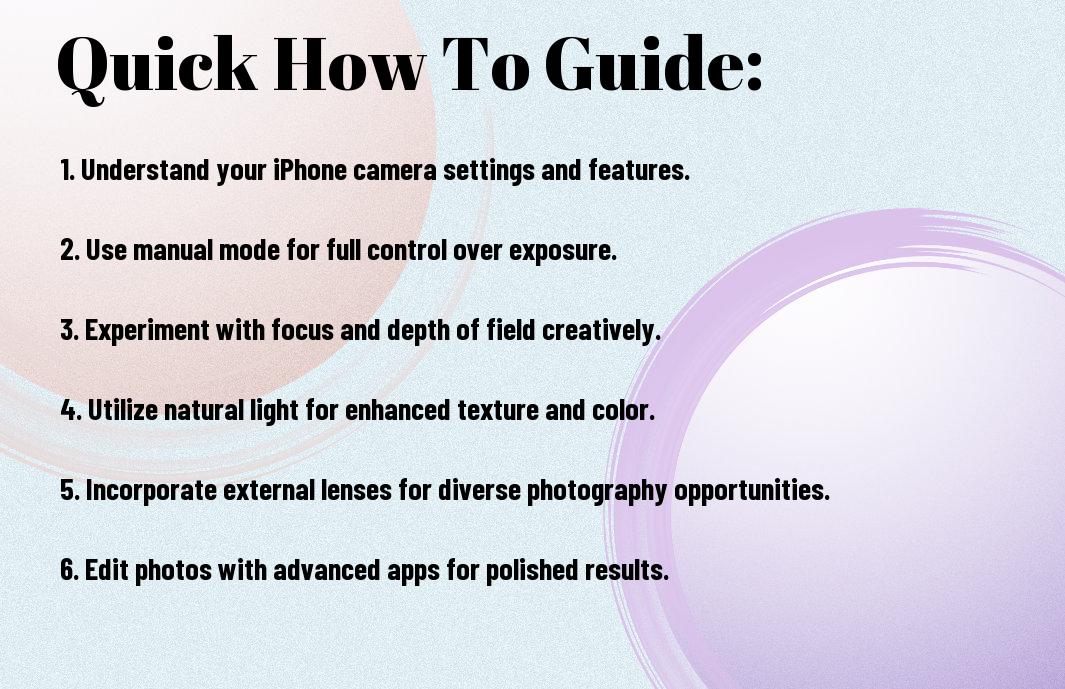

Mastering iPhone Camera Fundamentals
The iPhone camera is a powerful tool in your pocket, capable of producing stunning images with the right techniques. Understanding its basics is key to elevating your photography skills to a professional level. By familiarizing yourself with the camera’s various features, including its modes and settings, you can apply your creative vision more effectively and capture breathtaking shots in any environment.
Understanding Your iPhone Camera Capabilities
iPhone cameras have evolved significantly, featuring multiple lenses, advanced sensors, and innovative software. By exploring your device’s capabilities, you can unlock features like Night mode, Portrait mode, and Smart HDR, enabling you to capture high-quality images in diverse lighting conditions. Knowing what your iPhone can do allows you to harness its full potential and create professional-looking photos effortlessly.
Essential Camera Settings for Professional Results
There’s a variety of settings available on your iPhone that can dramatically enhance your photography. Adjusting your exposure, utilizing grid lines for composition, and enabling RAW format capture are just a few ways to gain more control over your images. Familiarizing yourself with these settings will help you optimize your shots and achieve that professional aesthetic you desire.
Mastering these important camera settings will empower you to take charge of your photography. Experiment with exposure adjustments to ensure your images are well-lit and detailed. Using grid lines helps compose your shots according to the rule of thirds, leading to more visually appealing images. Additionally, enabling RAW format allows for greater flexibility in post-processing, preserving more data in your images. By applying these techniques, you’ll produce polished and professional-looking photographs with your iPhone.
Composition Techniques for Stunning iPhone Photography
While mastering composition is vital to elevating your iPhone photography, understanding different techniques will allow you to create more visually striking images. Experiment with various compositional styles to find the approach that resonates best with your creative vision. These techniques will not only help you produce aesthetically pleasing shots but also enhance the narrative you wish to convey through your photos.
Rule of Thirds and Visual Balance
Clearly, the Rule of Thirds is a fundamental guideline that can significantly improve your iPhone composition. By dividing your frame into a grid of nine equal parts and placing key subjects along these lines or intersections, you create a natural balance that draws viewers’ eyes to focal points. Utilizing this technique promotes dynamic imagery and can elevate the emotional impact of your photos.
Leading Lines and Framing Techniques
The use of leading lines and framing techniques can guide the viewer’s eye through your image and make your composition more inviting. By incorporating natural lines, such as roads, fences, or rivers, you create a path that leads to your subject, enhancing depth and perspective. Additionally, framing your subject with elements like trees, archways, or doorways can add layers of interest while emphasizing the focal point.
Techniques such as converging lines or natural barriers can dramatically transform the way your viewer interacts with your photo. Experiment with these elements to create a sense of movement and depth in your shots. Additionally, utilizing negative space can amplify your subject, making it stand out even more. By combining leading lines and framing, you can craft stunning compositions that resonate emotionally with your audience.
Lighting Factors That Transform Amateur Photos into Professional Shots
Many photographers overlook the significance of lighting, which can elevate your images from ordinary to extraordinary. Proper lighting can enhance details, create mood, and provide depth. Key factors to consider include:
- Time of day
- Direction of light
- Type of light (natural or artificial)
- Shadows and highlights
- Color temperature
Assume that you embrace these factors to capture stunning images every time.
Working with Natural Light
An understanding of natural light is important in mobile photography. Utilize the golden hour—shortly after sunrise or before sunset—to create soft, warm images. Position your subject to face the light for vibrant colors and striking clarity. Consider using reflectors to bounce light onto your subject for an even illumination. The key is adapting to your surroundings and harnessing available light beautifully.
Handling Challenging Lighting Conditions
Into every photographer’s journey come challenging lighting conditions—harsh midday sun, low-light environments, or mixed lighting scenarios can deter even the most skilled. You need to be adaptable and inventive.
It’s important to manage high contrast by seeking shaded areas or using your iPhone’s exposure settings to reduce the highlights. In low-light situations, stabilize your device to avoid camera shake and experiment with longer exposure times. When faced with mixed lighting, balance the color temperature through your camera settings and consider using editing tools post-capture for a polished look. Adjusting your approach to light will give your images a professional sheen, no matter the circumstances.

Professional Editing Workflow
After capturing stunning images, developing an effective editing workflow is necessary to elevate your iPhone photography. This process involves organizing, editing, and enhancing your photos to achieve a professional finish. By incorporating both native tools and advanced third-party apps, you can significantly enhance the quality of your images, ensuring each photograph reflects your artistic vision.
Native iOS Editing Tools
On your iPhone, Apple provides robust native editing tools that allow you to make quick adjustments. These include options for cropping, adjusting brightness, contrast, and saturation, as well as applying filters. Utilizing these built-in features can help streamline your workflow, especially when you need to make minor edits on the go without the need for extra software.
Professional-Grade Third-Party Apps
Editing your photos with professional-grade third-party apps can transform your workflow and elevate your images significantly.
With apps like Lightroom Mobile, Snapseed, and VSCO, you gain access to advanced features such as layer editing, selective adjustments, and high-quality presets. These tools offer a range of options for fine-tuning your images, allowing you to adjust every aspect of exposure, color, and detail. By using these applications, you can not only enhance your photos but also maintain control over your artistic expression, ensuring that every image meets your high standards.
Advanced Technical Tips for Specific Photography Genres
Your photography journey can be elevated by honing in on genre-specific techniques. Mastering these will allow you to create stunning, professional-level images regardless of your chosen subject. Consider incorporating the following advanced tips into your workflow:
|
Portrait Photography Techniques
Technical aspects of portrait photography primarily hinge on lighting and composition. Focus on utilizing natural light for softer, flattering effects, ideally during the golden hour. Experiment with different angles and distances to find the most flattering perspectives that enhance your subject’s features. Make use of portrait mode to separate your subject from the background, creating stunning bokeh.
Landscape and Architecture Photography
Advanced techniques in landscape and architecture photography can help you capture breathtaking scenes. Utilize tools like filters to enhance colors and contrast, giving your images more impact. A sturdy tripod is crucial for achieving sharp images, especially in low light conditions.
Tips for landscape and architecture photography include scouting locations at different times to exploit varying light conditions. Use the rule of thirds to create balanced compositions. Experiment with a wide aperture to create captivating foregrounds while keeping the background sharp. Pay attention to the weather—cloudy or dramatic skies can add intrigue and depth to your images.

Accessories That Elevate iPhone Photography
Despite the impressive capabilities of modern iPhone cameras, utilizing the right accessories can significantly enhance your photography experience. From specialized lenses to stabilization tools, these additions can help you create professional-quality images with ease. Investing in the right gear not only broadens your creative possibilities but also improves the technical aspects of your shots, ensuring you capture stunning visuals every time.
Essential Lens Attachments
iPhone photography can reach new heights with crucial lens attachments that expand your shooting capabilities. Wide-angle, macro, and telephoto lenses allow you to explore different perspectives and framing options, enabling you to capture scenes that might otherwise be unattainable. With these attachments, your iPhone can transform into a versatile camera system, perfect for various shooting situations.
Stabilization and Lighting Equipment
If you’re looking to improve the quality of your photos, stabilization and lighting equipment is key. A gimbal or tripod can help you achieve steady shots, while portable LED lights can fill in shadows and bring out details in low-light conditions.
That said, effective stabilization reduces the risk of blurry images, particularly in challenging conditions or when using longer exposure times. Coupling this with proper lighting can dramatically enhance your results. By investing in these pieces of gear, you can elevate your iPhone photography, making it more polished and professional, no matter the setting or lighting scenario.
Conclusion
Summing up, mastering advanced how-to techniques in professional iPhone photography enhances your ability to capture stunning images. By understanding composition, leveraging light, and utilizing apps effectively, you elevate your photography skills. Experimenting with various settings and techniques will empower you to create unique visual stories that resonate with your audience. Embrace these strategies and watch your photography transform as you express your unique vision through your iPhone.













