

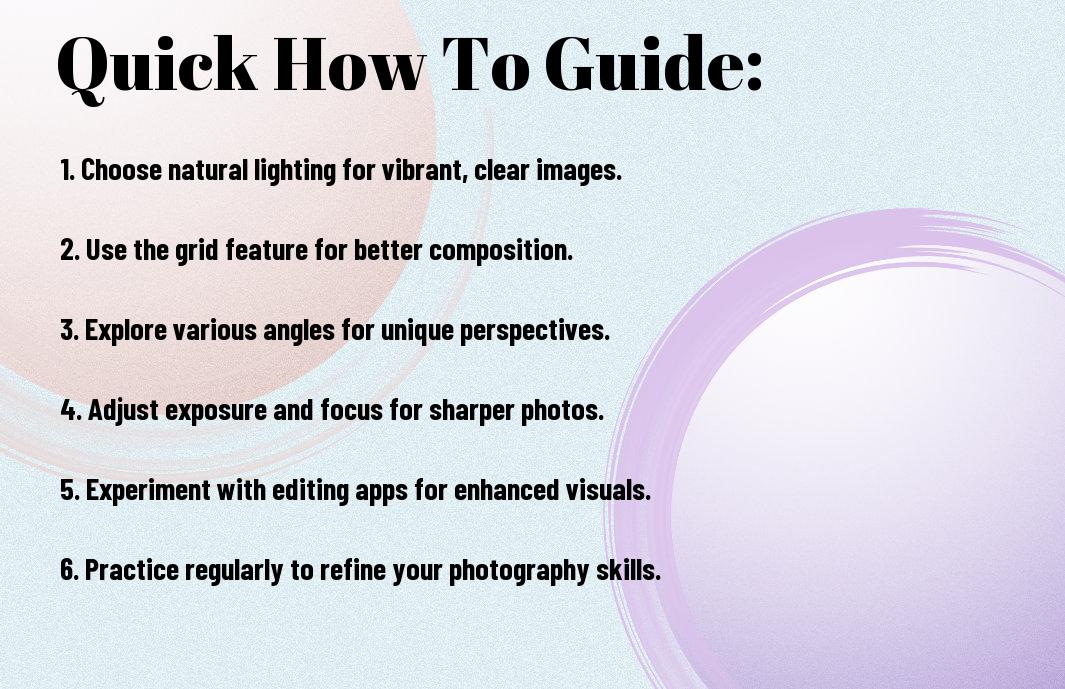
This guide will equip you with necessary strategies to elevate your iPhone photography skills. By understanding your device’s features and harnessing creative techniques, you can transform everyday moments into stunning images. You’ll learn how to compose shots, utilize natural lighting, and edit photos using accessible tools. With a few expert tips, you’ll capture beautiful photos that stand out, making your portfolio pop and impressing your friends and family.
Understanding Your iPhone Camera
Your iPhone camera is a powerful tool that combines cutting-edge technology with user-friendly features. From advanced image stabilization to versatile shooting modes, understanding how these components work together allows you to capture stunning photos. Familiarizing yourself with the layout and capabilities of your camera can significantly enhance your photography skills, helping you to make the most of every shot you take.
iPhone Camera Capabilities and Limitations
Assuming you know the strengths of your iPhone, it’s important to recognize its limitations as well. While iPhones excel in convenience and ease of use, they may struggle in low-light conditions and lack the optical zoom of dedicated cameras. Understanding these nuances helps you choose the right moments to shoot and enhances your overall photography experience.
Essential Camera Settings for Quality Photos
Little tweaks to your iPhone’s camera settings can make a significant difference in your photos. By adjusting the exposure, setting the correct focus, and utilizing grid lines for composition, you can improve your images dramatically. Explore features like HDR and live photos to enhance your shooting experience.
Plus, utilizing the camera settings effectively can help you adapt to various shooting conditions. For instance, switching on grid lines aids in adhering to the rule of thirds for better composition, while the exposure adjustment allows you to brighten or darken your images as needed. Exploring these settings empowers you to take control of your photography, leading to more dynamic and professional-looking images.
Mastering Composition Techniques
Any great photographer knows that composition is the backbone of stunning images. By mastering composition techniques, you can elevate your iPhone photography from ordinary to extraordinary. Focus on arranging elements within your frame, balancing your subjects, and utilizing space effectively to create visually appealing photographs that tell a compelling story.
Rule of Thirds and Grid Lines
Mastering the rule of thirds can transform your iPhone photos into captivating images. By enabling grid lines in your camera settings, you can easily divide your frame into nine equal parts, positioning key elements along these lines or their intersections. This technique creates balanced and dynamic compositions that draw the viewer’s eye directly to your subject.
Leading Lines and Framing
On a journey to create powerful visuals, leading lines and framing techniques help guide the viewer’s attention within your composition. Use natural or man-made lines, like roads or fences, to draw the eye toward focal points in your scene. Framing, on the other hand, involves using elements in your surroundings, like branches or doorways, to encapsulate your subject, making it stand out beautifully.
Lines can serve as pathways, guiding your viewer’s gaze seamlessly through your photograph. By incorporating strong leading lines, whether horizontal, vertical, or diagonal, you create depth and perspective that enhances engagement. Effective framing adds context and focus, allowing your subject to pop against the background. Combining these techniques not only improves your composition but also evokes emotions, drawing your audience deeper into the story your photograph tells.
Lighting Factors for Stunning Photos
Now, mastering lighting is imperative for achieving stunning iPhone photography. Consider these key aspects:
- Time of day affects the quality of light
- Direction of light influences shadows and highlights
- Cloud cover softens harsh sunlight
- White balance settings can alter hues
- Use reflectors or diffusers to manipulate light
After understanding these factors, you’ll be better equipped to elevate your images.
Natural Light vs. Artificial Light
Factors impacting your photography can greatly change with the type of light you choose. Natural light often offers a soft, flattering quality, while artificial light can provide a controlled environment. Understanding how each source interacts with your subject is key to creating mood and atmosphere in your photos.
How to Work with Challenging Lighting Conditions
Assuming you encounter difficult lighting situations, there are ways to adapt. For instance, you can adjust the exposure settings on your iPhone to capture more light in dim environments or utilize your iPhone’s HDR mode for high-contrast scenes. By taking advantage of your device’s built-in features, you can achieve well-lit photographs regardless of the circumstances.
Natural light can sometimes create unflattering shadows or overly bright spots. To overcome this, consider positioning your subject near a window or under a shaded area for softer light. In low-light settings, you might want to increase your ISO setting or use your iPhone flashlight to highlight your subject. These adjustments allow you to harness the environment creatively, transforming challenging conditions into stunning photographic opportunities.

Advanced iPhone Photography Techniques
All advanced techniques can elevate your iPhone photography from ordinary to extraordinary. By mastering these methods, you’ll be able to capture stunning images in any situation.
|
Portrait Mode and Depth Control
If you want to create professional-looking portraits, use Portrait Mode alongside Depth Control. This feature allows you to blur the background while keeping the subject in sharp focus, creating a striking separation that highlights your subject’s features beautifully.
Long Exposure and Night Mode Photography
Techniques like Long Exposure and Night Mode enhance your iPhone photography, especially in low-light conditions. Mastering these features will enable you to capture stunning, illuminated scenes that bring a unique perspective to your images.
Plus, understanding how to utilize Long Exposure and Night Mode can significantly enhance your nighttime photography. Long Exposure allows you to capture movement, like flowing water or light trails, while Night Mode raises the camera’s sensitivity to light, producing clear images without the need for flash. Experimenting with these features will provide you with incredible results, transforming your nighttime shots into captivating visuals.

Essential Editing Tips
Not every shot is perfect straight out of the camera, which is why editing is imperative for enhancing your iPhone photography. Utilize these tips to elevate your images:
- Adjust brightness and contrast for dynamic visuals.
- Crop strategically to emphasize your subject.
- Utilize filters sparingly to maintain authenticity.
- Sharpen details to create a more polished look.
- Experiment with saturation to enhance colors.
Thou can transform an ordinary photo into an extraordinary piece of art with just a few edits.
Built-in iPhone Editing Tools
Clearly, the built-in editing tools on your iPhone provide a robust platform for making quick adjustments. You can easily access features like exposure, highlights, shadows, and more directly within the Photos app. This intuitive interface allows you to fine-tune your images without needing extensive editing experience, encouraging you to experiment with different styles and effects.
Third-Party Apps for Professional Results
On the other hand, third-party apps can take your editing game to the next level, offering advanced features and filters not found in the native app. These specialized applications allow for greater control over every aspect of your photo, from exposure to color grading and sharpening.
For instance, apps like Adobe Lightroom and Snapseed provide powerful tools that can help you achieve professional-quality edits right from your device. Whether you want to apply selective adjustments, create presets for consistent looks, or utilize advanced features like healing brushes and presets, these apps cater to a variety of styles and preferences, ensuring your iPhone photography stands out. Don’t hesitate to explore their capabilities to find a workflow that best suits your creative vision.

Creative Effects and Styles
After mastering the basics of iPhone photography, it’s time to explore creative effects and styles that can elevate your images. Experimenting with different techniques not only showcases your artistic vision but also helps your photographs stand out. From black and white photography to HDR and panorama techniques, each approach can add a unique flair to your shots, making them visually compelling and memorable.
Black and White Photography
White space can breathe new life into your images, creating a timeless elegance that color may overshadow. When you shoot in black and white, focus on contrast, texture, and composition to tell your story more powerfully. Your iPhone’s editing apps offer great tools to fine-tune the shades and enhance the mood of your images, leading to striking results.
HDR and Panorama Techniques
You can capture stunning landscapes and intricate details with HDR and panorama techniques. By merging multiple exposures, HDR brings out the full dynamic range of a scene, making sure both shadows and highlights are well-represented. Panorama mode allows you to create sweeping, wide-angle shots that showcase the essence of a location, making your photography more immersive.
The HDR technique is especially beneficial in high-contrast situations, where traditional photography might leave you with blown-out highlights or dark shadows. By taking advantage of your iPhone’s capability to capture a sequence of shots at different exposures, you can combine these images into a single photograph with rich detail throughout. Similarly, for breathtaking landscapes, using panorama mode not only enhances the depth of your images but also allows you to capture vast scenes in a single frame, bringing the beauty of your surroundings to life.
Conclusion
To wrap up, mastering beautiful iPhone photography is within your reach by applying expert strategies. Utilize natural light to enhance your images, embrace composition techniques like the rule of thirds, and explore editing apps to refine your final shots. Engage with your surroundings and experiment with various perspectives to captivate your audience. With practice and creativity, you can elevate your iPhone photography and capture stunning visuals that truly reflect your unique style.













