
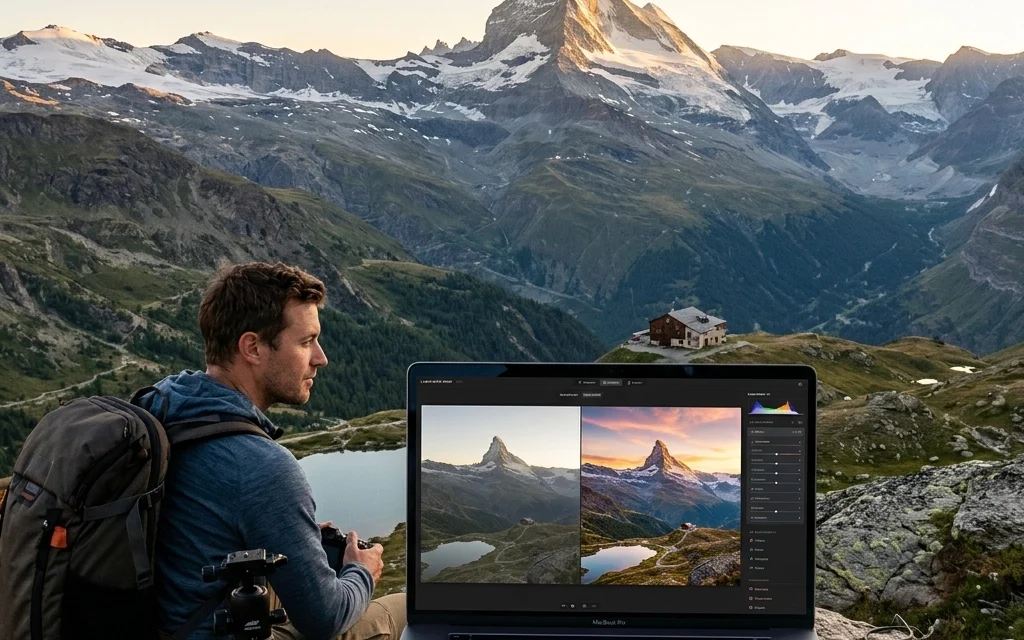
Let’s be honest: the world of photography has changed faster in the last three years than it did in the previous thirty. We’ve gone from arguing about megapixels to debating the ethics of artificial intelligence. But while the "is it still photography?" debate rages on in corner bars and Facebook groups, most of us are just trying to find a way to make our photos look incredible without spending six hours hunched over a keyboard for a single landscape shot.
Choosing the best AI photo editor isn't just about finding the one with the most "magic" buttons. It’s about finding a tool that fits your lifestyle, your budget, and your creative vision. Whether you’re a hobbyist capturing weekend memories or a professional balancing a dozen client galleries, the right software should feel like a partner, not a chore.
At Photoguides, we’ve tested just about everything on the market. From the heavyweights like Adobe to specialized tools like Topaz, the landscape is crowded. However, one name keeps rising to the top for those who want a balance of power and simplicity: Luminar Neo.
What Should You Actually Look For in an AI Editor?
Before we dive into the "this vs. that" of it all, let’s talk about what actually matters. When you’re looking for an AI-powered editor, you aren’t just looking for filters. You’re looking for intelligent tools that understand the geometry of your image.
1. Intentional AI vs. Global Filters
Old-school editors apply "global" changes: if you boost the brightness, everything gets brighter. Modern AI, like what you’ll find in Luminar Neo, uses masking to understand the difference between a mountain, a face, and a stray power line. You want an editor that knows what it’s looking at.
2. Speed and Workflow
Does the software require a PhD to operate? Adobe Photoshop is incredibly powerful, but its learning curve is steep. If you’re a pro looking to streamline, or a beginner looking to learn, you want something intuitive.
3. Integration
Do you already use Lightroom to organize your files? Then you need an AI editor that works as a plugin. If you prefer a clean slate, a standalone app is the way to go.
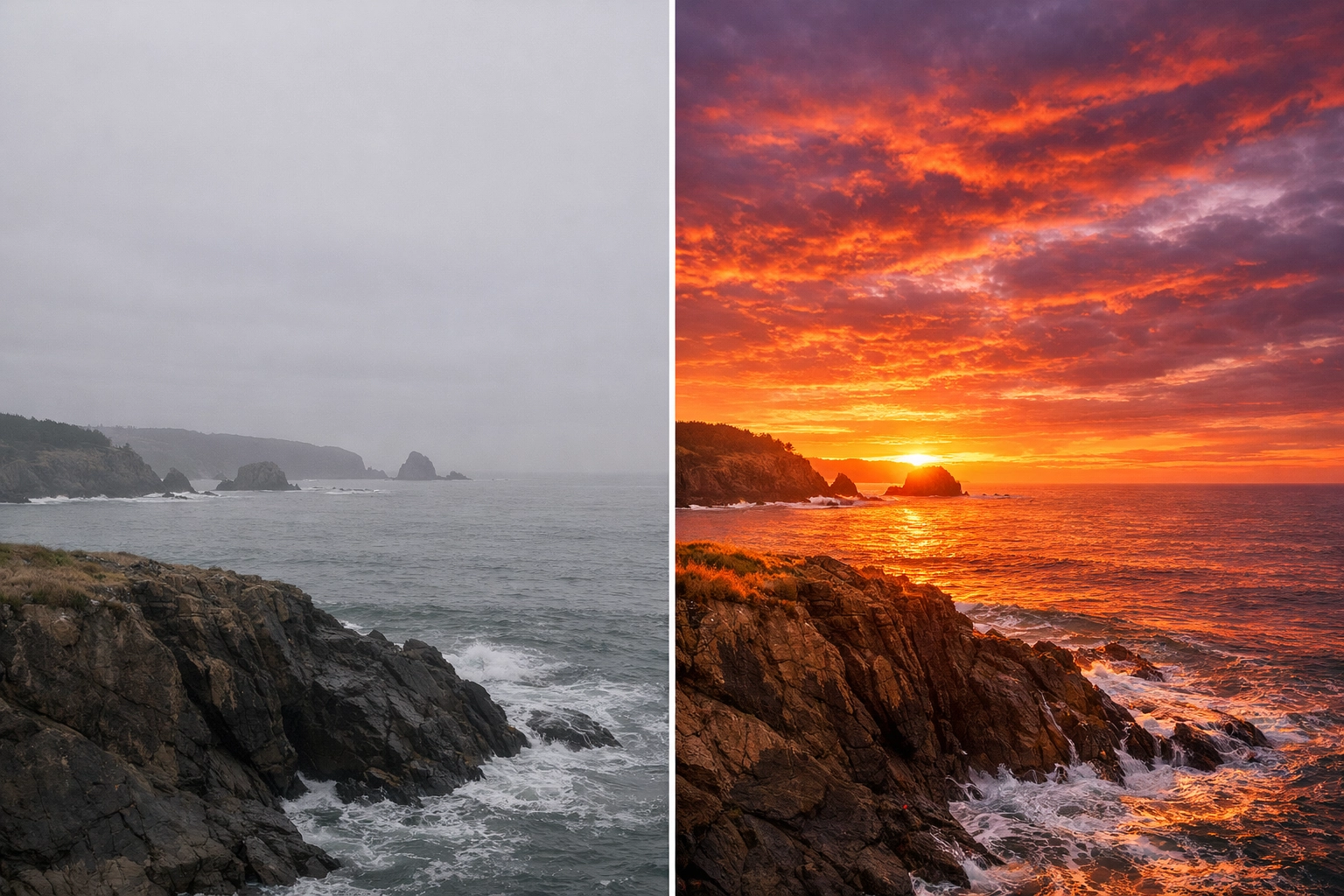
SEO Alt Text: A side-by-side comparison interface of a photography editing software showing a landscape photo before and after AI-powered sky replacement and relighting enhancements.
The Main Contenders: Who are the Players?
When you go shopping for the best AI photo editor, you’ll likely run into three main names: Luminar Neo, Adobe Photoshop/Lightroom, and Topaz Photo AI.
Luminar Neo: The Creative Powerhouse
Luminar Neo is designed specifically for photographers who want high-end results without the manual labor. It’s built on a modular engine, meaning it can handle complex AI tasks: like changing the entire lighting of a scene or removing messy power lines: in seconds.
For many of us, it’s the "Goldilocks" of editors. It isn't as technical as Topaz, and it isn't as cumbersome as Photoshop. It focuses on the art of the photo. You can see how this fits into a professional workflow by checking out some of the high-end work on Edin Fine Art.
Adobe Photoshop & Lightroom: The Industry Standards
Adobe has integrated "Firefly" AI into its ecosystem. It’s great for generative fill (adding or removing objects), but it often feels like a giant Swiss Army knife where you only need the scissors. It’s a subscription-heavy model that requires a lot of "manual" intervention to get the AI to behave exactly how you want.
Topaz Photo AI: The Technical Specialist
If your main problem is blurry photos or noisy high-ISO shots from a night at a club in Palm Beach, Topaz is incredible. It excels at sharpening and noise reduction. However, it’s a bit of a "one-trick pony." It won't help you creatively relight a portrait or swap a dull sky for a sunset.
Why Luminar Neo Is Leading the Pack
If you’re looking for a tool that covers the most ground, Luminar Neo is currently the best-in-class option. Here’s why it’s winning over so many photographers in our community at Shut Your Aperture.
Sky AI: No More "Grey Sky" Regrets
We’ve all been there. You plan a trip to see Miami’s hidden speakeasies or a sunset at the beach, and the sky is just… white. Sky AI doesn't just paste a new sky in; it relights the entire scene to match the new light source. If you drop in a golden hour sky, the buildings and water in your foreground will take on that warm, orange glow. It’s seamless.
Relight AI: Mastering the Light After the Fact
Traditional "exposure" sliders are blunt instruments. Relight AI maps your photo in 3D. It understands depth. If you have a portrait where the background is too bright and the subject is in shadow, you can independently adjust the light based on distance from the camera. This is a level of control that used to take hours of manual dodging and burning.
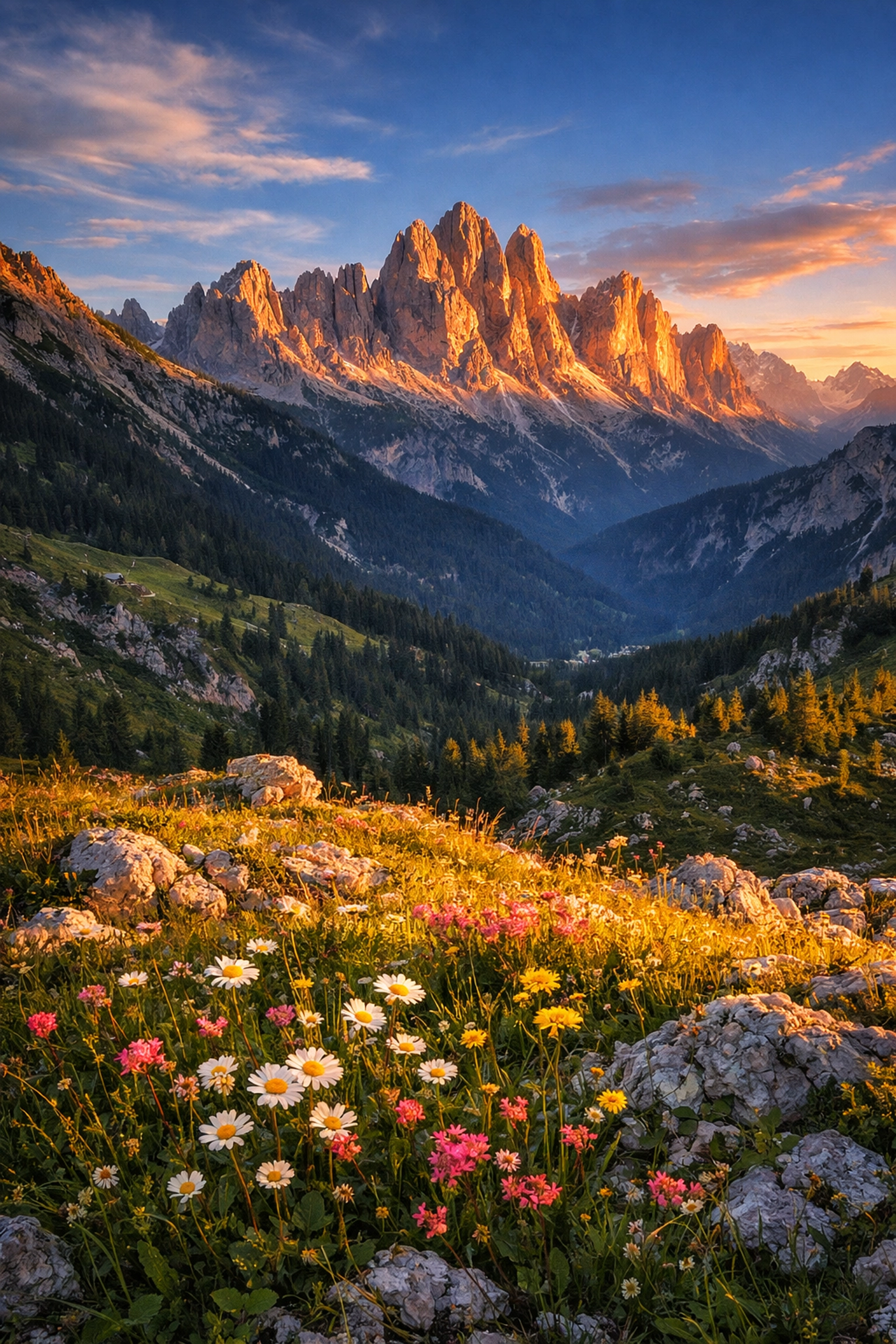
SEO Alt Text: A professional landscape photograph of a mountain range being edited with Luminar Neo's Relight AI tool, showing sliders for brightness near and brightness far to create depth.
GenErase and Powerline Removal
Nothing ruins a pristine architectural shot or a beautiful street scene like a mess of power lines. In most editors, you’d be zoom-clicking with a clone stamp for twenty minutes. In Luminar Neo, there is literally a "Remove Powerlines" button. One click, and they’re gone. GenErase takes it further, using generative AI to remove larger distractions and fill in the background with textures that actually match the surroundings.
Evaluating the Cost: Subscription vs. Ownership
One of the biggest pain points for photographers today is "subscription fatigue." We’re paying for Netflix, iCloud, and specialized gear. When choosing your editor, look at the long-term cost.
Adobe requires a monthly commitment forever. If you stop paying, you lose access to the software. Luminar Neo offers more flexibility. You can opt for a subscription if you want the latest features as they drop, or you can go for a perpetual license. For many, the $149 one-time cost for a perpetual license is much more reassuring than a never-ending monthly bill. It’s a tool you own, just like your favorite lens.
Speaking of gear, if you're still building out your kit, don't forget to check our guide on essential photography gear to make sure you're spending your money where it counts.
Portrait Editing: The "Smart" Way
If you’re an Atlanta event photographer or you do a lot of wedding photography, you know that skin retouching is the most time-consuming part of the job.
Luminar’s Portrait AI is scary good. It can recognize facial features to slim faces, brighten eyes, and smooth skin without making people look like plastic dolls. It maintains the skin texture while removing blemishes. It’s about enhancing the natural beauty, not replacing it.
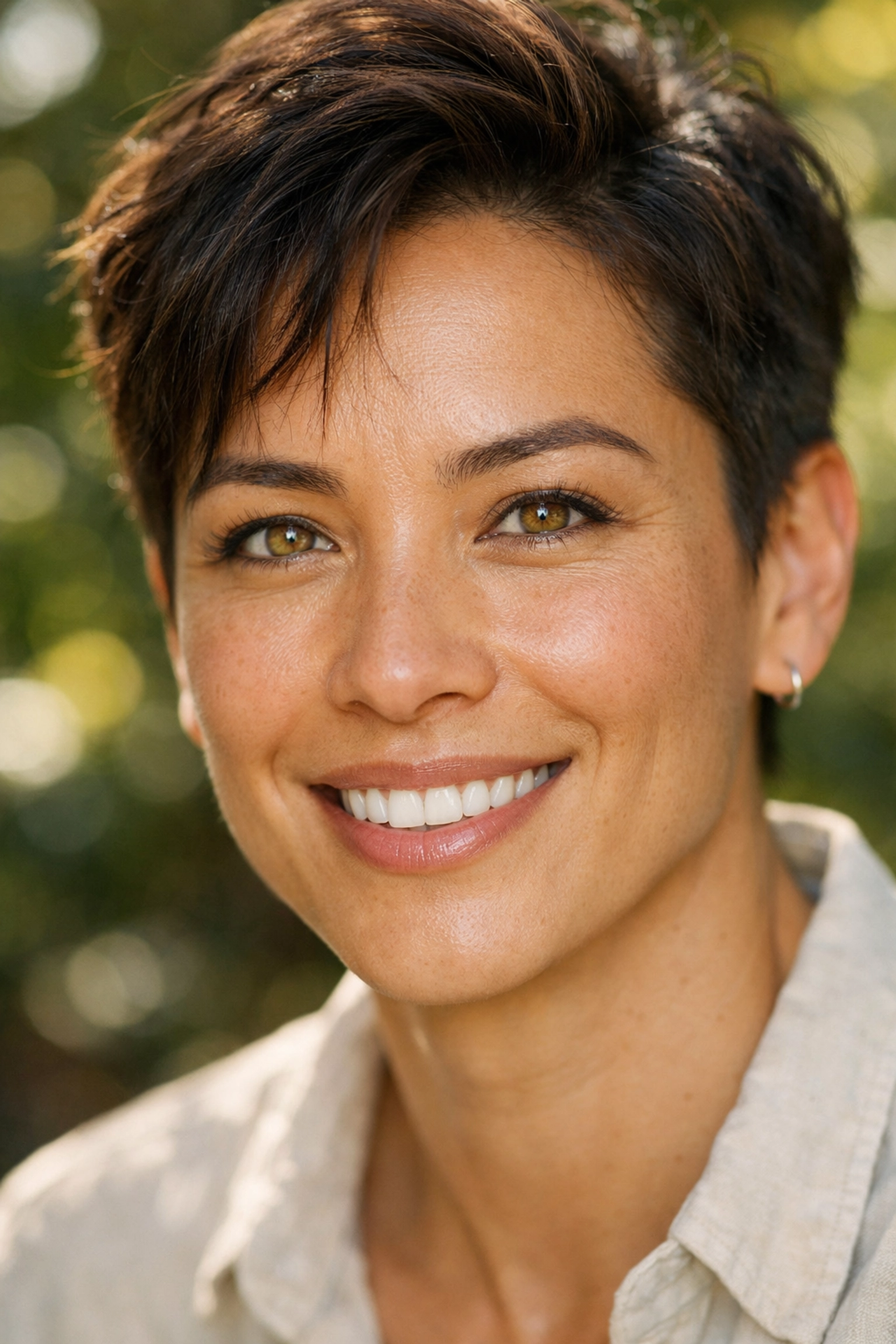
SEO Alt Text: Close up portrait of a woman with natural sunlight, edited using Portrait AI tools to subtly enhance eye clarity and skin smoothness while retaining realistic texture.
The Learning Curve: How Fast Can You Get Good?
Most of us aren't looking for a new hobby called "Learning Software." We want a hobby called "Taking Photos."
The interface of Luminar Neo is remarkably clean. Tools are categorized into Essentials, Creative, Portrait, and Professional. This means you aren’t hunting through sub-menus to find what you need. If you’ve ever felt intimidated by the "technical" side of editing, this is the software that will make you feel like a pro from day one.
For those who want to see the results of this type of editing in action, Edin’s personal portfolio at edinchavez.com showcases exactly what’s possible when you combine a good eye with powerful modern tools.
Final Thoughts: Which One Should You Choose?
So, how do you decide?
- Choose Adobe if you are already a power user who needs heavy-duty graphic design tools alongside your photo editing.
- Choose Topaz if you primarily shoot low-light sports or wildlife and your only goal is technical "cleaning."
- Choose Luminar Neo if you want to fall in love with the creative process again. It’s for the photographer who wants to spend more time shooting and less time masking.
Choosing the right AI photo editor is about reclaiming your time. You didn't get into photography to sit behind a desk; you got into it to capture the world. By letting AI handle the tedious tasks: the masking, the line removal, the noise reduction: you get to focus on the part that matters: the vision.
Ready to see the difference for yourself? You can explore the full suite of tools and get started with Luminar Neo right here.
Whether you’re heading out for a cheap weekend getaway or shooting a high-end commercial gig, having the right software in your bag is just as important as having the right lens. Don't let your best shots sit on a hard drive because you're too tired to edit them. Let the AI do the heavy lifting, and get back to doing what you love.













