
Welcome to 2026. If you’ve been in the photography game for a while, you know that the "AI revolution" isn't a future prediction anymore: it’s our current reality. I’m Edin Chavez, and here at Photoguides, we’ve spent the last few years testing every piece of software that claims to "revolutionize" your workflow.
The truth is, AI shouldn't replace your artistic eye; it should act as your highly efficient studio assistant. It’s about getting you out from behind the computer and back behind the lens, whether you're scouting the best photography locations or capturing a high-stakes ceremony.
But with so many tools on the market, how do you choose the ones that actually work without draining your bank account or making your photos look like plastic? Let’s dive into the best AI tools for your 2026 workflow and find the perfect match for your style.
Why the Right AI Stack Matters in 2026
In 2026, the gap between hobbyists and pros isn't just about gear; it's about speed and consistency. While we still value essential photography gear, the software we use to process those RAW files has become just as critical as the glass on our cameras.
The primary goal of a modern workflow is to eliminate "friction." Friction is the three hours you spend culling 2,000 wedding photos or the tedious task of masking a sky by hand. AI tools today are split into three main categories:
- Culling & Organization: Decisions made in seconds.
- Editing & Style Learning: Tools that "learn" how you edit.
- Generative & Creative Enhancement: Tools that add what wasn't there (or fix what shouldn't be).
The Top Contenders: A Direct Comparison
Choosing a tool depends heavily on your volume. Are you an Atlanta event photographer processing thousands of images a week, or a travel enthusiast looking for that perfect Miami's hidden speakeasies shot?
1. Aftershoot: The High-Volume Powerhouse
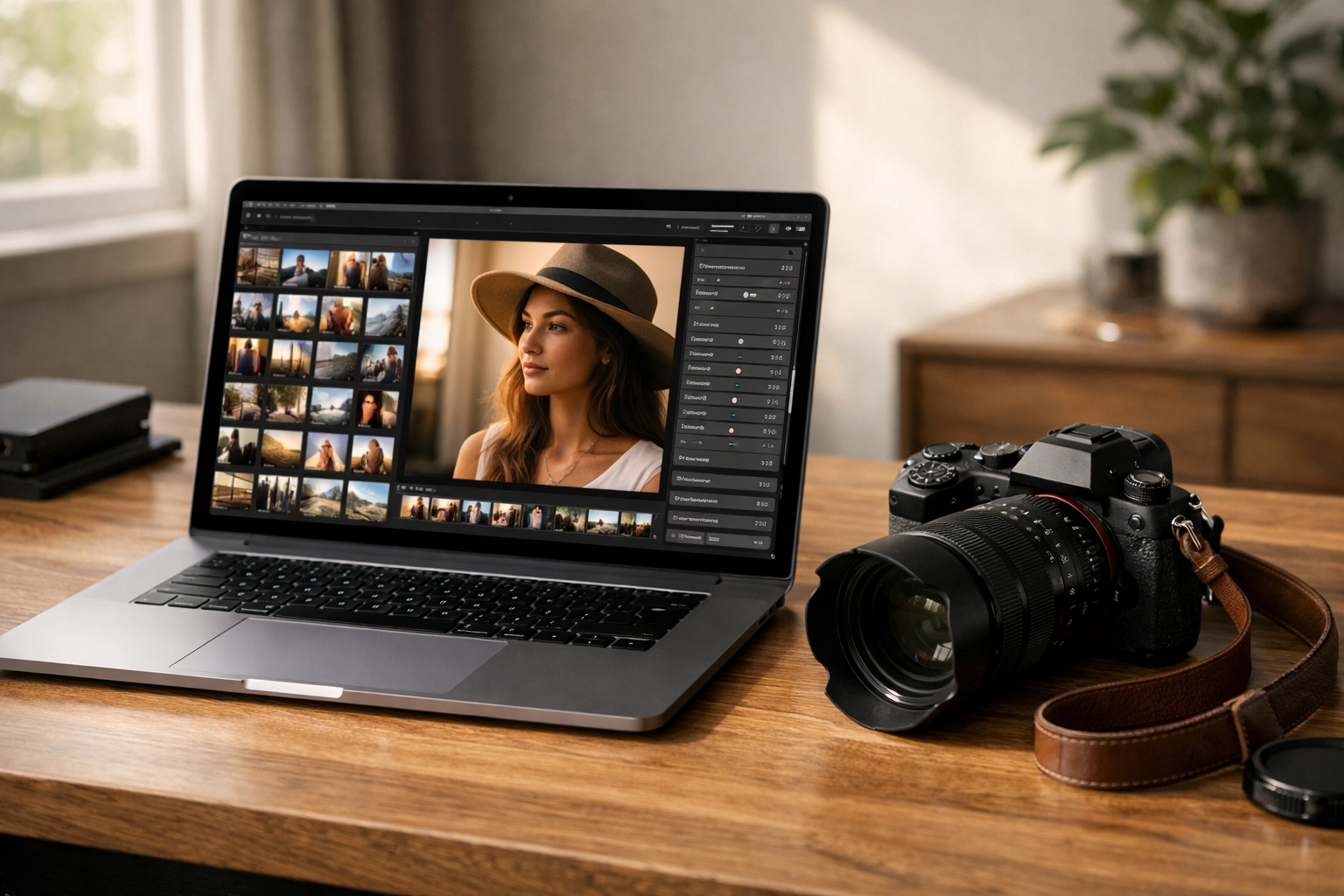
Aftershoot has become the gold standard for wedding and event photographers. Why? Because it handles both culling and editing offline. In 2026, privacy and speed are paramount, and not having to upload 100GB of RAW files to a cloud server is a massive win.
- Best For: High-volume professionals.
- The Standout Feature: AI Style Learning. You feed it your past edits, and it builds a "Personal AI Profile" that mimics your exact editing style across entire galleries.
- Pricing: Flat monthly or yearly rate. No "per-image" fees, which makes it incredibly budget-friendly for pros.
2. Imagen AI: The Precision Specialist
If you live and breathe inside Adobe Lightroom, Imagen AI is likely your best friend. It functions as a plugin that sends your photos to the cloud, applies your custom profile, and sends them back with incredible accuracy, especially regarding skin tones.
- Best For: Portrait and wedding photographers who demand perfect skin color.
- The Standout Feature: Talent Profiles. If you don't have your own style yet, you can use profiles from world-class photographers.
- Pricing: Per-image pricing. This is great for those who don't shoot every day but want pro results when they do.
3. Luminar Neo: The Creative Companion
For those who lean into the "artistic" side of the AI photography trends, Luminar Neo is unbeatable. It’s less about batch-processing 5,000 photos and more about making one photo look spectacular.
- Best For: Landscape, travel, and fine-art photographers.
- The Standout Feature: Generative Erase and Sky Replacement. If you’ve downloaded our sky overlays, Luminar Neo is the perfect place to use them.
- Pricing: One-time purchase or subscription.
Matching Tools to Your Photography Niche
Every photographer's needs are different. A landscape photographer scouting cheap weekend getaways has a completely different workflow than someone focused on wedding photography insights.
The Travel & Landscape Workflow
When you're on the road, you want tools that are lightweight and powerful. Many travel photographers are now utilizing advanced iPhone photography techniques combined with AI.
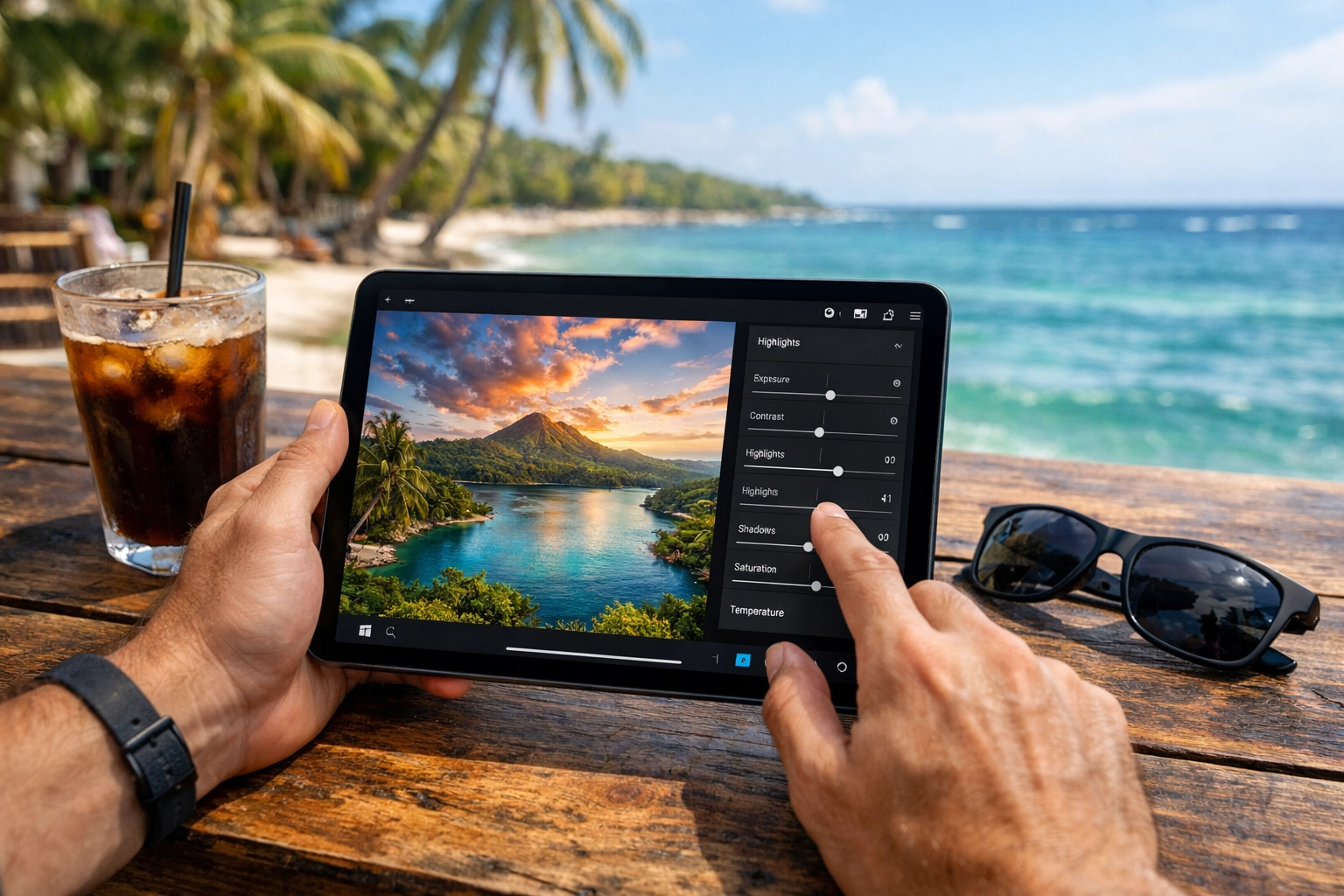
- Recommended Tool: Photomator. It’s deeply integrated into the Mac and iOS ecosystem. It uses AI to upscale images (Super Resolution) and match colors between different shots instantly. It’s perfect for when you're editing on an iPad at a café in the Dominican Republic.
The Portrait & Studio Workflow
In the studio, consistency is everything. You need your lighting and skin tones to match across the entire session.
- Recommended Tool: Capture One with AI Crop. Capture One has integrated AI that can automatically crop and rotate thousands of images based on face detection, ensuring your headshots are perfectly centered every time. Check out our camera reviews 2024 (and beyond) to see how modern sensors play with this software.
Authentic vs. AI Art: Finding the Balance
As we move further into 2026, a common concern is whether AI-heavy images are still "authentic." At Photoguides, we believe the heart of photography is the moment you captured. Using AI to remove a stray power line or to speed up a color grade doesn't make the photo "fake": it makes it professional.
However, there is a line. Generative AI that creates landscapes from scratch is a different beast entirely. For our community, we suggest using AI to enhance your reality, not replace it. Your clients are booking a photography booking experience because they want your perspective, not an algorithm's guess.
Comparing the Costs: Subscription vs. Perpetual
| Tool | Pricing Model | Best For | Estimated Cost (2026) |
|---|---|---|---|
| Aftershoot | Flat Subscription | High-Volume Pros | ~$400/year |
| Luminar Neo | Perpetual License | Creative/Hobbyist | ~$150-$200 |
| Imagen AI | Pay-per-image | Mid-Volume / Occasional | ~$0.05 per image |
| Adobe Lightroom | Subscription | Everyone | ~$10-$20/month |
| Photomator | Low Subscription | Apple/Mobile Users | ~$35/year |
How to Build Your 2026 AI Workflow
If you’re feeling overwhelmed, don’t try to adopt everything at once. Start with the biggest pain point in your current process.
- Solve the Culling First: If you hate picking photos, get Aftershoot. It will save you dozens of hours a month.
- Automate the Base Edit: Use a tool like Imagen to get your exposure and white balance 90% of the way there.
- Finish with Flair: Use Photoshop or Luminar Neo for the final "hero" shots that need that extra magic.

Final Thoughts: The Reassuring Reality
Technology can be intimidating, but the 2026 landscape for photographers is actually brighter than ever. We have more tools to express our creativity and fewer chores standing in our way. Whether you are capturing the vibrant energy of breweries in Williamsburg, VA or the serene views of restaurants in downtown Golden, these AI tools are here to help you shine.
Remember, the best tool is the one that stays out of your way. Don't get caught up in the "tech for tech's sake" trap. Choose the software that gives you your time back.
If you're looking for more deep dives into specific gear or software, head over to our reviews category. We’re constantly updating our guides to make sure you’re always shooting with the best info available.
Ready to upgrade your skills? Check out our latest educational guides to master everything from long exposures to drone photography in this new AI-driven world.













