

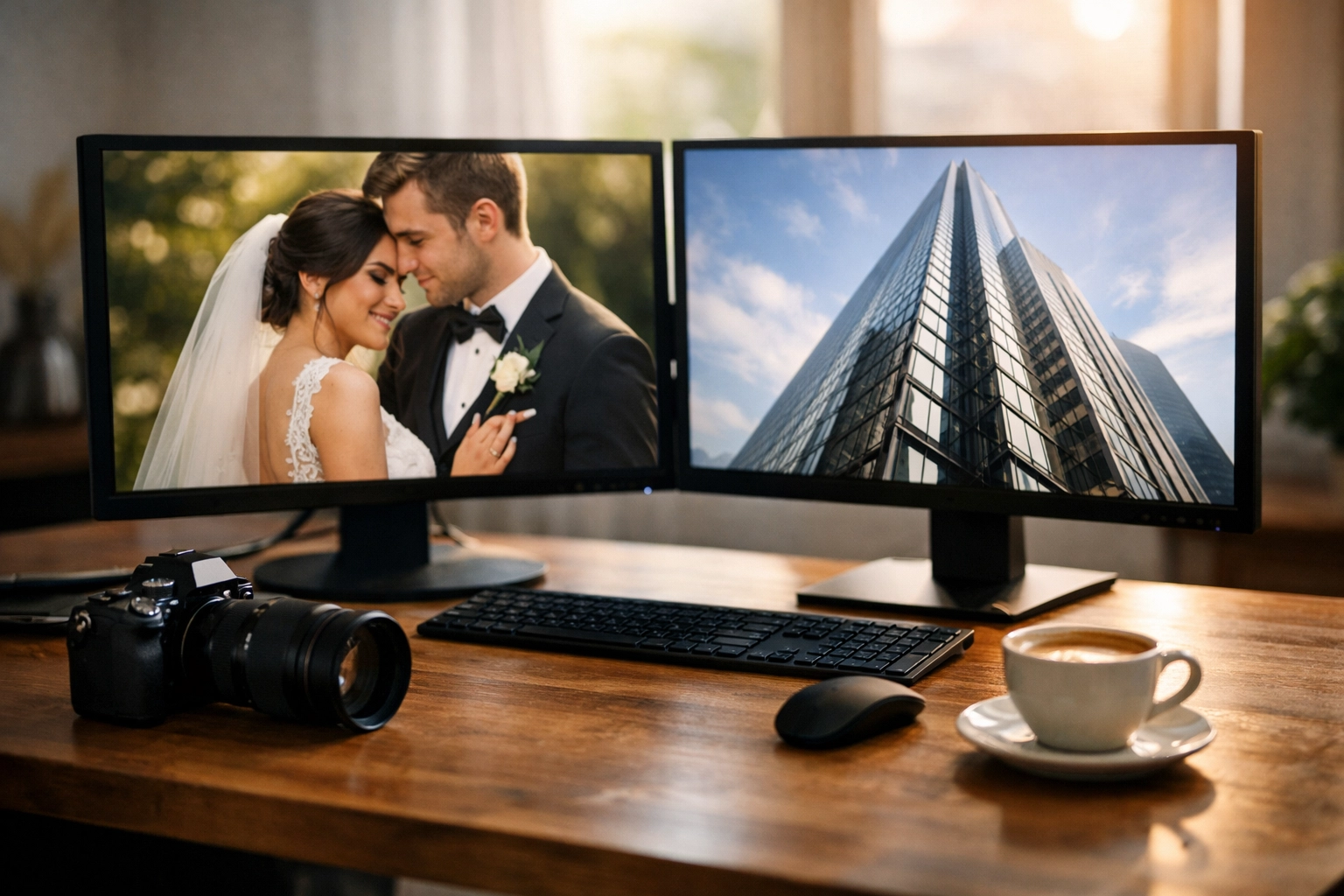
We’ve all been there. You’ve just wrapped up an incredible session: maybe it was a high-end wedding or an expansive architectural shoot: and you’re staring at a folder of several hundred high-resolution images. They look breathtaking. Every pixel is perfect. But then comes the reality check: you need to upload these to your portfolio, send a preview gallery to a client, or back them up to the cloud.
Suddenly, those "perfect" pixels become a massive headache. Your website starts crawling at a snail's pace, your cloud storage warns you that you’re out of space, and your client is complaining that the download link is taking three hours to sync.
As photographers, we often feel like we have to choose between speed and quality. We’re told that if we want small files, we have to settle for "mushy" textures and artifacts. But I’m here to tell you that in 2026, that’s a false choice. You can have your cake and eat it too. You can compress massive portfolios in seconds without losing the crisp detail that makes your work stand out.
The Portfolio Paradox: Quality vs. Quantity
The struggle is real. In the world of digital photography, "large" is an understatement. With modern sensors pushing 50, 60, or even 100 megapixels, a single JPEG can easily tip the scales at 20MB or more. Multiply that by a portfolio of 50 images, and you’re looking at a gigabyte of data just for a web gallery.
When a potential client visits your site, they expect a premium experience. If your images take more than a couple of seconds to load, they’re gone. They’ve clicked away to the next photographer in their search results. On the flip side, if you over-compress your images using old-school methods, your beautiful bokeh looks blocky and your sharp edges look jagged.
That’s where pixel-shrink.com comes into play. It’s a tool designed specifically for people like us: photographers who refuse to compromise on visual integrity but need the efficiency of modern web standards.
Why Size Matters for Modern Photographers
It isn’t just about saving a few megabytes on your hard drive. File size impacts every single touchpoint of your photography business.
1. User Experience and SEO
Google loves fast websites. If your portfolio is bogged down by heavy images, your search engine ranking will suffer. By optimizing your files, you’re not just making things faster for your visitors; you’re telling search engines that your site is high-quality and technically sound. For more tips on building a site that ranks, check out our educational guides.
2. Client Delivery
When you use a service like proshoot.io to manage your photography booking and delivery, speed is of the essence. Delivering a snappy, responsive gallery to a client via proshoot.io makes you look like a pro. Nobody wants to wait for a 50MB file to preview on their phone during their lunch break.
3. Mobile Performance
More people will view your portfolio on a smartphone than on a desktop. Mobile networks, even with 5G, can be spotty. Compressed images ensure that your work looks stunning even on a smaller screen with a mediocre connection.
Introducing Pixel-Shrink.com: Speed Meets Precision
I’ve tested a lot of compression tools over the years. Some are too slow, some are too complicated, and some just destroy the color profile of the image. Pixel-shrink.com is different because it uses advanced algorithms that understand the difference between "noise" and "detail."
The magic happens in seconds. You can drag and drop an entire portfolio, and the engine goes to work, stripping out unnecessary metadata and optimizing the pixel structure without touching the visual data that the human eye actually perceives. It’s like magic, but it’s just really good math.
How to Compress Your Portfolio Without Losing Your Mind
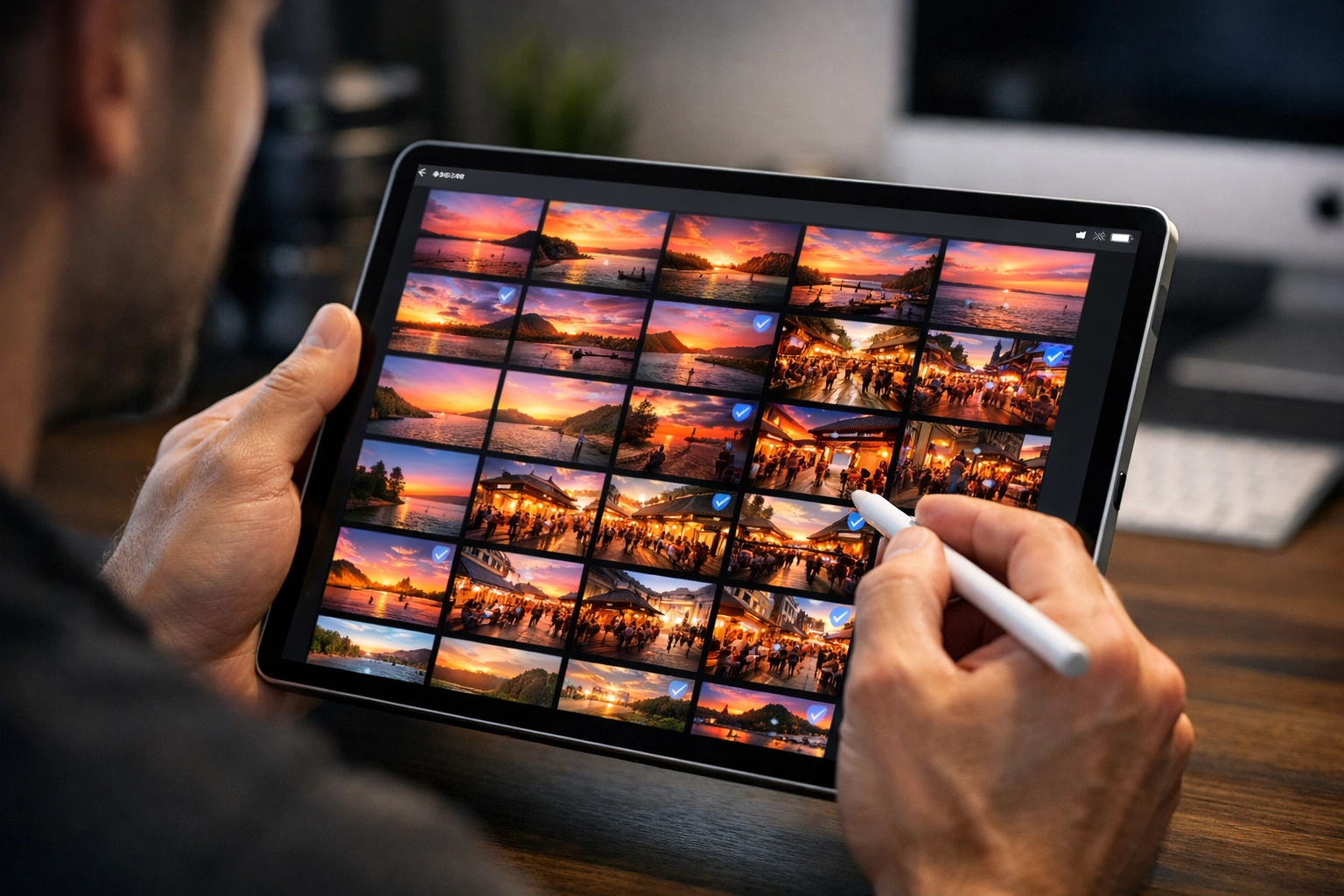
If you’re ready to slim down your files, here’s the workflow I recommend for keeping your portfolio lean and mean:
- Cull and Edit First: Don’t waste time compressing images you aren’t going to use. Finalize your selection in Lightroom or Capture One first.
- Export at Full Scale: I always export my JPEGs at 100% quality and the original dimensions. I want the "master" web version to be as clean as possible.
- Run Through Pixel-Shrink.com: Upload your batch to pixel-shrink.com. You’ll see the file sizes drop by 60%, 70%, or sometimes even 80% with zero visible loss in quality.
- Upload to Your Portfolio: Now, your site will fly. Whether you’re showcasing your latest wedding photography insights or a gallery of fine art, the load times will be near-instant.
The Science of "Smart" Compression
There are two main types of compression: lossy and lossless.
- Lossless compression is like a ZIP file; it shrinks the data but recreates it perfectly upon opening. It’s great, but the size savings are usually minimal.
- Lossy compression (like standard JPEG) actually throws away data to save space.
The reason pixel-shrink.com is so effective is that it uses a "perceptual" approach. It identifies areas of the image where the human eye can't distinguish fine variations: like a slight gradient in a clear blue sky: and optimizes those areas more aggressively than the sharp details of a subject's eyes or the texture of a fabric.
This is particularly important if you are selling high-end prints. While the compressed version is for the web, keeping your workflow organized is key. I often talk about the balance of tech and art over at Edin Chavez's blog, and this is a prime example of where tech serves the art.
Enhancing Your Professional Workflow
Efficiency isn't just about the compression; it's about the entire ecosystem. When I’m out in the field using my essential photography gear, I’m already thinking about the delivery.
Using a platform like proshoot.io (who graciously sponsored this post) allows you to integrate this fast workflow into your client management. Imagine finishing a shoot, running the images through a quick shrink, and having them live in a client portal before you’ve even finished your first cup of coffee. That’s the kind of photography booking experience that earns five-star reviews and repeat business.
If you’re looking to see what high-end, optimized photography looks like in action, take a look at Edin Fine Art. Every image there is a testament to the fact that you can have massive impact without massive file sizes.
Real-World Results
Don't just take my word for it. Let's look at the numbers. In a recent test of a 100-image portfolio:
- Original Folder Size: 1.2 GB
- After Pixel-Shrink.com: 340 MB
- Visual Quality Difference: None (tested on a 4K calibrated monitor)
- Time Taken: 42 seconds
That’s the difference between a website that feels "heavy" and one that feels "premium." When your images load instantly, it creates a sense of luxury and professionalism that reflects the quality of your work.

Final Thoughts
We live in a visual world, but we also live in a fast-paced one. Your portfolio is your handshake, your first impression, and your digital storefront. Don't let heavy files stand in the way of your success.
By using tools like pixel-shrink.com and managing your business with proshoot.io, you’re setting yourself up for a smoother, more profitable career. You can keep your focus where it belongs: behind the lens: knowing that the technical side of things is handled with precision and speed.
For more deep dives into the latest tech and techniques, make sure to keep up with us at Shut Your Aperture, where we’re always geeking out over the best ways to improve our craft.
Remember, your art deserves to be seen, and in today's digital landscape, "seen" means "fast." Go give your portfolio the speed boost it deserves. Your clients (and your hosting bill) will thank you.













