
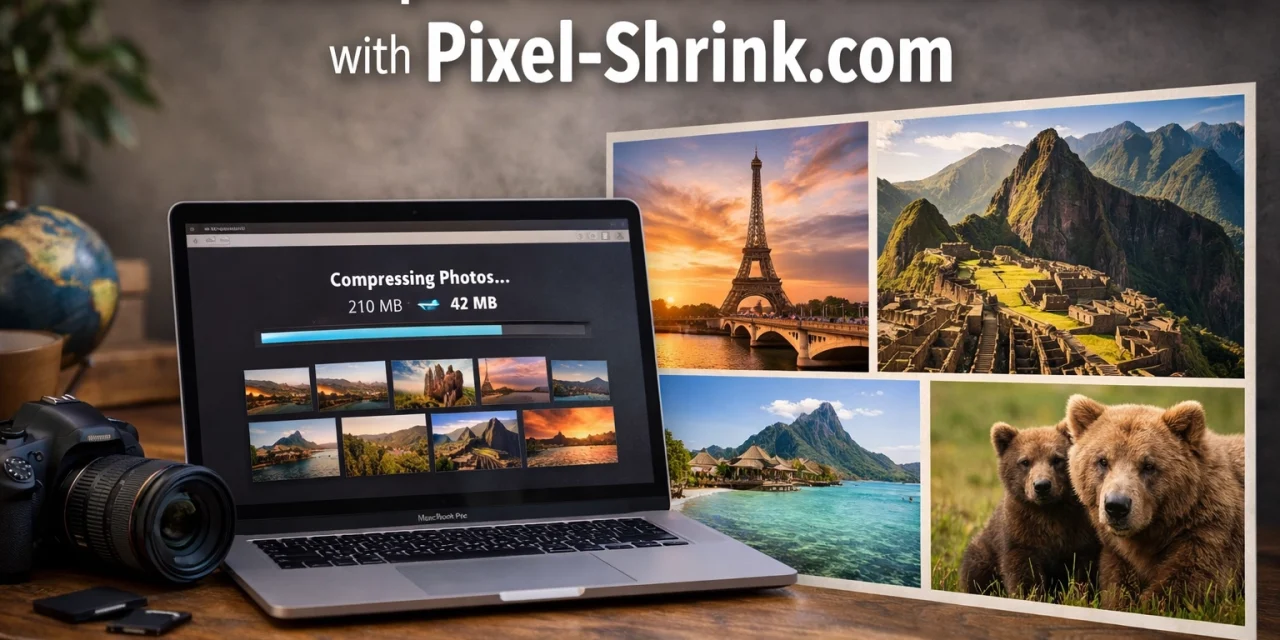
If you’ve been in the photography game for more than a minute, you know the "Post-Shoot Panic." It’s that moment when you get home from a killer session: maybe you were capturing the sunset at a National Park or wrapping up a high-energy wedding: and you realize you have 1,500 high-resolution images that need to be delivered, backed up, and uploaded.
As photographers, we love detail. We want every pixel of that sunset or every stray hair in a portrait to be crisp. But here’s the reality: those massive file sizes are a nightmare for your workflow. They clog up your hard drives, make your website crawl like a snail, and turn a "quick upload" to a client gallery into a three-hour ordeal.
That’s exactly why I wanted to talk about a tool that has been a total game-changer for my workflow: Pixel-Shrink.com. It’s an online batch compression tool that handles massive amounts of data in seconds without sacrificing the soul of your images.
This post is part of a series focusing on how we, as pros, can reclaim our time. This series is sponsored by our friends at proshoot.io, who know a thing or two about professional photography management.
Why Compression is No Longer Optional
Back in the day, we used to just buy more hard drives. But in 2026, your business lives online. Whether you are building out your portfolio on Photoguides or sharing your latest fine art prints on EdinFineArt.com, image size matters.
Large images lead to slow page load times. If a potential client visits your site and your hero image takes five seconds to load, they’re gone. They’ve clicked away before they even saw how good your work is. Beyond that, if you’re using platforms like proshoot.io to deliver galleries, uploading 50MB JPEGs is simply inefficient for both you and your client.
The goal isn't just to make the file smaller; it’s to make the file smarter. You want to strip away the data that the human eye can't see while keeping the colors, the sharpness, and the "vibe" of the shot perfectly intact.

The Speed Demon: Pixel-Shrink.com
I’ve tried a lot of compressors over the years. Some are too slow, some make the images look "crunchy," and some have interfaces that look like they haven't been updated since 1998.
What sets Pixel-Shrink.com apart is the pure speed. When we talk about "massive photo batches," we aren't talking about five or ten photos. We are talking about hundreds of images from a weekend getaway or an all-day event. Most browser-based tools choke when you feed them more than 20 files at once. Pixel-Shrink handles massive uploads with a stability that’s honestly refreshing.
How to Use It (The 30-Second Workflow)
- Drag and Drop: You don't need to install anything. Just head to the site and drag your folder of JPEGs or WebP files directly into the browser.
- Choose Your Intensity: I usually recommend a "Balanced" setting for client galleries and "High Compression" for blog posts or web use.
- Download the ZIP: Once it’s done: and it usually takes less time than it does to pour a cup of coffee: you get a tidy ZIP file with all your optimized images.
If you’re looking for more tips on how to streamline your business, check out our photography booking experience guide. Efficiency isn't just about the shoot; it's about what happens after you click the shutter.
Quality: The Photographer’s Main Concern
I get it. You spent thousands on essential photography gear and hours perfecting your edit. The last thing you want is for a compression algorithm to ruin your bokeh or introduce artifacts into your shadows.
Pixel-Shrink uses an intelligent lossy compression algorithm. It analyzes the visual patterns in your image and identifies areas where it can reduce data without a perceptible change in quality. When I compare a 12MB original to a 2MB Pixel-Shrink version on a calibrated monitor, the difference is virtually invisible to the naked eye.
This is crucial when you’re writing camera reviews or showcasing high-end landscapes. You need the images to look professional, but you need the site to be snappy.

Integrating Compression into Your Pro Workflow
If you want to move like a pro, you need a system. Here is how I integrate this into my daily life:
1. The Lightroom Export
I still do my primary culling and editing in Lightroom. When I export, I export at 100% quality and full resolution. This is my "Master Copy." I never compress my masters.
2. The Pixel-Shrink Pass
Once I have my folder of high-res JPEGs, I run the whole batch through Pixel-Shrink.com. This creates my "Web/Delivery" folder. This folder is what I use for my blog posts over at Blog.EdinChavez.com and for my social media uploads.
3. Client Delivery via ProShoot.io
Finally, I upload the optimized images to proshoot.io. Because the files are now 70-80% smaller, the upload takes minutes instead of an hour. My clients get their photos faster, and they don't have to wait for ages to download their gallery to their phones. It makes the whole experience feel premium and modern.
Real-World Scenario: The Travel Photographer
Imagine you just got back from one of those cheap weekend getaways or a trip to a vibrant city like Atlanta (maybe you were doing some event photography there). You have 400 photos of street scenes, food, and architecture.
If you upload those 400 photos to a blog post without compressing them, that page will never rank on Google. Search engines penalize slow websites. By using a tool like Pixel-Shrink, you can keep the visual impact of your travel photography while ensuring your blog stays SEO-friendly and fast.
Is It Safe?
As photographers, we are naturally protective of our work. One thing I love about modern tools like Pixel-Shrink is the privacy aspect. Most of the processing happens locally or the files are wiped from the server shortly after compression. It’s a "reassuring" way to handle client data: no one is keeping your files, and no one is selling your data.
If you’re curious about how we handle data here, you can always check our privacy policy, but rest assured, tools like these are built for professionals who value security.
Summary of Benefits
To wrap it up, here is why you should add this to your toolkit:
- Speed: Batch process hundreds of photos in a single go.
- SEO: Smaller images make for a faster website, which Google loves.
- Storage: Save gigabytes of space on your cloud storage and local drives.
- Client Happiness: Faster delivery times and easier downloads.
- Quality: Professional-grade algorithms that respect your art.

Final Thoughts
We live in a world of "Massive Data," but that doesn't mean our workflows have to be heavy. Whether you're a seasoned pro or just starting out and looking for educational resources, mastering your file management is one of the best things you can do for your career.
Don't let your beautiful images become a burden. Use the right tools, like Pixel-Shrink.com and proshoot.io, to keep your business moving at the speed of light.
Now, go out there, grab your gear, and capture something amazing. Just know that when you get back, the "Post-Shoot Panic" is officially a thing of the past. If you need some inspiration for your next shoot, maybe check out some Miami speakeasies or go for a morning shoot at some Laguna Beach breakfast spots. The world is your subject: keep it sharp, and keep it fast.













