
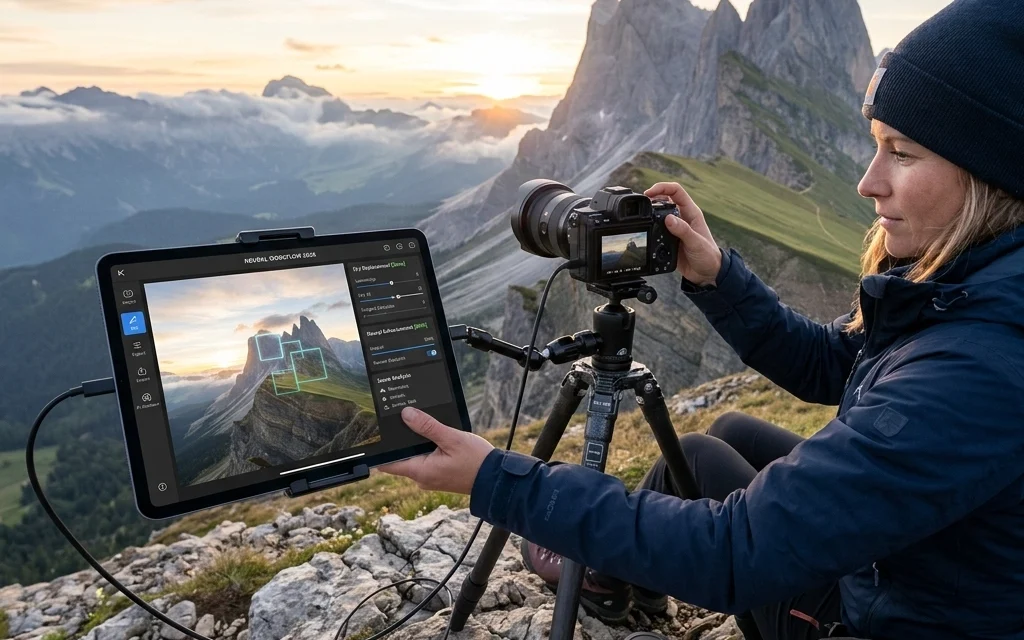
It’s April 2026, and if you told me five years ago that I’d be spending more time behind the lens and less time behind a computer screen, I would have called you an optimist. But here we are. The "AI Revolution" in photography didn't end up being the job-stealing monster people feared. Instead, it’s become the ultimate studio assistant: the one that doesn't complain, doesn't need coffee, and works at lightning speed.
At Photoguides, we’ve always been about helping you capture the world in its best light. Whether you’re shooting Miami’s hidden speakeasies or documenting a high-end wedding, your time is your most valuable asset. Integrating AI into your workflow isn’t about letting a machine take your photos; it’s about reclaiming your life from the "boring" parts of the job so you can focus on the art.
Let’s dive into how the pros are layering these tools in 2026 to create a seamless, high-end photography workflow.
Phase 1: The Intelligent Pre-Shoot
Planning used to be a mess of spreadsheets and weather apps. In 2026, the pre-shoot phase is where AI helps us visualize the final product before we even pack our bags.
Before I head out to a new location, I use tools like VSCO Canvas or ChatGPT-5 to help with mood boarding and logistics. I can ask an AI agent to "find the best photography locations in the Pacific Northwest that look like a moody cinematic frame," and it will cross-reference golden hour times, cloud cover predictions, and recent social media tags to give me a curated list.
If you’re looking for inspiration on how to turn these plans into fine art, I often post my latest findings and gallery-ready shots over at Edin Fine Art.
For the technical side, AI-driven weather modeling has become incredibly accurate. We’re no longer just looking at a "sunny" icon; we’re seeing light density predictions. This allows us to plan exactly which essential photography gear to bring, ensuring we aren't over-packing for a shoot that might benefit more from a single prime lens and a drone.
Phase 2: The Death of the "Culling Headache"
We’ve all been there. You come home from a wedding or a long weekend with 3,000 frames. In the past, culling was the part of the job that made photographers want to quit. You’d spend eight hours squinting at screens to see which eyes were closed.
In 2026, tools like AfterShoot and Imagen have perfected the art of the "First Pass." These tools use a hybrid model: they analyze your previous work to understand what you consider a "keeper."
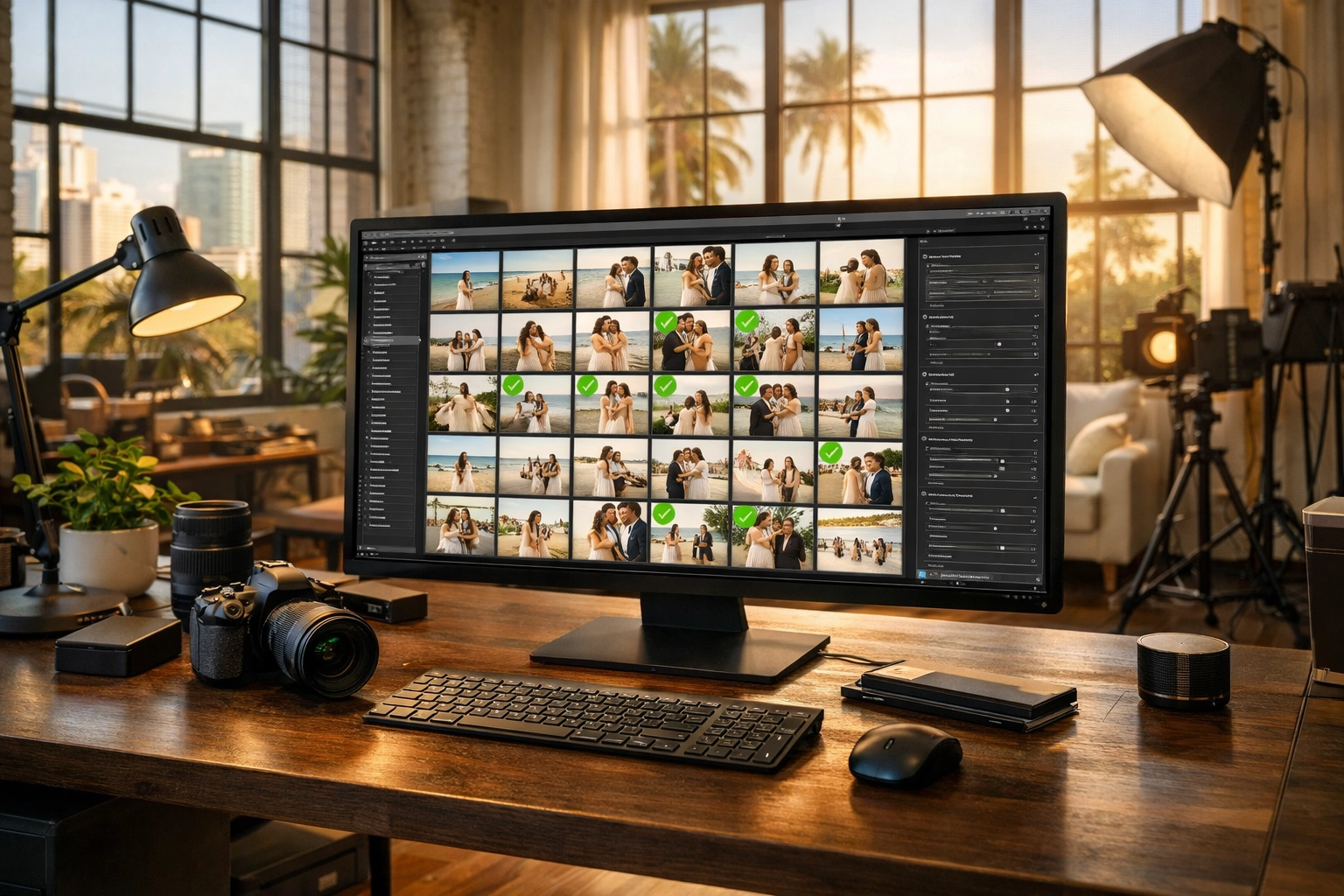
When I import a session now, the AI automatically groups duplicates, flags the ones with the sharpest focus, and filters out the blinks. What used to take a full workday now takes about 20 minutes. The beauty of this is that I still have the final say. The AI suggests, but I approve. This is the "80/20 rule" in action: let the AI do the 80% of the heavy lifting so you can spend the 20% of your time making the creative decisions that define your style.
If you're looking for more technical breakdowns on which culling software is currently leading the pack, check out our camera reviews and software guides.
Phase 3: The Hybrid Edit
Editing in 2026 is no longer about moving every slider manually. We’ve moved into the era of the "Personalized AI Profile."
I don't use generic presets anymore. Instead, I’ve trained an AI profile on my last 5,000 edits. When I open Lightroom, the AI applies a "base edit" that gets the image 90% of the way to my signature look. It handles the white balance, the exposure, and even local adjustments like brightening the subject's face or darkening a distracting background.
However, the "soul" of the photo still comes from the human touch. Once the AI has balanced the frame, I go in and add the emotional depth. This might mean using a Module 8 lens adapter to get that classic cinematic flare that AI still can’t quite replicate authentically in post-processing.
For those of you looking to master these advanced techniques, our educational category has a wealth of deep dives into how to blend old-school glass with new-school tech.
Phase 4: Advanced Retouching & Generative Fill
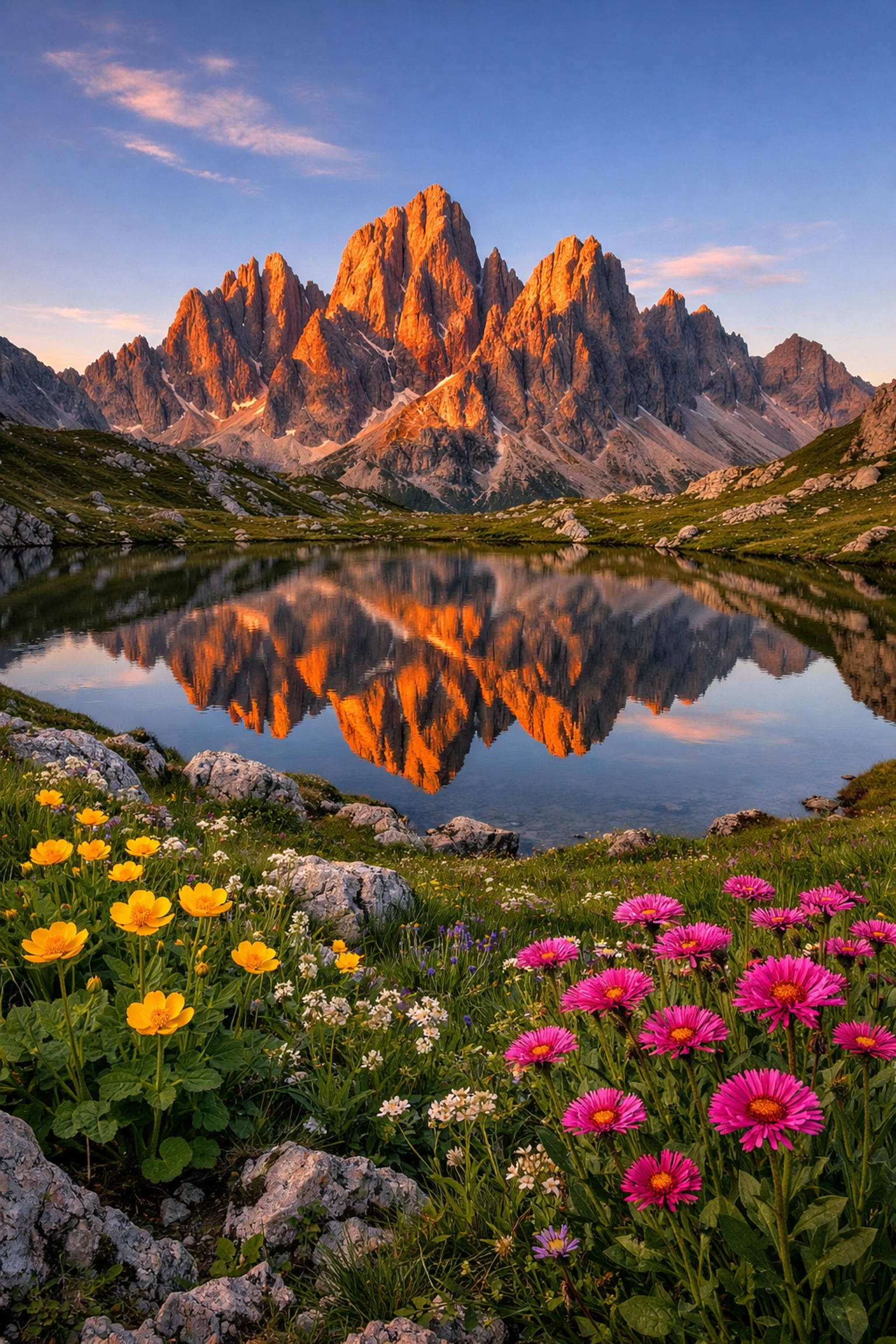
The most controversial part of AI is often generative fill, but for the working professional, it’s a godsend. Imagine you’re at one of the best global photography locations, and there’s a stray trash can or a distracting tourist in your perfect shot.
In the past, that was an hour of meticulous cloning and healing. Now, it’s a three-second selection. Tools like Photoshop’s latest Generative AI are so clean that they can reconstruct complex textures like flowing water or intricate architecture flawlessly.
For portrait and event photographers, tools like Evoto AI have revolutionized skin retouching. It’s no longer about "plastic skin." The AI identifies skin texture, blemishes, and stray hairs, allowing you to dial in exactly how much correction you want across an entire batch of photos. This is especially useful for wedding photography insights, where consistency across hundreds of portraits is key.
Phase 5: Delivery and Business Ops
The workflow doesn't end when the edit is done. AI is also streamlining how we deliver work and talk to clients.
I use AI to help write image descriptions, generate SEO-friendly alt-text for my blog posts, and even draft initial client emails. If you’re an Atlanta event photographer or running a studio anywhere else, you know that the administrative side can eat your soul. Using ChatGPT to handle the "business speak" allows you to stay in the creative flow.
We also see AI helping with gallery delivery. Modern hosting platforms can now use facial recognition (with client consent) to automatically sort photos for guests, making the photography booking experience much more interactive and high-end for your clients.
The Gear of 2026: AI Inside the Box
We can't talk about workflow without mentioning the hardware. The cameras we are using in 2026 are essentially supercomputers with lenses attached.
Newer sensors now have dedicated "Neural Processing Units" (NPUs). This means the camera can recognize subjects with uncanny accuracy: not just "human" or "animal," but specifically identifying the eye of a bird in flight or the flickering movement of a dancer in a dark room.
When you combine this hardware with the right sky overlays or lighting tools, you’re creating images that were physically impossible five years ago. If you’re looking to upgrade your kit this year, I’d suggest checking out the latest camera reviews to see which manufacturers are leading the NPU race.
Maintaining Authenticity in an AI World
With all this talk of automation, a big question remains: Is it still photography?
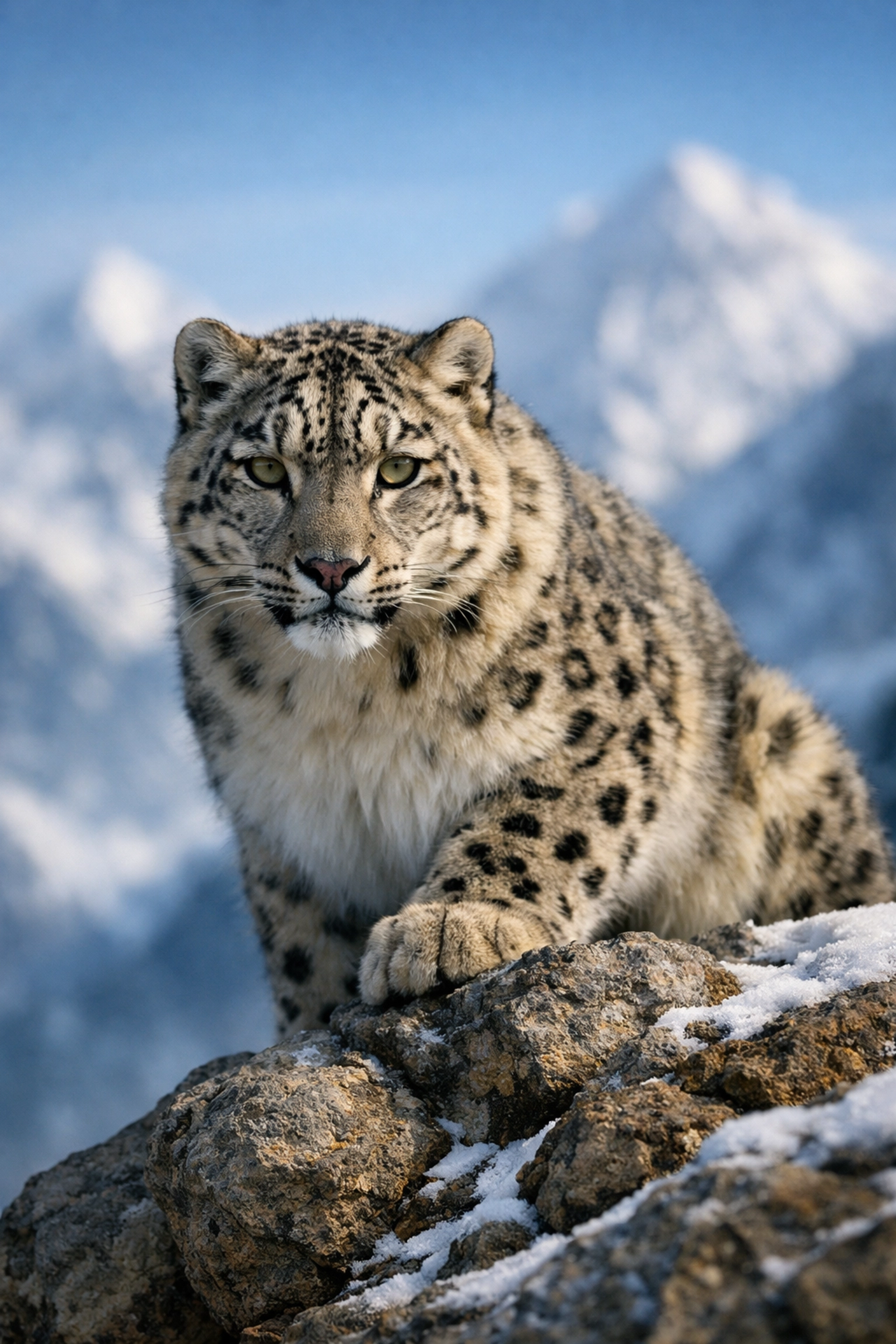
My answer is a resounding yes. At Photoguides, we believe that the camera is just a tool, and AI is just a more powerful version of the darkroom tools we've used for a century. The "art" isn't in the clicking of the shutter or the dragging of a slider: it's in the vision, the composition, and the story you choose to tell.
The most successful photographers in 2026 are those who use AI to remove the friction of the process, leaving them with more energy to connect with their subjects. Whether you're shooting cheap weekend getaways or high-fashion editorials, the human connection is the one thing AI can't replace.
For more tips on keeping your work authentic while using modern tools, join the conversation over at Shut Your Aperture. We’re constantly discussing where the line is and how to stay on the right side of it.
Your 2026 AI Checklist
If you're ready to modernize your workflow, here is the order I recommend:
- Outsource the Culling: Start using an AI culling tool today. It’s the fastest way to save 10 hours a week.
- Train Your Own Profile: Stop using other people's presets. Use a service like Imagen to build a profile based on your unique style.
- Use Generative Fill Sparingly: Use it to fix distractions, not to create a whole new world (unless that’s your specific niche).
- Stay Informed: The tech moves fast. Keep an eye on our news section for updates on new tools.
Integration doesn't have to happen overnight. Pick one bottleneck in your current process: whether it’s retouching, culling, or planning: and find an AI tool to help. You'll be surprised how quickly you start enjoying the "photography" part of photography again.
The future is here, and it looks pretty sharp. Now go out there and capture something beautiful.













