

There’s a world of possibilities waiting to be explored through your iPhone camera, and with the right techniques, you can elevate your photos to a professional level. In this post, you’ll discover innovative tricks that will enhance your photography skills and help you capture stunning images with your device. Whether you’re shooting portraits, landscapes, or close-ups, these tips will empower you to fully utilize your iPhone’s capabilities and make your photography stand out. Get ready to transform your snapshots into breathtaking works of art!
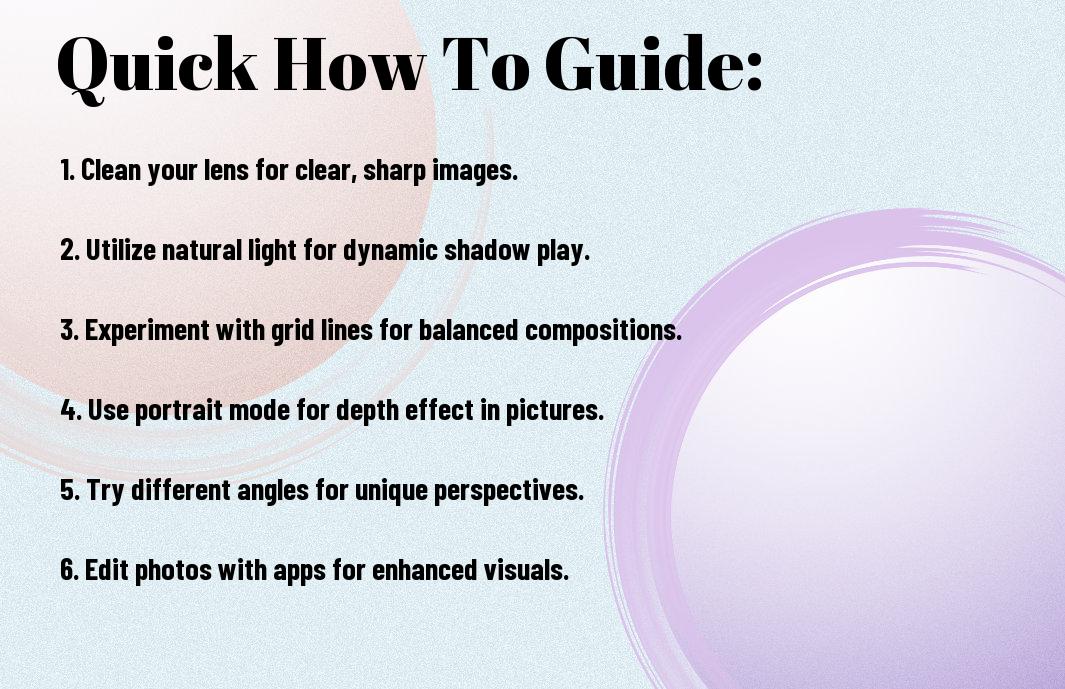
Essential iPhone Camera Settings
A solid grasp of your iPhone camera settings can significantly enhance your photography. By adjusting features like HDR, Live Photos, and grid lines, you can optimize your shots for lighting conditions and composition. Exploring these settings allows you to unleash the full potential of your device, ensuring your photos stand out whether you’re capturing landscapes, portraits, or candid moments.
Mastering HDR and Live Photos
While HDR (High Dynamic Range) can help you capture high-contrast scenes with stunning detail, Live Photos adds an exciting dimension by turning your still images into brief, looping animations. You can activate HDR in challenging lighting conditions for better highlights and shadows, while Live Photos are perfect for capturing moments with emotion and movement. By understanding when and how to use these features, your photos will transcend standard snapshots.
Utilizing Grid Lines and Focus Lock
Utilizing grid lines helps you compose your shots using the rule of thirds, which can enhance the overall aesthetics of your images. Focus lock is equally important for maintaining sharpness on your subject, particularly in dynamic environments where movement is continuous.
Focus on enabling grid lines in your camera settings to improve your composition. This overlay helps you align your subjects and create balanced images. Additionally, practice using the focus lock feature by tapping and holding on your subject until the AE/AF lock banner appears. This technique ensures that your focus remains steady, allowing you to capture intricate details even when shooting in tricky lighting or when subjects are in motion.

Composition Techniques for Impact
The key to creating stunning iPhone photography lies in mastering composition techniques. Your choice of composition can dramatically alter the mood and storytelling of an image. By understanding and applying various techniques, you can elevate your photography skills and capture eye-catching photos that engage your audience. From balancing elements to employing creative framing, these strategies will enhance your ability to present your subject thoughtfully and artistically.
Rule of Thirds and Leading Lines
The Rule of Thirds is a fundamental principle that encourages you to divide your frame into a 3×3 grid. By positioning key elements along these lines or at their intersections, you create a more dynamic composition. Similarly, leading lines draw the viewer’s eye into the image. You can use natural lines such as roads, fences, or rivers to guide attention and create depth, making your photographs more inviting and visually appealing.
Framing and Perspective Tricks
Assuming you want to make your subjects stand out, effective framing techniques can significantly enhance your photos. Using elements like branches, doorways, or other natural objects can create a “frame within a frame,” directing focus to your focal point. Experimenting with different perspectives, such as shooting from a low angle or an elevated viewpoint, can also add intrigue and dimension. Capture your subject in unique surroundings and consider how the environment interacts with them for a compelling narrative.
Framing can transform an ordinary shot into a memorable one by providing context and depth. When you incorporate surrounding elements to encase your subject, you’re not merely highlighting them, but also inviting the viewer to explore the scene. Additionally, changing your shooting perspective can yield surprising results; whether it’s from above looking down or crouching low to emphasize foreground details, your perspective can tell a different story altogether. So, take the time to look for framing opportunities and adjust your viewpoint, as these simple tweaks can introduce a fresh flair to your photographs.
Lighting Factors That Transform Photos
Your iPhone photos can significantly improve with a focus on lighting factors. Mastering light will help convey emotion, set tone, and enhance the overall aesthetic of your images. Here are necessary aspects to consider:
- Natural vs. artificial light
- Direction of light
- Intensity of light
- Color temperature
Perceiving how light interacts with your subject can make all the difference.
Golden Hour and Blue Hour Shooting
One of the best times to capture stunning images is during the golden hour and blue hour. The warm, diffused light of the golden hour, occurring shortly after sunrise and before sunset, creates soft shadows and enhances colors, making everything look more picturesque. Meanwhile, the blue hour, shortly before sunrise and after sunset, offers a cool, serene light, perfect for capturing urban landscapes and delicate moods.
Working with Challenging Light Conditions
You may often encounter challenging light conditions, such as harsh midday sunlight or dimly lit environments. Instead of shying away, embrace these situations to develop your skills. Position your subjects in the shade to avoid harsh shadows or use the bright light creatively to create high contrast images. Experiment with backlighting to achieve dramatic silhouettes or look for reflective surfaces that can help bounce light onto your subject.
The right approach and understanding of your surroundings will allow you to turn challenging lighting into opportunities. For instance, in harsh light, you could incorporate objects to create patterns or shadows that add depth. In low light, raising your ISO can help, but be cautious of adding too much noise. Each scenario you face can teach you valuable lessons in adapting your techniques for stunning outcomes.

Editing Tips for Professional Results
Once again, elevating your iPhone photography involves mastering the art of editing. Here are some tips to achieve professional results:
- Enhance your images with brightness and contrast adjustments.
- Utilize cropping to focus on your subject.
- Experiment with color filters for a unique aesthetic.
- Sharpen details to add clarity to your photos.
Thou can transform your snapshots into stunning visuals with these techniques.
Built-in iPhone Editing Tools
An amazing feature of your iPhone is its built-in editing tools, which are powerful and user-friendly. You can access these tools directly from the Photos app, allowing you to adjust exposure, saturation, and more with just a few taps. The intuitive interface means you can quickly enhance your photos, crop unwanted elements, and even apply filters without needing any additional software. No need for complex programs—your iPhone has everything you need to make your images shine.
Third-Party Apps Worth Downloading
Downloading third-party apps can significantly enhance your editing capabilities and give your photos a polished look.
To take your iPhone photography to the next level, consider downloading apps like Adobe Lightroom for advanced editing, Snapseed for versatile toolsets, and VSCO for stylish presets. Each application offers unique features and interfaces, allowing you to customize your editing process according to your style. Explore these options and find the perfect app that suits your creative vision and enhances your photography experience.
Creative Effects and Styles
Unlike traditional photography, iPhone photography allows you to explore a variety of creative effects and styles that can instantly elevate your shots. By experimenting with different filters and camera settings, you can add an artistic flair to your images. From vibrant colors to moody tones, the possibilities are endless. Don’t hesitate to mix and match styles to discover a unique signature that reflects your personal aesthetic.
Long Exposure and Panorama Techniques
You can achieve breathtaking long exposure and panoramic shots with your iPhone by utilizing its advanced camera features. For long exposures, use third-party apps like Slow Shutter or NightCap, which allow you to capture movement beautifully, whether it’s flowing water or light trails. For panoramas, simply select the panorama mode and follow the guidance to capture breathtaking wide scenes effortlessly.
Portrait Mode Optimization
Optimization of your portraits can greatly enhance the depth and detail in your images, giving them a professional touch. To achieve this, make sure you use Portrait Mode effectively by focusing on your subject while ensuring the background remains softly blurred. Experiment with different lighting options such as Natural Light or Studio Light to craft stunning and distinct looks. Additionally, consider adjusting the aperture settings after capture to get the perfect amount of blur for your background, further emphasizing your subject.

Accessory Recommendations
All photographers know that the right accessories can elevate your iPhone photography to new heights. From lenses that enhance your creative vision to tripods that ensure stability, having the right tools at your disposal will significantly improve your shooting experience and results. Explore vibrant options that suit your style and budget, helping you capture stunning images with ease.
Essential Lenses and Tripods
If you’re serious about iPhone photography, investing in necessary lenses and a sturdy tripod can make a world of difference. Lenses like wide-angle or macro can expand your creative possibilities, while a tripod ensures you stabilize your shots, especially in low light conditions or for long exposures. These accessories allow you to experiment and push the boundaries of your photography.
Lighting Tools for Enhanced Images
For those who want to take their photography to the next level, lighting tools are key to achieving professional-looking images. Whether you use a portable LED light or softboxes, having the right lighting can dramatically enhance the quality of your photos, allowing you to control shadows and highlight details.
This can help you overcome challenging lighting conditions and capture true-to-life colors. Consider using reflectors to bounce light onto your subject or invest in a portable flash for better illumination in darker settings. Experiment with various lighting techniques to discover how they can transform your iPhone photography, giving your images that extra pop that captures attention.
To wrap up
Now that you’re equipped with these innovative how-to tricks for stunning iPhone photography, you can elevate your skills and capture breathtaking images with ease. Utilize the built-in features and enhance your creativity to make your photos stand out. Experiment with different lighting, angles, and editing apps to find your unique style. With practice and inspiration, your iPhone will become a powerful tool for creating visual stories that impress your audience.













