
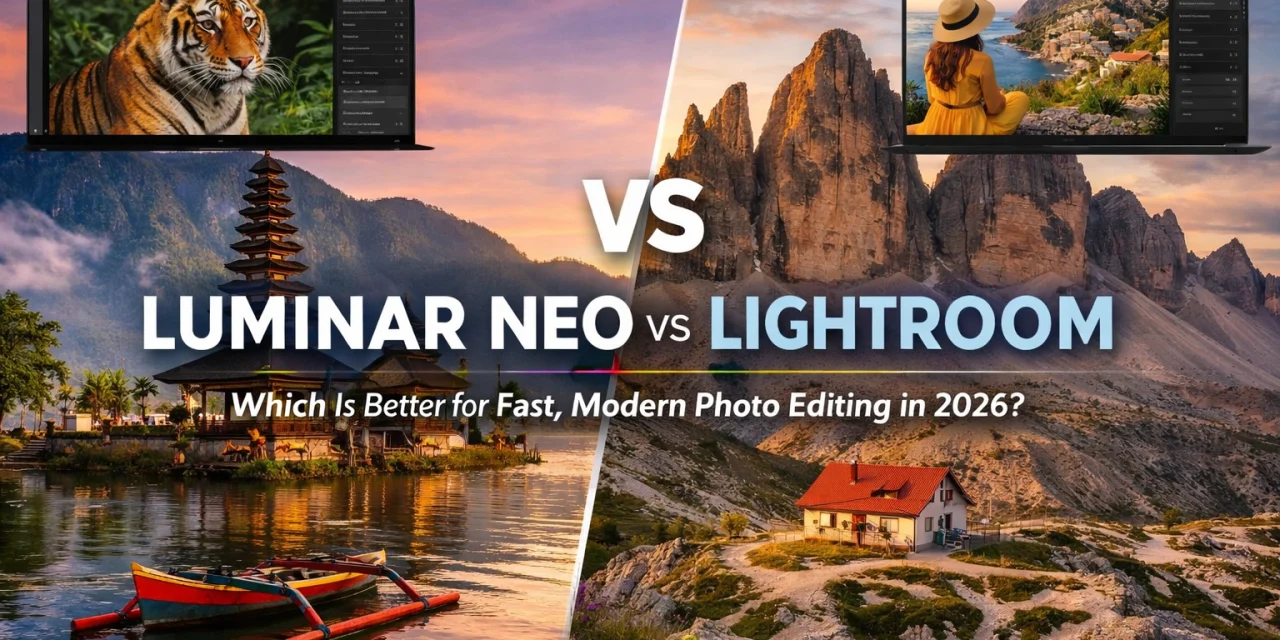
Hey everyone, Edin Chavez here. If you’ve been following my work at Photoguides or checking out my latest prints over at Edin Fine Art, you know I’m all about results. In 2026, the world of photography moves faster than ever. We aren't just taking photos; we are telling stories in real-time. The big question I get asked constantly is: "Edin, should I stick with the industry giant Lightroom, or is it time to move to Luminar Neo?"
The truth is, the landscape has shifted. While Lightroom has been the "old reliable" for a decade, Luminar Neo has spent the last few years redefining what "fast" actually looks like. If you’re tired of spending four hours behind a computer screen for every one hour spent behind the lens, this breakdown is for you. We’re going to look at why Luminar Neo is currently the premier choice for photographers who value their time and creative freedom.
The AI Revolution: Why "Modern" Matters
When we talk about modern photo editing in 2026, we’re really talking about Artificial Intelligence. Gone are the days when we had to manually brush in masks for every single leaf in a landscape or spend thirty minutes healing out powerlines.
Luminar Neo was built from the ground up as an AI-first platform. Unlike Lightroom, which has tried to "bolt on" AI features over the years, Neo’s core engine is designed to understand the 3D depth of your image. This is most evident in tools like Sky AI. In Lightroom, replacing a sky often involves complex masking that can still look "fringy" around trees. In Luminar Neo, it’s a one-click process that relights the entire scene to match the new sky.
If you’re just starting out or looking to upgrade your kit, checking out our camera reviews 2024 is a great place to start, but remember: the best camera in the world still needs a fast workflow to bring the vision to life.
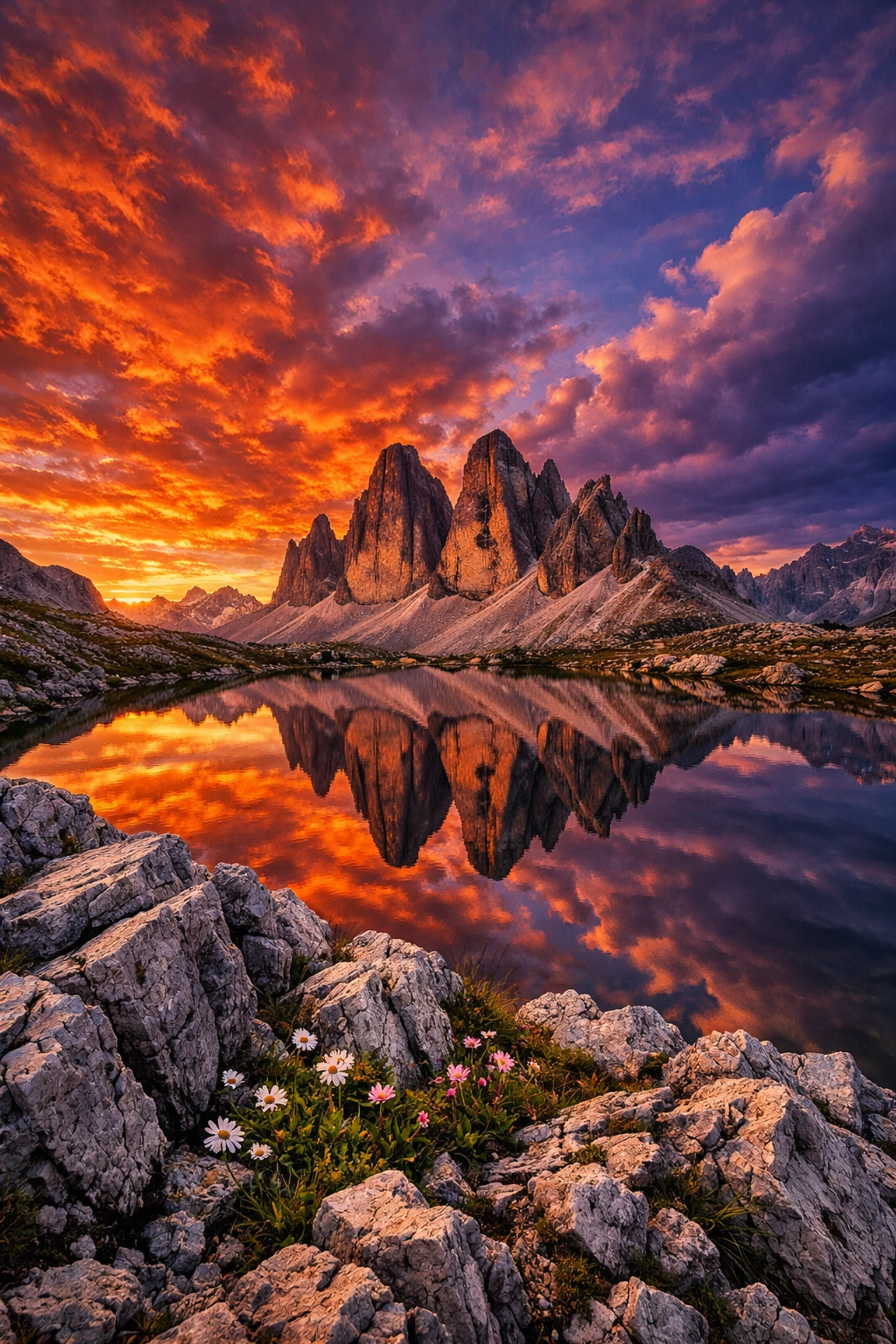
SEO Alt Text: A side-by-side comparison of a flat landscape photo versus a vibrant sunset version edited using Luminar Neo Sky AI and Relight AI, showing realistic reflections and natural depth-of-field adjustments.
Speed and Workflow Efficiency: Saving Your Sanity
Let’s talk about the "boring" stuff that actually matters: your time. Research shows that Luminar Neo can handle complex object removal: like those pesky powerlines or stray tourists: in under 40 seconds with nearly 95% accuracy. In Lightroom, achieving that same level of polish often requires jumping into Photoshop, which breaks your flow and adds minutes to every single shot.
For those of us running a business: whether you’re an Atlanta event photographer or shooting high-end weddings: those minutes add up to hours. Lightroom still holds the crown for massive batch processing and file organization, but if your goal is to take a "good" photo and make it "breathtaking" in under two minutes, Neo wins every single time.
I’ve found that when I’m out exploring national parks, I want to come home and see the magic immediately. I don't want to fight with sliders; I want to enhance the emotion I felt when I clicked the shutter.
Creative Tools: Beyond the Standard Slider
Luminar Neo offers a suite of "Generative" tools that Lightroom simply hasn't matched. GenErase and GenSwap allow you to intelligently remove or replace elements using AI that understands the context of the photo.
Then there is Portrait AI. If you do a lot of headshots or lifestyle work, Neo is a dream. It can automatically recognize faces, brighten eyes, and even subtly reshape features without making the subject look "over-processed." Lightroom requires much more manual precision for these tasks. If you are looking to improve your skills in this area, our educational category has some great tips on posing and light that pair perfectly with Neo's editing capabilities.

SEO Alt Text: A high-end portrait being edited in Luminar Neo 2026, showcasing the Portrait AI interface with sliders for skin retouching, eye enhancement, and facial contouring for a professional finish.
Landscapes and the Power of Relight AI
One of my favorite features in Luminar Neo is Relight AI. It maps your photo in 3D, allowing you to brighten the foreground while keeping the background dark, or vice versa. This is a game-changer for landscape photographers who didn't quite get the exposure right in the field.
In Lightroom, you’d be messing around with graduated filters and brushes. In Neo, you just slide a bar. It feels less like "editing" and more like "directing" the light. This is especially useful when you're shooting in tricky spots like Miami’s hidden speakeasies where the lighting is moody and often unpredictable.
The Interface: Clean vs. Cluttered
Let’s be honest: Lightroom’s interface is starting to show its age. It’s functional, sure, but it feels like a spreadsheet for photos. Luminar Neo, on the other hand, is beautiful. It’s color-coded, intuitive, and designed to stay out of your way.
The software is responsive, even on older hardware, which is a big deal if you haven't upgraded your laptop in a couple of years. We often discuss the essential photography gear needed for a professional setup, and a computer that doesn't lag during edits is at the top of that list. Neo’s modern architecture ensures that the software stays snappy, even when you’re pushing high-resolution RAW files.

SEO Alt Text: A clean, minimalist workspace featuring a high-resolution monitor displaying the Luminar Neo interface with a colorful mountain landscape, highlighting the modern and intuitive design of the 2026 version.
The Elephant in the Room: The Subscription Model
This is where the debate usually gets heated. Lightroom is tied to the Adobe Creative Cloud subscription. You pay every month, forever. If you stop paying, you lose access to the develop module.
As of 2026, Luminar Neo still offers a much more flexible approach. You can often purchase a lifetime license or a much more affordable annual plan. For many photographers, especially those just starting out or those who treat photography as a serious hobby, the "subscription fatigue" is real. There is a certain peace of mind that comes with "owning" your tools.
If you’re saving up for cheap weekend getaways or investing in new lenses, that extra $10–$20 a month you save by not having a recurring Adobe bill can go a long way.
File Management: Where Lightroom Still Shines
I want to be fair and reassuring here: if your primary need is cataloging 100,000 images and finding a specific photo of a cat from 2014 in three seconds, Lightroom is still the king of digital asset management (DAM). It’s built for the librarian-style photographer.
Luminar Neo has a catalog, and it works well for most people, but it isn't as robust as Lightroom’s. However, most modern photographers are moving toward a "select and edit" workflow rather than "hoard and catalog." If you’re a pro who needs to sync edits across an iPad, a phone, and a desktop, Lightroom’s cloud ecosystem is tough to beat. But for the actual creative act of editing? Neo has the edge.
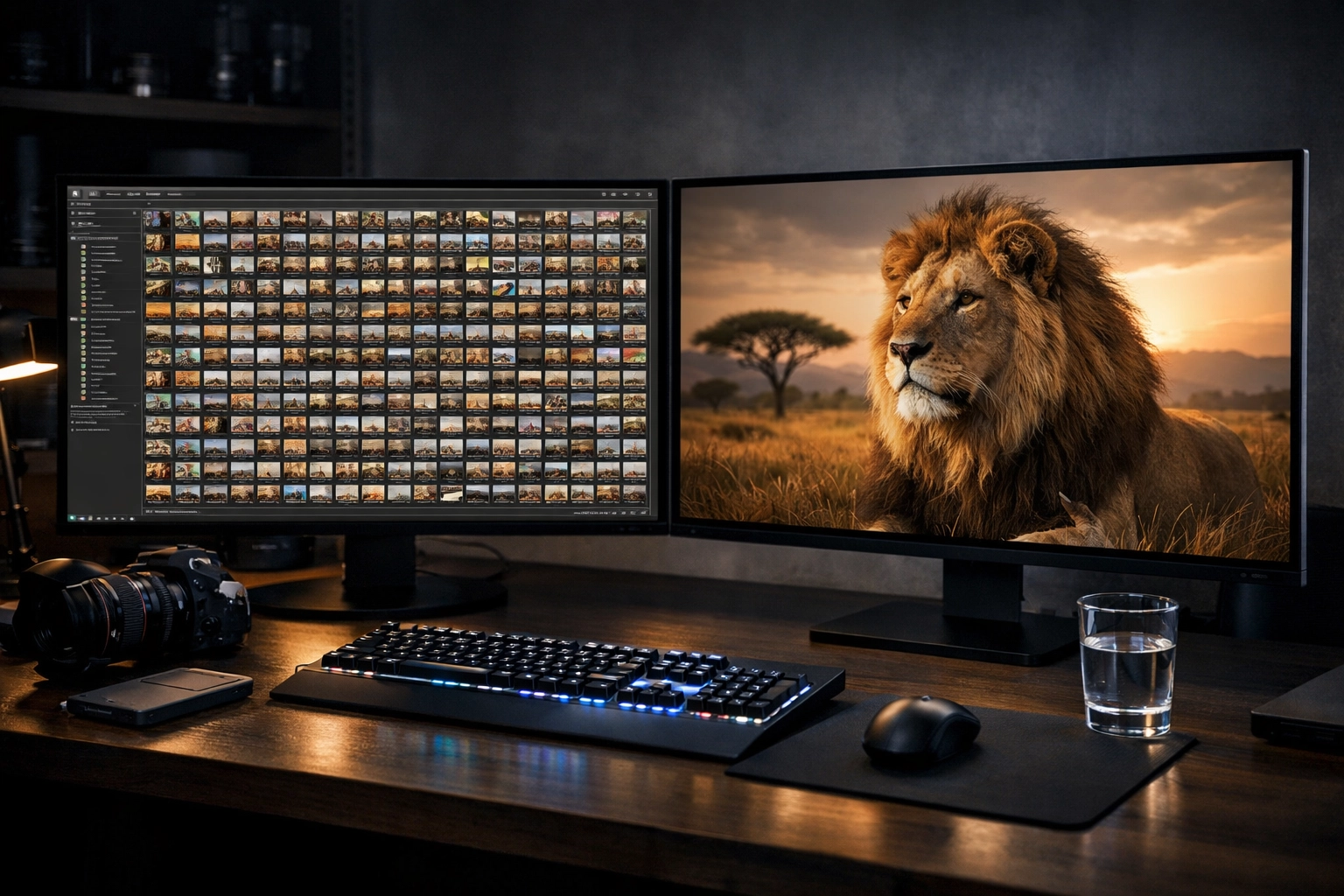
SEO Alt Text: A professional photographer's desk with two screens, one showing a complex Lightroom catalog for organization and the other showing a single, stunning image being edited in Luminar Neo for creative impact.
Which One Should You Choose in 2026?
The "better" software depends entirely on who you are as a photographer.
Choose Lightroom if:
- You need world-class file organization and cloud syncing.
- You are already deeply embedded in the Adobe ecosystem (Photoshop, Premiere, etc.).
- You prefer manual control over every micro-adjustment and don't mind the time it takes.
Choose Luminar Neo if:
- You want to spend more time shooting and less time editing.
- You love the idea of AI assisting you with complex tasks like sky replacement and skin retouching.
- You want a modern, intuitive interface that makes editing fun rather than a chore.
- You prefer a one-time purchase or a more flexible payment model.
In my professional opinion, and from what we see at Photoguides, the trend is clear. Photographers are moving toward tools that empower creativity without the technical headache. Luminar Neo isn't just a Lightroom alternative anymore; it’s a leader in the space.
If you're still on the fence, I highly recommend checking out our reviews category to see more deep dives into specific tools. Photography should be about the joy of capturing the world: whether that's the vibrant streets of the Dominican Republic or a quiet breakfast in Cape Coral. Your software should help you share that joy, not get in the way of it.
Happy shooting, and even happier editing!
( Edin)













