

Choosing the right photo editing software is a lot like choosing the right camera lens: it’s not just about the specs; it’s about how it feels in your hand and how it helps you see the world. For years, the debate has centered on the industry titan, Adobe Lightroom, and the innovative challenger, Luminar Neo.
As we move through 2026, the gap between traditional editing and AI-assisted creativity has never been wider. If you’re feeling overwhelmed by the endless sliders in Lightroom or find yourself spending hours on a single mask, it might be time to look at why many pros are moving their creative heavy lifting over to Luminar Neo.
At Photoguides, we believe in tools that make photography more enjoyable. Whether you are checking out our camera reviews for 2024 or planning your next shoot, the software you use at home is just as important as the gear in your bag.
The Philosophical Difference: Organization vs. Imagination
Before we dive into the specific tools, it’s important to understand the fundamental difference between these two programs.
Lightroom is, at its heart, a Digital Asset Manager (DAM). It is designed to handle thousands of photos, cataloging them with metadata, keywords, and ratings. It’s the "library" approach to photography. It’s excellent for high-volume shooters who need to keep their files in strict order.
Luminar Neo, on the other hand, is a creative powerhouse. While it does have cataloging features, its primary focus is on the art of the image. It’s designed for the photographer who wants to spend less time moving sliders and more time seeing their vision come to life. In Luminar Neo, the AI does the grunt work, allowing you to focus on the mood and story of your shot.
AI Sky Replacement: The Game Changer
One of the most frequent hurdles in landscape photography is a boring sky. You can have the perfect composition, but if the sky is a flat, gray sheet, the image often falls flat.
In Lightroom, replacing a sky or even just masking it for a gradient requires a fair bit of manual labor. Even with Adobe’s recent AI masking updates, the results can often leave "halos" around trees or complex horizons.
Luminar Neo’s Sky AI is, quite simply, best-in-class. It doesn't just "cut and paste" a new sky; it relights the entire scene to match the new light source. If you drop in a sunset, the shadows on your foreground rocks will warm up automatically. This level of scene intelligence is why many professionals, including myself when working on Edin Fine Art pieces, find it indispensable.
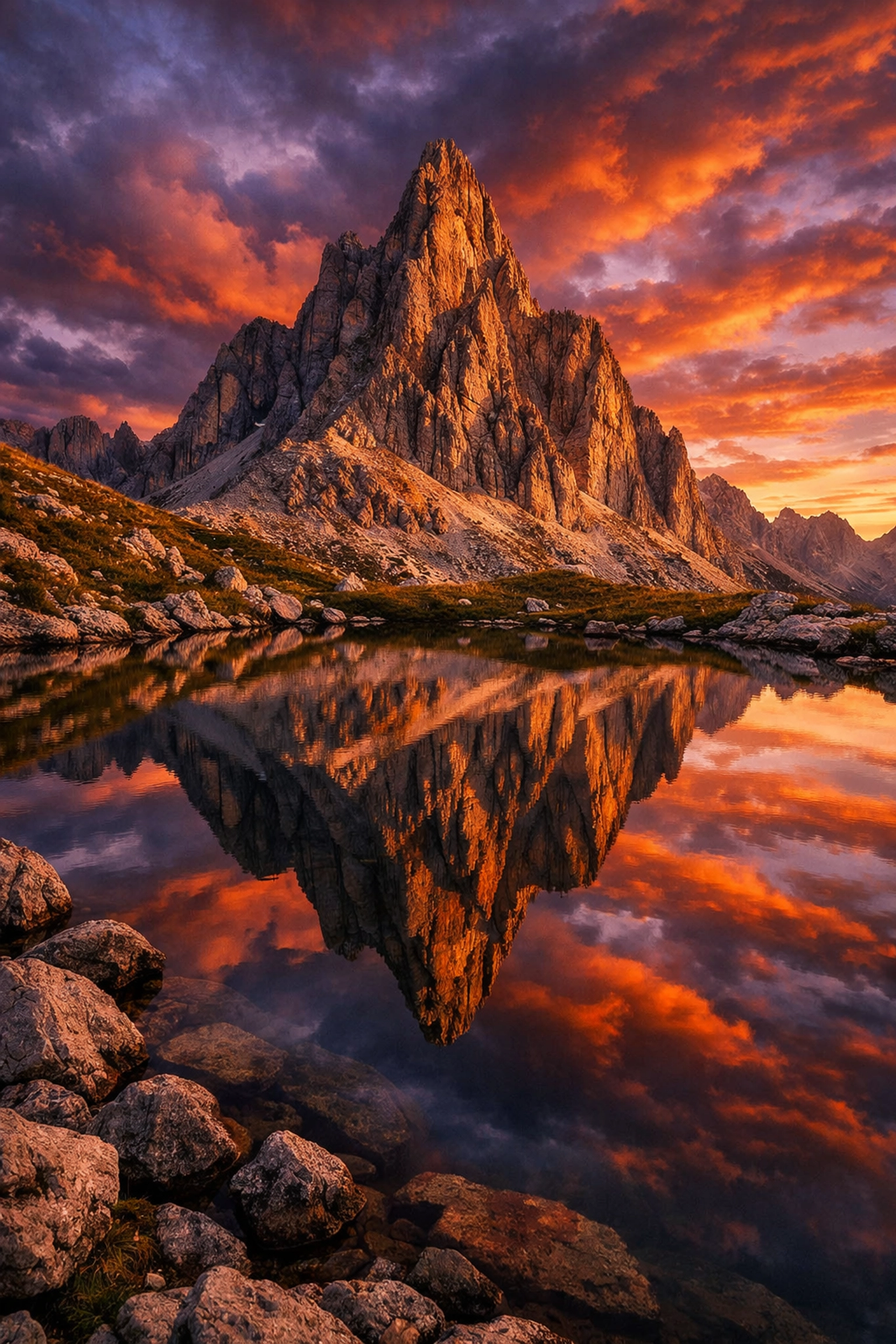
SEO Alt Text: A side-by-side comparison of a landscape photo showing a dull overcast sky being transformed into a vibrant dramatic sunset using Luminar Neo Sky AI with perfect reflections in a lake.
Relighting the Scene in 3D
Lightroom handles exposure globally or through manual masks. However, it doesn't "understand" the depth of your image. This is where Relight AI in Luminar Neo changes the game.
Relight AI creates a 3D depth map of your 2D photo. It knows which objects are close to the lens and which are far away. This allows you to adjust the brightness of the foreground and background independently with incredible naturalism. If you’ve ever shot a portrait outdoors and realized your subject is slightly underexposed compared to the bright background, Relight AI fixes it in seconds without the "pasted on" look that sometimes happens with traditional dodging and burning.
Portraiture Simplified
If you shoot people: whether you are an Atlanta event photographer or capturing wedding photography insights: post-processing can be a massive time sink.
In Lightroom, retouching skin, brightening eyes, and contouring faces usually means jumping into Photoshop. Luminar Neo’s Portrait AI suite handles this all within one interface. From "Face AI" (which can slim a face or enlarge eyes subtly) to "Skin AI" (which removes blemishes while keeping natural texture), the tools are intuitive.
The beauty of Luminar is the "reassuring" nature of the AI. It doesn't make people look like plastic dolls unless you crank the sliders to 100. It simply makes them look like they had their best night of sleep ever.

SEO Alt Text: A close-up portrait being edited in Luminar Neo showing the Portrait AI interface with subtle skin smoothing and eye enhancement that preserves natural skin pores and textures.
Cleaning Up the Mess: GenErase
We’ve all been there: you take a stunning shot of a historic building, only to realize there’s a trash can or a stray power line ruining the composition.
Lightroom’s Content-Aware Remove has improved, but it often struggles with complex textures. Luminar Neo’s GenErase uses generative AI to not just "patch" an area, but to actually understand what should be there. If you remove a car parked in front of a brick wall, GenErase will reconstruct the brick pattern and the shadows realistically.
This tool alone is worth the price of admission for travel photographers. When I’m out exploring Miami’s hidden speakeasies or shooting for my personal blog, I don't want to worry about every little distraction in the frame. I know I can clean it up later with GenErase.

SEO Alt Text: An architectural photo of a European street where a distracting modern street sign and power lines are being cleanly removed using Luminar Neo GenErase tool.
Performance and Workflow Efficiency
Lightroom is a heavy program. It requires a lot of RAM and can sometimes feel sluggish when moving between the Library and Develop modules. Because it relies on a central catalog file, that file can become corrupted or bloated over time.
Luminar Neo is built on a more modern, modular engine. This means it’s snappy and responsive. You can use it as a standalone application or as a plugin for Lightroom or Photoshop. This is the "secret sauce" for many pros: they use Lightroom to organize their 5,000 photos from a shoot, then they right-click the best 50 and "Edit in Luminar Neo" to do the actual creative work.
If you are just starting out, you can download the essentials and see how much faster your workflow becomes when you aren't fighting the software.
Which One Should You Choose?
So, who wins the battle of Luminar Neo vs. Lightroom?
Choose Lightroom if:
- You are a high-volume professional (wedding/sports) who needs to manage tens of thousands of images.
- You rely heavily on cloud syncing between your desktop and mobile devices.
- You prefer a traditional, manual editing approach and have the time to master complex masking.
Choose Luminar Neo if:
- You want to spend more time shooting and less time editing.
- You love creative tools like Sky AI, Relight AI, and GenErase that would take hours to replicate manually.
- You want a modern, intuitive interface that doesn't require a college degree to understand.
- You want to achieve "professional" results without the steep learning curve of the Adobe ecosystem.
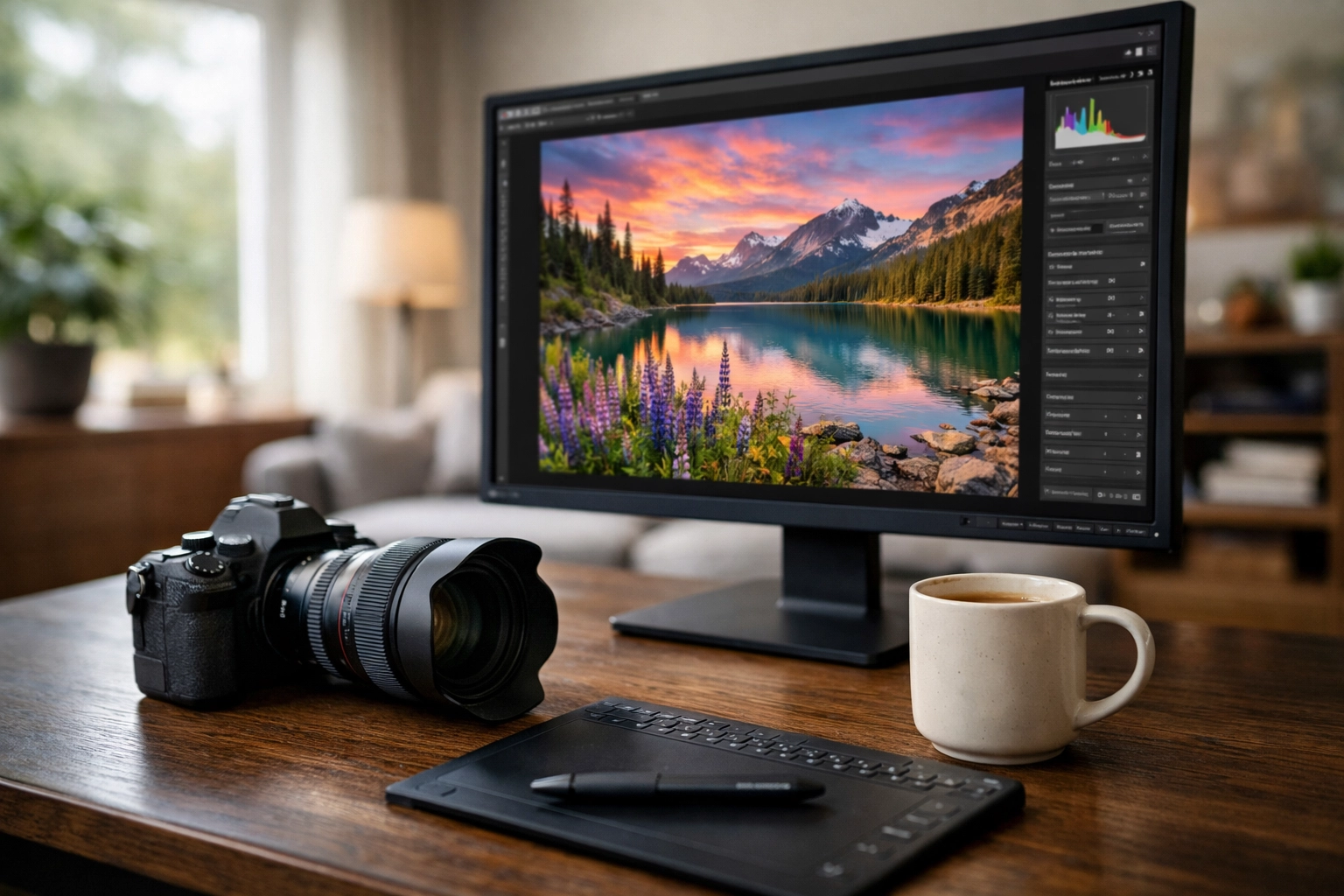
SEO Alt Text: A workspace setup with a high-end monitor showing the Luminar Neo interface alongside a camera and a cup of coffee, illustrating a modern and relaxed photography workflow.
Final Thoughts
The best software is the one that gets out of your way and lets you create. For a long time, Lightroom was the only serious option on the block, but Luminar Neo has changed the conversation. By leveraging AI to handle the tedious parts of photo editing, it gives the power back to the photographer.
Whether you're capturing the hidden gems of the Dominican Republic or just taking photos of your local breweries in Williamsburg, your photos deserve to look their best.
If you're ready to see what your images can really do, I highly recommend giving Luminar Neo a spin. It’s not just an alternative to Lightroom; for many of us, it’s a total upgrade.
For more tips on gear and technique, check out our educational category or dive into our reviews to see what else is shaking up the photography world in 2026. Keep shooting!













