
Category: Photo Guides
It’s Sunday, March 22, 2026, and the world of photography looks a lot different than it did just a few years ago. If you’ve been following my journey over at Edin Chavez’s Blog, you know I’ve always been an advocate for tools that let us spend less time behind a screen and more time behind the lens.
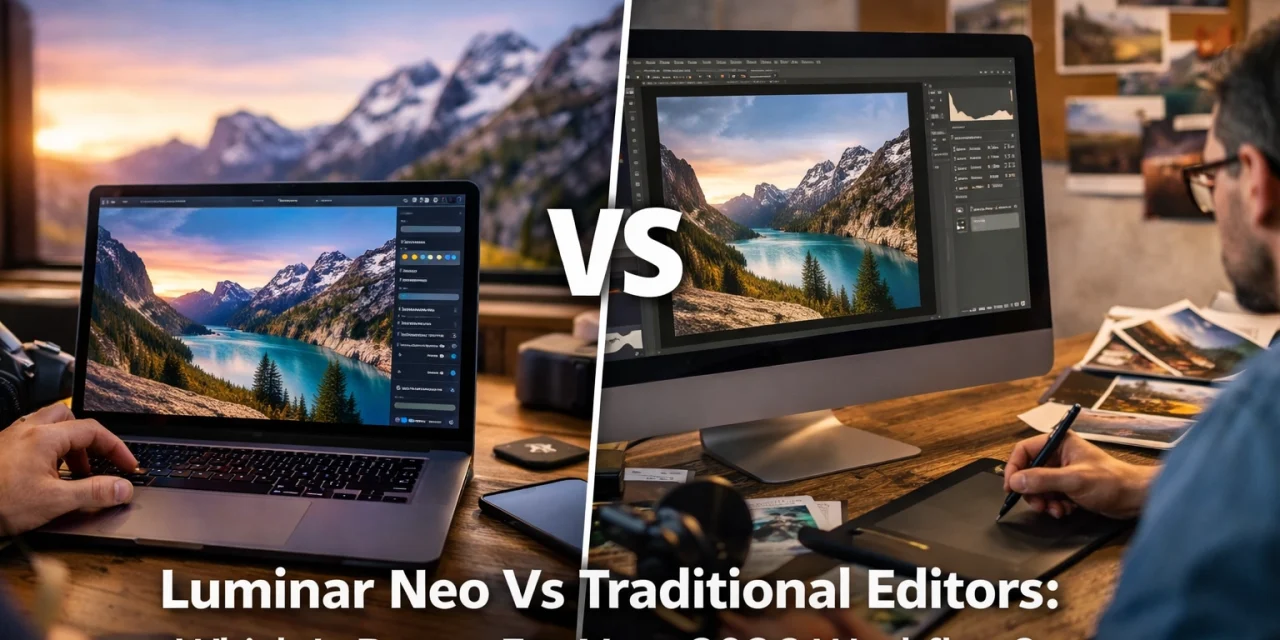
We’ve officially moved past the era where "AI" was a scary buzzword or a "gimmick." Today, AI is the backbone of any efficient professional workflow. But as we sit here in 2026, a big question remains for many of you: Should you stick with the traditional editors we’ve used for decades, or is it time to fully embrace an AI-native powerhouse like Luminar Neo?
I want to break down the reality of the current landscape. Whether you’re shooting weddings in Miami or capturing the quiet majesty of our National Parks for Edin Fine Art, your time is your most valuable asset. Let’s see which workflow actually respects that.
The Evolution of the Photography Workflow
Back in 2020, "traditional" editing meant a heavy reliance on manual masking, cloning, and layers. It was therapeutic for some, but for the working professional, it was a bottleneck. Fast forward to 2026, and the "traditional" giants have certainly added AI features, but they often feel like patches on an old inner tube.
Luminar Neo was built from the ground up with a different philosophy. Instead of adding AI to a manual engine, they built an AI engine that allows for manual control. This distinction is subtle but massive when you’re looking at 500 RAW files from a weekend shoot. If you're still curious about how we got here, you can check out some of our older camera reviews from 2024 to see the tech progression.
Speed and Efficiency: The 2026 Standard
In 2026, we don't have time for tedious luminosity masks. We want results that look natural but happen in seconds. This is where Luminar Neo takes the lead. Traditional editors like Lightroom or DXO Photolab focus on manual adjustments first. While they are great for organizing huge catalogs, they often require you to do the heavy lifting for every individual frame.
Luminar Neo, on the other hand, prioritizes automation without stripping away your creative voice. The AI Assistant learns your style and suggests edits that actually make sense. It’s like having a highly skilled editor sitting right next to you, doing the boring stuff so you can focus on the art. For a deeper dive into how this compares to other software, our reviews category has some great side-by-side breakdowns.
 )
)
Sky AI: The Tool That Changed Everything
We’ve all been there: you hike four miles to a vista, the composition is perfect, but the sky is a flat, featureless grey. Traditional editors would require you to spend twenty minutes meticulously masking around tree branches and power lines to swap that sky.
Luminar Neo’s Sky AI has perfected this. In 2026, the technology is so advanced that it even accounts for reflections in water and the way the new light should wrap around your subject. It’s not just about "replacing" a sky; it’s about relighting the entire scene to match. If you want to try some of these high-end assets yourself, you can find incredible sky overlays here.
Relight AI: Controlling Light After the Shot
One of the most frustrating parts of traditional editing is trying to fix poor lighting in a way that doesn't look "fried." Traditional sliders for highlights and shadows can only go so far before the image starts to fall apart.
Relight AI in Luminar Neo works in a 3D space. It maps the depth of your 2D photo, allowing you to independently adjust the lighting of the foreground and the background. If your subject is underexposed against a bright sunset, you can literally "turn up the lights" on them without affecting the sky. It’s a level of control that feels like magic, and it’s something traditional editors are still struggling to replicate with the same level of finesse.
 )
)
Portrait AI: High-End Retouching in Seconds
For those of you working as an Atlanta event photographer or shooting high-end portraits, the retouching phase used to be the most grueling part of the job. Traditional editors require frequency separation and hours of "dodge and burn."
Luminar Neo’s Portrait AI suite: including Face AI, Skin AI, and Body AI: is a game changer. It identifies features automatically. Want to brighten the eyes, remove a temporary blemish, or add a bit of contour? It’s a slider, not a brush stroke. The best part? It looks human. It avoids that "plastic" look that early AI was known for. This tool alone can save you hours on a single gallery.
GenErase: The End of the "Clone Stamp" Era
We’ve all had a perfect shot ruined by a stray trash can or a tourist in the background. In the old days, you’d zoom in to 400% and hope the Clone Stamp tool didn't leave a repeating pattern.
GenErase in Luminar Neo uses generative AI to not just "cover" an object, but to actually understand what should be behind it. It replaces the unwanted element with textures and details that match the surrounding environment perfectly. Whether you’re cleaning up a landscape or a street scene, it’s the most powerful "eraser" I’ve ever used. For more gear and technique tips, head over to Shut Your Aperture.
 )
)
The Hybrid Approach: Why Not Both?
Here is the secret that many pros in 2026 are using: you don’t necessarily have to choose one or the other. Luminar Neo works beautifully as a standalone program, but it also functions as a powerful plugin for Lightroom and Photoshop.
Many photographers use a traditional editor for their initial culling and basic color grading, then "round-trip" their best shots into Luminar Neo to use tools like Sky AI or GenErase. This hybrid workflow gives you the best of both worlds: the organizational power of a database and the creative horsepower of AI. If you're ready to see the difference for yourself, you can download the tools here.
Privacy and Performance
One thing that often gets overlooked in the AI debate is where the processing happens. Many traditional editors are moving toward cloud-based AI, which can be slow and raises privacy concerns. Luminar Neo performs its heavy lifting locally on your machine. This means you don't need a high-speed internet connection to edit your photos, and your data stays with you. This is a reassuring thought for those of us who value our intellectual property. You can read more about data and photography in our privacy policy.
Final Verdict: Which is Better for Your 2026 Workflow?
If your goal is to spend your life sitting at a computer, meticulously clicking every pixel, then traditional editors will always have a place for you. They offer a granular, manual control that is undeniable.
However, if you want to be a photographer: someone who captures moments, tells stories, and produces world-class art without the burnout: then Luminar Neo is the clear winner for 2026. It removes the technical barriers between your vision and the final image.
The software is designed to be reassuring; it doesn't make you feel like you need a PhD in computer science to get a beautiful result. It’s about making the "impossible" possible in just a few clicks.
 )
)
Whether you are just starting out and looking for educational resources or you are a seasoned pro, the shift to AI-native editing is the most significant change our industry has seen since the move from film to digital. Don’t get left behind using 20th-century workflows for 21st-century art.
Give your photos the finish they deserve. Your workflow should be as creative as your photography, and in 2026, that means choosing tools that work with you, not against you.
Happy shooting!













