

Category: Photo Guides
If you’ve been in the photography game for more than five minutes, you know the struggle. We are living in the golden age of high-resolution sensors. Whether you’re rocking a 45-megapixel mirrorless beast or a medium-format monster, the detail we can capture today is mind-blowing. But that detail comes with a heavy price: massive file sizes.
We’ve all been there: trying to upload a gallery to a client while the progress bar moves at the speed of a snail, or watching our expensive cloud storage fill up in a matter of weeks. You want to give your clients the best quality possible, but sending 25MB JPEGs for a 500-image wedding gallery is a recipe for frustration (on both ends).
This is where professional file compression becomes your best friend. Today, we’re diving into Pixel-Shrink.com 101. We’ll explore how to shrink your files without losing that professional "pop," and how tools like this: sponsored by our friends at Proshoot.io: can completely transform your post-production workflow.
Why Compression Matters (Beyond Just Disk Space)
It’s easy to think of compression as just a way to save a few gigabytes on a hard drive, but it’s actually a vital part of your reputation. When a client receives a link to their photos, they want to see them now. If they have to wait several seconds for each image to preview on their phone, it dampens the excitement.
Furthermore, if you’re running a portfolio website: perhaps showcasing your latest wedding photography insights: large images will kill your page speed. Google hates slow sites, and potential clients will bounce faster than you can say "bokeh" if your images don't load instantly.
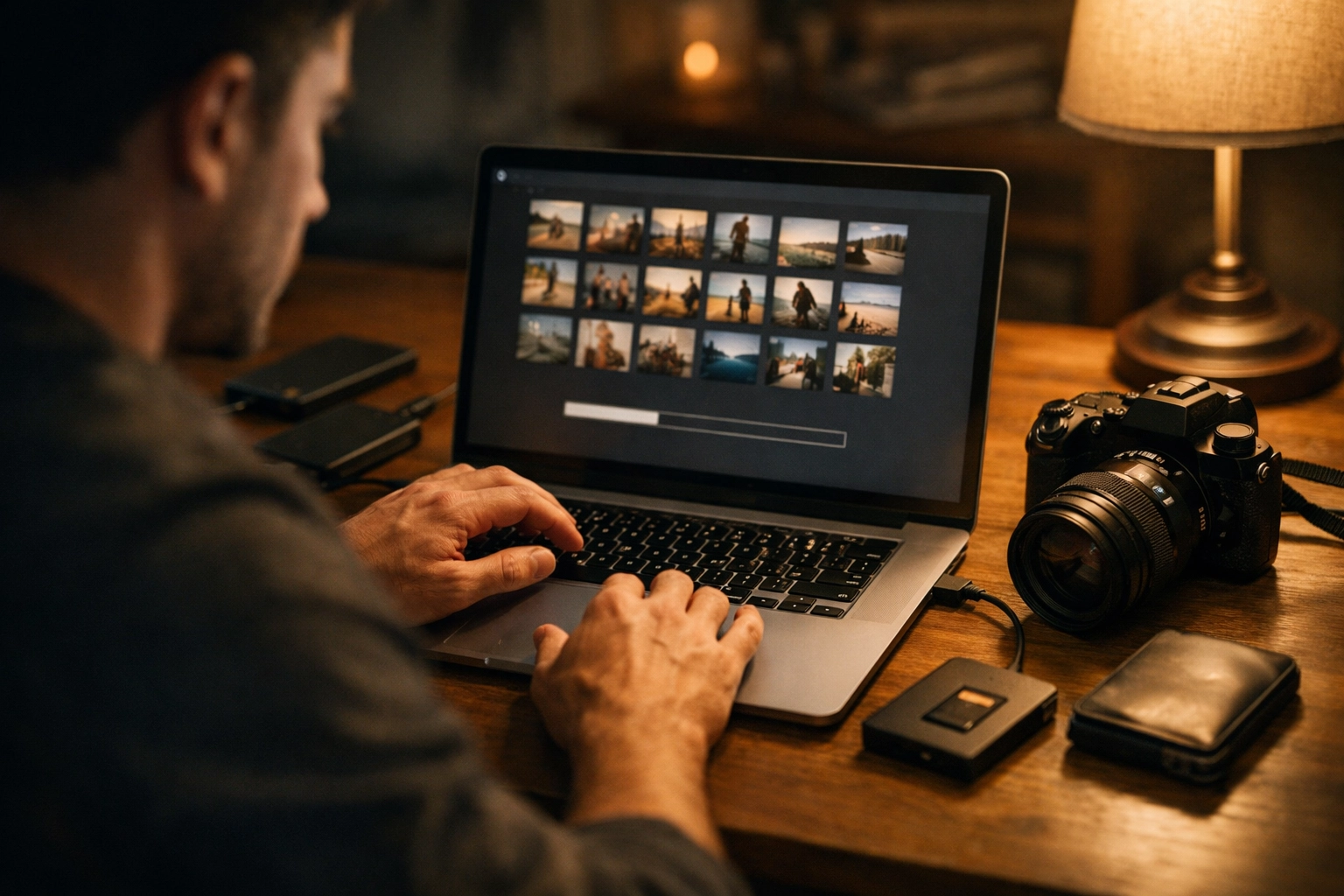
Enter Pixel-Shrink.com: The Modern Solution
Pixel-Shrink.com isn't your average "save for web" tool. It’s a professional-grade optimizer designed specifically for the nuances of high-end photography. The magic lies in how it handles data.
Most basic compression tools just hack away at the data until the image looks like a blocky mess from 2004. Pixel-Shrink uses advanced optimization techniques that target information the human eye literally cannot perceive. It analyzes color space, texture, and gradients to decide what stays and what goes.
The result? You can often reduce a file size by 60% to 80% without seeing any difference, even when pixel-peeping at 100% zoom.
The Professional Workflow: From RAW to Delivery
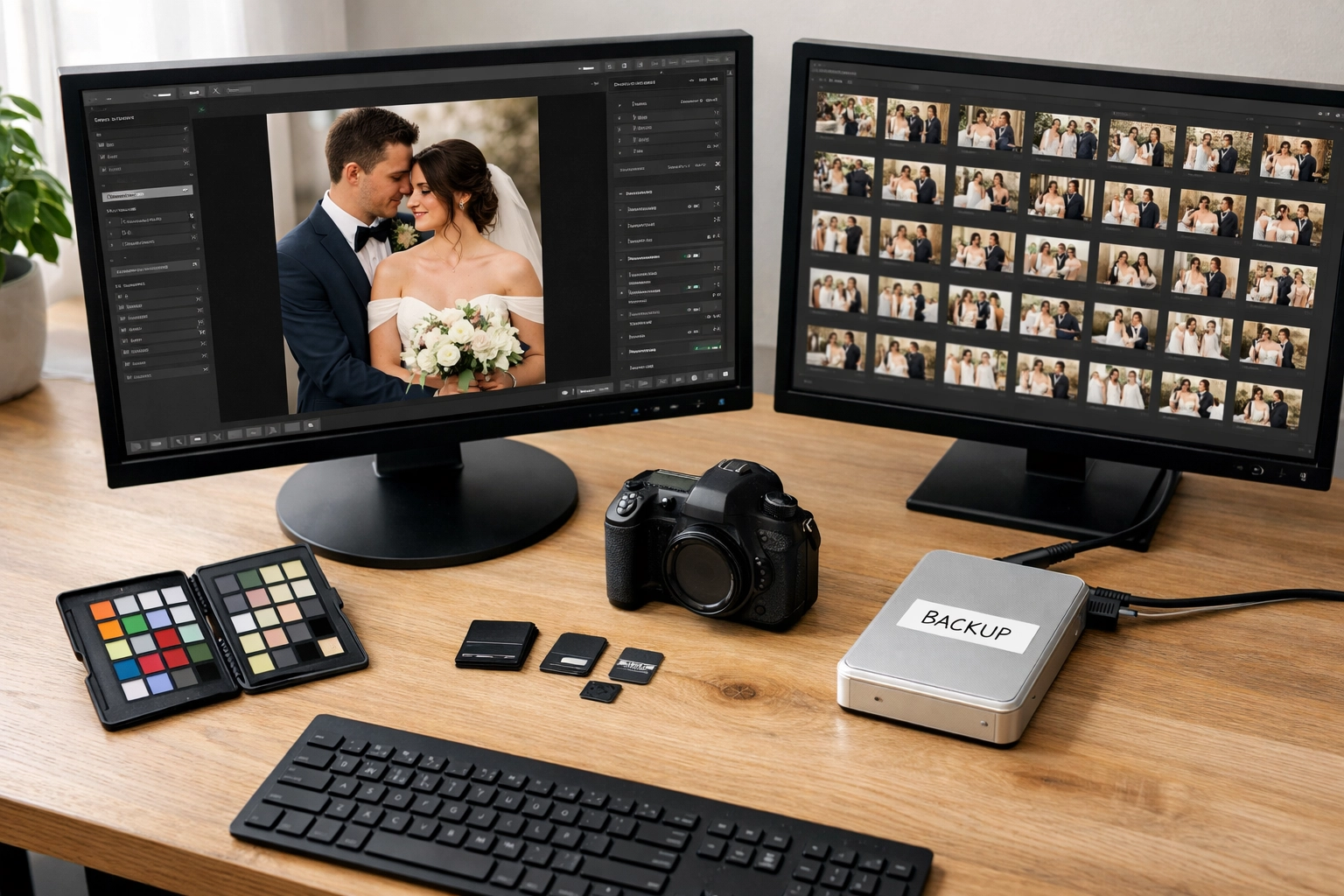
To get the most out of Pixel-Shrink.com, you need a solid workflow. You shouldn't just compress everything blindly. Here is the standard I recommend for most Photoguides readers:
- Shoot and Edit in RAW: Always maintain your original data during the creative process. If you need tips on the best tools for this, check out our camera reviews 2024 to see which kits handle data best.
- Export High-Res JPEGs: Once your edit is dialed in, export your JPEGs at 100% quality or close to it. This creates your "Master JPEG."
- Run Through Pixel-Shrink: This is the crucial step. Take those massive Master JPEGs and let Pixel-Shrink work its magic. It strips away the unnecessary bulk while keeping the visual integrity intact.
- Deliver via Proshoot.io: Now that your files are lean and mean, upload them to Proshoot.io. Because the files are smaller, the upload is lightning-fast, and your clients get a snappy, high-end photography booking experience that feels premium.
Lossy vs. Lossless: What You Need to Know
In the world of compression, you’ll hear these two terms tossed around a lot.
- Lossless Compression: This is like a ZIP file. It finds redundant data and packs it tighter. When you open it back up, every single bit is exactly where it was. The downside? You only save about 10-20% in file size.
- Lossy Compression: This is what Pixel-Shrink.com excels at. It intelligently discards data. While "discarding data" sounds scary to a photographer, modern algorithms are so smart that they only remove things that don't affect the visual output for digital display or standard printing.
For 99% of what we do: social media, client galleries, and website portfolios: lossy compression is the clear winner. It’s the difference between a 15MB file and a 3MB file that look identical to the naked eye. If you want to see how this looks in practice on a high-end gallery, take a look at the fine art prints over at Edin Fine Art. Even there, web optimization is key to a smooth browsing experience.
Maintaining Your Reputation for Quality
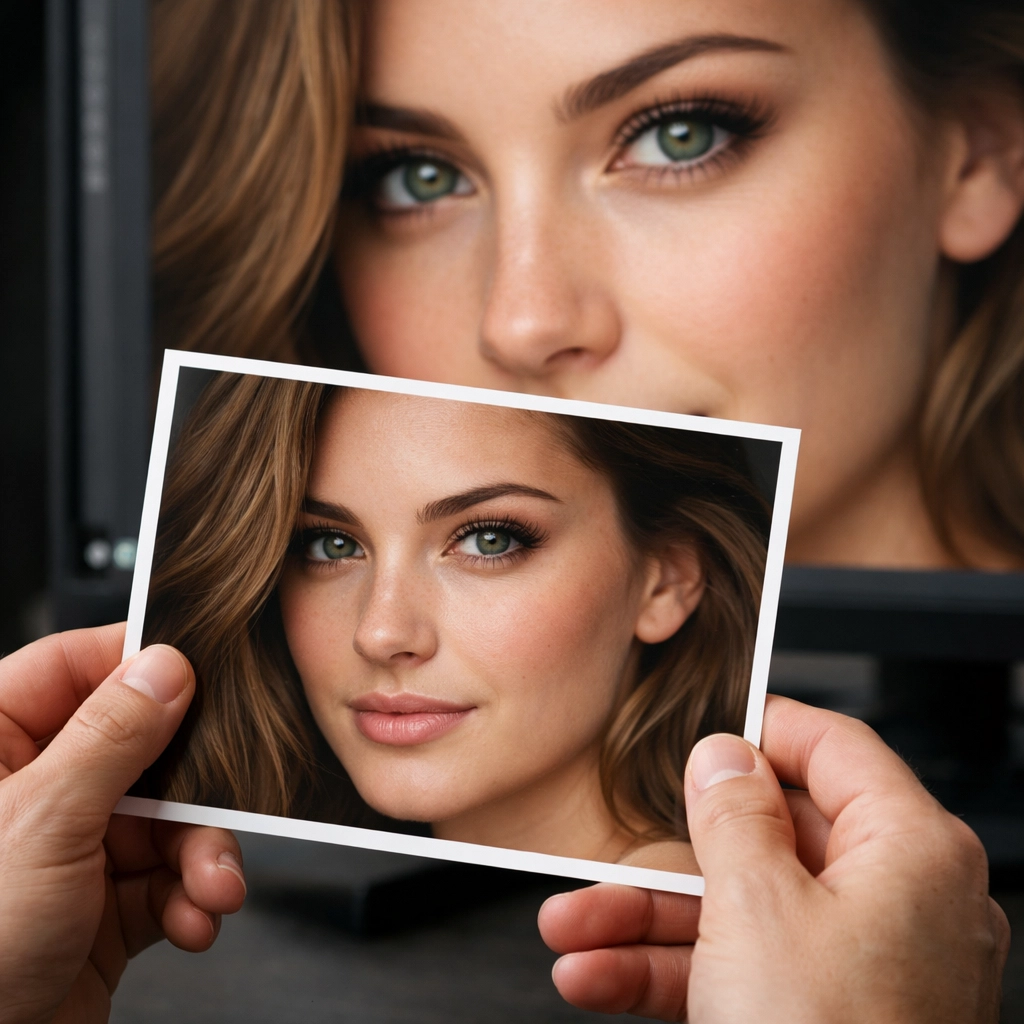
The biggest fear every photographer has is that a client will print a photo and it will look "crunchy" or pixelated. It’s a valid concern. Your brand is built on quality.
However, Pixel-Shrink is built to avoid this. The "soul" of the photo: the dynamic range, the subtle skin tones, and the sharpness of the eyes: remains untouched. The professional standard we use at Photoguides is simple: if you can’t see a difference at 100% zoom on a calibrated monitor, your client certainly won’t see it on their smartphone or in a 5×7 print.
Speed: The Ultimate Competitive Advantage
We often talk about gear: like the module 8 lens adapter: but we don't talk enough about the business side of things. Speed is a feature. If you can deliver a gallery 24 hours after a shoot because your upload times were cut in half, you look like a hero.
By using Pixel-Shrink.com in tandem with a delivery platform like Proshoot.io, you are optimizing the tail end of your business. It allows you to spend less time watching progress bars and more time out in the field. If you’re looking for more ways to sharpen your technical skills, I always recommend checking out Shut Your Aperture for some great community-driven tips.
When Should You NOT Compress?
While I’m a huge advocate for compression, there are a few times when you should stick to the massive files:
- Large Format Printing: If you are printing a 40×60 canvas for a gallery, use the uncompressed export.
- Archiving: I always keep my original RAW files and my full-size Master JPEGs on a cold storage drive. You never know when technology might change.
- Client Requests for "Originals": Occasionally, a commercial client might demand the maximum file size possible for their own internal reasons. Give it to them: but use Proshoot.io to make sure that massive transfer actually completes without errors!

Final Thoughts
Pixel-Shrink.com is more than just a utility; it’s a way to respect your client’s time and your own resources. In an era where we are drowning in data, being able to provide high-quality visuals in a lightweight package is a superpower.
Whether you are an Atlanta event photographer capturing fast-paced corporate gatherings or a landscape artist sharing the beauty of the National Parks on Edin’s Blog, professional compression should be a staple in your toolkit.
Give it a shot on your next gallery. Your hard drive (and your clients) will thank you. And don't forget to check out Proshoot.io to see how they’ve streamlined the delivery process for photographers who value speed and quality above all else.
Stay creative, keep shooting, and keep those file sizes in check!













