
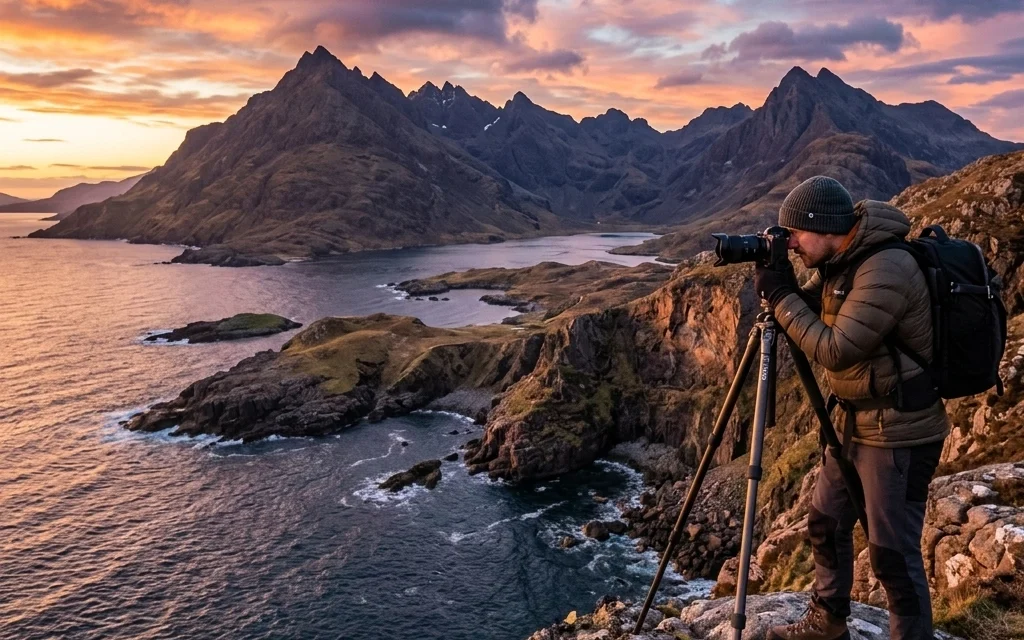
We’ve all been there. You’ve just finished an incredible shoot. Maybe it was a high-end wedding, a fast-paced event, or a serene session capturing the sunset at a National Park. You get home, import those massive RAW files, and spend hours meticulously editing each one to perfection. But then comes the bottleneck: the export and the delivery.
As cameras get better, file sizes get bigger. While we love the detail our 45mp or 60mp sensors provide: something I talk about a lot over at Edin Fine Art: the reality is that delivering a 20MB JPEG to a client is often overkill and, quite frankly, a drag on your workflow. This is where Pixel-Shrink comes in. It’s the secret weapon for photographers who want to maintain world-class quality while significantly speeding up their delivery process.
In this guide, we’re going to dive deep into how Pixel-Shrink works, why it’s a game-changer for your business, and how it integrates into a modern photography ecosystem: especially when paired with tools like proshoot.io, who is graciously sponsoring this series.
The Problem: The Weight of High-Resolution Photography
Modern photography is a bit of a double-edged sword. On one hand, we have more dynamic range and detail than ever before. If you check out some of our recent camera reviews 2024, you'll see that the industry is pushing the limits of what a sensor can do. On the other hand, these files are heavy.
Heavy files lead to several problems:
- Slow Uploads: Sending a gallery of 500 images to a client can take hours on a standard connection.
- Storage Costs: Cloud storage isn't getting any cheaper when you're filling it with massive JPEGs.
- Client Frustration: Clients want to view their photos on their phones immediately. If a photo takes five seconds to load because it’s 15MB, that's a poor photography booking experience.
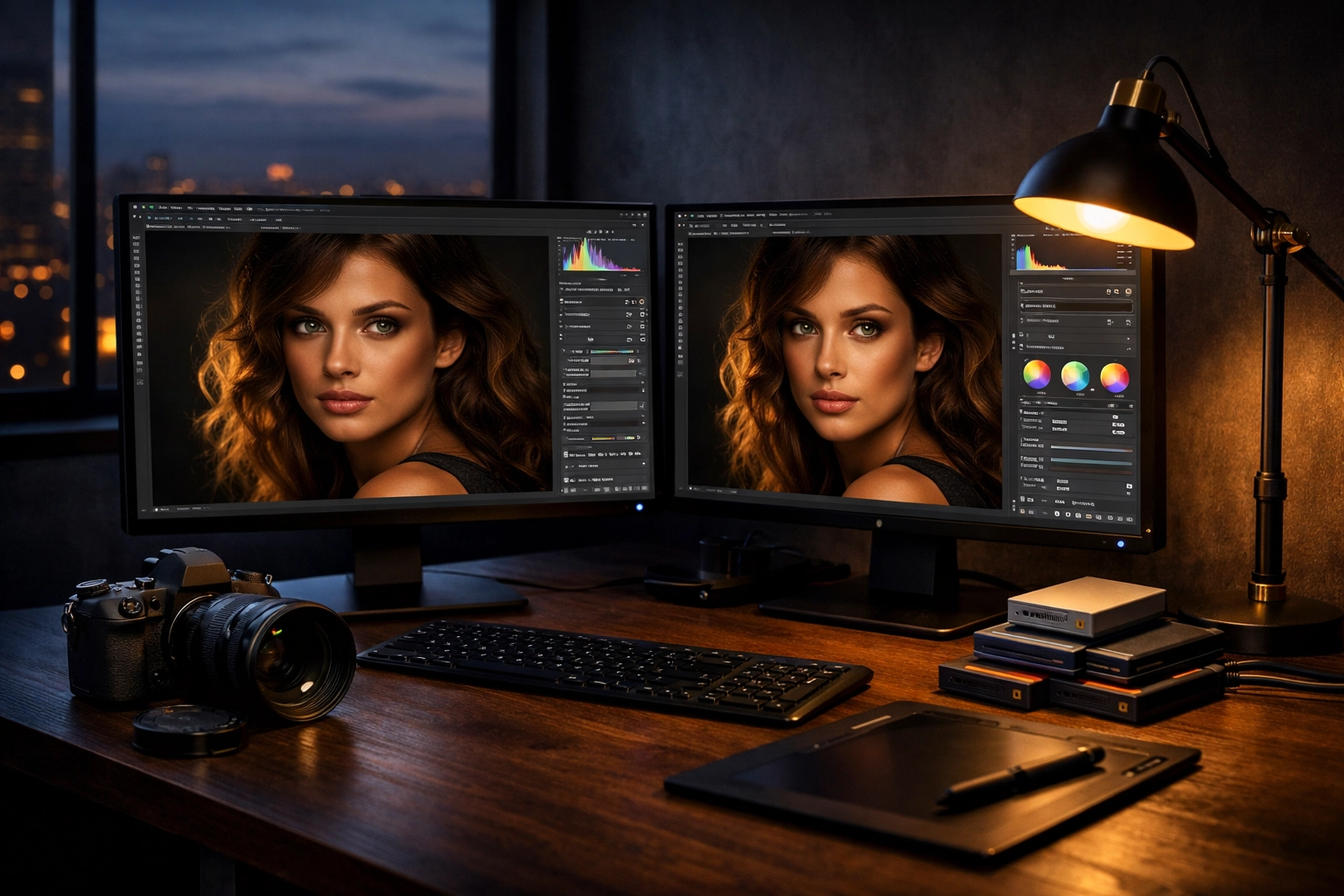
What is Pixel-Shrink?
Pixel-Shrink is an intelligent image compression tool specifically designed for photographers. Unlike standard "Save for Web" options in older software that can leave images looking muddy or pixelated, Pixel-Shrink uses advanced algorithms to strip away data that the human eye can't actually perceive.
The goal isn't just to make the file smaller; it’s to maintain the visual integrity of the shot. Whether you are shooting fine art for Edin’s Blog or commercial work, you need your colors to stay true and your edges to stay sharp. Pixel-Shrink manages to reduce file sizes by up to 80% without a noticeable loss in quality.
Speeding Up Your Workflow
Speed isn't just about how fast you can click the shutter; it’s about how quickly you can move a project from "In Progress" to "Invoiced." Efficiency is the cornerstone of a profitable photography business.
When you integrate Pixel-Shrink into your post-processing routine, you’re essentially thinning out the "traffic" in your digital pipeline. Smaller files mean faster exports from your machine, faster uploads to your gallery provider, and faster downloads for your clients.
If you are using a management platform like proshoot.io, speed is even more critical. Proshoot.io helps you handle the business side: bookings, contracts, and delivery. By using Pixel-Shrink before uploading your final edits to your delivery platform, you ensure that the entire process: from the moment the client signs the contract to the moment they see their photos: is seamless and professional.

Quality vs. Compression: The Great Myth
There is a lingering fear among photographers that "compression" is a dirty word. We spend thousands of dollars on lenses to get that perfect sharpness, so why would we want to "shrink" our pixels?
It’s important to distinguish between destructive compression and intelligent optimization. Traditional JPEG compression often results in "banding" in the skies or "artifacts" in the shadows. Pixel-Shrink avoids this by analyzing the image content. It knows the difference between a clear blue sky and a textured brick wall, applying compression differently to each area to ensure the final result looks identical to the original to the naked eye.
I always tell the community over at Shut Your Aperture that the best gear in the world won't save a slow business. If your quality is 100% but your delivery takes two weeks because your files are too big to manage, you’re losing out to the photographer who provides 99% quality with a 24-hour turnaround. Pixel-Shrink gives you the best of both worlds.
How to Integrate Pixel-Shrink into Your Routine
Adding another step to your workflow might sound daunting, but Pixel-Shrink is built for simplicity. Here is how I recommend using it:
- Cull and Edit: Use your usual software (Lightroom, Capture One, etc.) to get your look right.
- Export at Full Size: Export your JPEGs at 100% quality. Don't worry about the file size yet.
- Run Pixel-Shrink: Batch process your export folder through Pixel-Shrink. You’ll watch those 15MB files turn into 3MB files in seconds.
- Upload to Proshoot.io: Use your optimized files for your client galleries and booking deliveries.
By doing this, you keep a "Master" high-res file on your local drives for printing, while delivering "Optimized" files that are perfect for social media, digital viewing, and even standard-sized prints.

The SEO Benefit of Smaller Images
If you run a photography blog or a portfolio website, Pixel-Shrink is even more vital. Google hates slow websites. If your portfolio page has twenty 10MB images on it, your search engine ranking will plummet because the page takes too long to load.
By using Pixel-Shrink, you can keep your portfolio looking crisp and high-end while ensuring your site loads lightning-fast. This is a core part of any educational photography guide we produce: technical skill is great, but digital optimization is what gets you found by clients.
Why We Trust Pixel-Shrink (and Proshoot.io)
At Photoguides, we are big believers in tools that make the life of a creator easier. We know that being a photographer in 2026 isn't just about taking pictures; it's about managing data, marketing, and client expectations.
Pixel-Shrink is part of a new wave of tools that respect the artist's work while understanding the technical limitations of the web. And when paired with a robust system like proshoot.io, you are setting your business up for success. Proshoot.io handles the "boring" stuff: the scheduling and the billing: leaving you more time to focus on the art. Knowing that your image delivery is backed by the efficiency of Pixel-Shrink gives you the confidence to promise fast turnaround times to your clients.

Real-World Results
In our testing, a standard wedding gallery of 400 images originally took up about 6GB of space. After running it through Pixel-Shrink, that same gallery was reduced to just under 1.2GB. The visual difference? Zero.
The upload time on a standard fiber connection dropped from nearly 20 minutes to less than 4. For a photographer shooting 30 or 40 weddings a year, that’s hours of life reclaimed. That’s more time you could spend exploring Miami’s hidden speakeasies or planning your next trip to the Dominican Republic.
Final Thoughts
The photography industry is constantly evolving. We have better sensors, better AI editing tools, and better ways to reach clients. However, the fundamentals of a good business remain the same: quality, reliability, and speed.
Pixel-Shrink isn't just a compression tool; it’s a workflow accelerator. It removes the friction from your delivery process and ensures that your hard work is seen by your clients as quickly as possible, without sacrificing the tiny details you worked so hard to capture.
If you’re looking to take your business to the next level, I highly recommend giving pixel-shrink.com a try. And while you’re at it, check out how proshoot.io can streamline your entire booking process. Your clients: and your hard drive: will thank you.
Stay tuned for the rest of this 9-part series, where we’ll go even deeper into the technical side of image optimization and how to build a photography business that runs like a well-oiled machine. For more tips on gear and the latest industry news, don't forget to browse our reviews section or join the conversation at Shut Your Aperture.













