
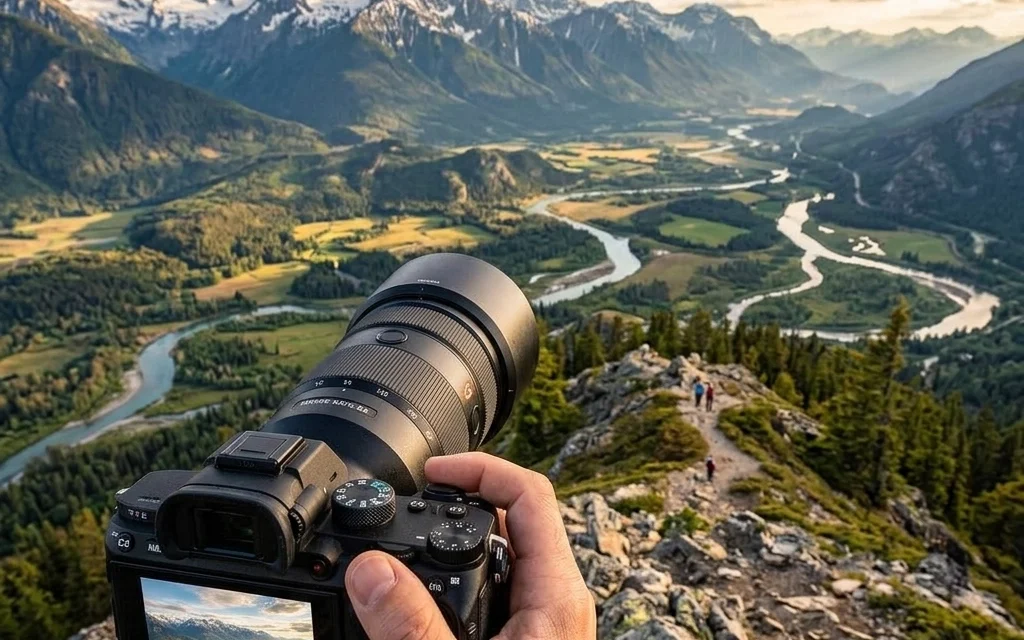
If you’ve been in the photography game for more than a minute, you know the struggle. You come home from a breathtaking sunset shoot or a high-energy wedding, upload your cards, and realize you’re looking at dozens of gigabytes of data. Modern sensors are incredible: the detail we can capture now is mind-blowing: but those massive file sizes come with a hidden cost: they slow everything down.
Your website takes forever to load, your cloud storage bills are skyrocketing, and sending a gallery to a client feels like waiting for a pot to boil. This is where professional file compression comes in. But I’m not talking about the kind of compression that leaves your beautiful gradients looking like a blocky mess. I’m talking about Pixel-Shrink.
In this guide, we’re going to dive deep into how you can maintain absolute gallery quality while slashing your file sizes, helping you build a faster, more efficient photography business. Plus, this series is proudly sponsored by our friends over at proshoot.io, who know a thing or two about professional workflows.
Why Compression is No Longer Optional
For a long time, photographers avoided compression like the plague. We spent thousands on sharp lenses and high-resolution bodies; why would we want to "shrink" that quality?
The reality of the web today is that speed is king. If your portfolio takes more than two seconds to load, potential clients are clicking away. Google also prioritizes fast-loading sites, meaning your SEO depends on your ability to deliver lightweight images. Beyond the web, managing your archives is simply easier when your "final" export files aren't 20MB each.
Using a tool like Pixel-Shrink allows you to hit that sweet spot: images that look identical to the naked eye but occupy a fraction of the digital space.
The Secret Sauce: How Pixel-Shrink Maintains Quality
Most of us have had a bad experience with "Save for Web" settings in the past. You dial down the quality slider and suddenly your crisp edges are gone. Pixel-Shrink is different because it uses advanced algorithms specifically tuned for the needs of professional photographers.
Instead of just tossing out data indiscriminately, it analyzes the image to see what the human eye actually perceives. It preserves the textures in a bride's veil, the sharpness of a landscape's horizon, and the subtle skin tones of a portrait, while stripping out the redundant metadata and digital "noise" that bloats file sizes.
If you're curious about the gear that creates these massive files in the first place, you might want to check out our camera reviews for 2024 to see how the latest sensors are pushing the limits of data.
Integrating Compression into Your Workflow
The key to succeeding with Pixel-Shrink is making it a natural part of your post-processing routine. You shouldn't have to think about it.
- Cull and Edit: Use your usual tools (Lightroom, Capture One) to get your look right.
- Export at Full Size: Export your high-resolution JPEGs as you normally would.
- Run the Pixel-Shrink Magic: Drag those files into Pixel-Shrink. This is where the heavy lifting happens. You’ll see file sizes drop by 60-80% without losing that professional "pop."
- Upload and Deliver: Use these optimized files for your website galleries and client delivery platforms.
By the way, if you are looking to streamline how you handle clients after the edit, the photography booking experience is a great place to start refining your business side.

Boosting Your SEO and User Experience
We often talk about SEO in terms of keywords and backlinks, but technical performance is just as vital. When you use Pixel-Shrink, you’re directly contributing to a better user experience.
Imagine a potential client browsing your work on a mobile device with a spotty connection. A compressed, high-quality image will pop up instantly, while a 15MB uncompressed file will result in a blank gray box. You want them looking at your art, not a loading spinner.
For more tips on how to improve the educational side of your craft, head over to our educational category. We’ve spent years refining these techniques so you don't have to learn the hard way.
Storage: The Silent Profit Killer
Let’s talk money for a second. Hard drives and cloud storage subscriptions aren't getting any cheaper as our file sizes grow. If you can reduce the size of your delivered galleries and web-ready archives by 70%, you are effectively tripling your storage capacity.
Whether you’re storing photos of Miami’s hidden speakeasies or a high-end corporate event, every megabyte saved is a cent earned back in overhead. Over a year of shooting, those cents turn into hundreds of dollars.
Real-World Results: Speed Meets Beauty
One of the most reassuring things about using a professional-grade tool is the peace of mind. You don't have to worry if the client is going to notice a loss in quality: they won't. What they will notice is how quickly their gallery loads and how easy it is to download their photos.
I’ve often seen photographers struggle with this balance, especially when showcasing high-detail work like fine art. If you want to see how high-resolution imagery should look when presented correctly, take a look at Edin Fine Art. You'll notice that the quality is impeccable, yet the site remains responsive. That is the goal for every professional.
ProShoot.io: Powering the Modern Photographer
This guide is made possible by proshoot.io, a platform designed for photographers who value their time and their output. Just as Pixel-Shrink handles the technical side of file sizes, ProShoot.io helps you manage the professional side of your shoots. Combining great tools is the fastest way to scale your business without burning out.
If you’re just starting to build your kit and want to make sure you have the essentials, don’t miss our guide on essential photography gear. It’s easy to get overwhelmed by tech, but focusing on the right tools for the job makes all the difference.

Pro-Tips for Compression Success
- Test your limits: Don't be afraid to run a few test batches. Compare the Pixel-Shrink output side-by-side with your original exports at 200% zoom. Once you see the results, you'll feel much more confident.
- Don't compress twice: Always compress from your high-quality original export. Re-compressing a file that has already been heavily squished by another tool can lead to artifacts.
- Keep your RAWs: Compression is for your delivery and web files. Always keep your original RAW files on a secure backup. If you need a laugh or a break from the technical talk, check out some of our travel guides, like cheap weekend getaways, to find a place to take those RAW files!
Final Thoughts
At the end of the day, our job as photographers is to create beautiful images and get them in front of people. Technology should help us do that, not get in the way. Pixel-Shrink is one of those rare tools that feels like a "cheat code" for the modern digital landscape: giving you the speed you need without sacrificing the art you’ve worked so hard to create.
For more insights into the world of photography gear and techniques, I always recommend checking out Shut Your Aperture for a community-driven look at what’s working in the industry right now. And of course, you can find more of my personal projects and blog posts over at Edin Chavez’s Blog.
Professionalism is in the details. It’s in how you handle your files, how you respect your client’s time, and how you present your brand. High-speed, high-quality imagery is the standard, and with the right compression strategy, you're well on your way to exceeding it.

Stay creative, keep shooting, and don't let those big files hold you back!













