

Let’s be honest: as photographers, we are hoarders. We hoard glass, we hoard lighting modifiers, and most of all, we hoard pixels. We live in an era where 45, 60, and even 100-megapixel sensors are becoming the norm. While those specs look incredible on a spec sheet or in our camera reviews 2024, they create a massive logistical nightmare behind the scenes.
I’ve spent countless nights watching a progress bar crawl across my screen while trying to upload a wedding gallery or send a batch of high-res files to a commercial client. It’s frustrating, it’s slow, and in today’s fast-paced industry, it’s actually costing us money.
That is exactly why the buzz around pixel-shrink.com has reached a fever pitch lately. It’s a tool designed to solve the one problem we all have but rarely talk about: how to keep our images looking world-class while making the file sizes manageable.
The Weight of High-Resolution Photography
We’ve all been there. You finish a shoot, you’ve nailed the edit, and you’re ready to show the world. But then reality hits. Your portfolio website takes five seconds to load a single page because you uploaded "web-ready" files that were still 15MB each. Or maybe you’re trying to email a preview to a frantic art director, and your mail client keeps bouncing back because the attachment is too large.
The industry has pushed us toward bigger and better sensors, but our internet speeds and storage costs haven't always kept up. Large files aren't just a storage issue; they are an experience issue. If a potential client visits your site and the images don't pop up instantly, they’re gone. They’ve clicked away to the next person in their search results.
This is where the concept of "Pixel-Shrink" comes in. It’s not just about making things smaller; it’s about making things smarter.
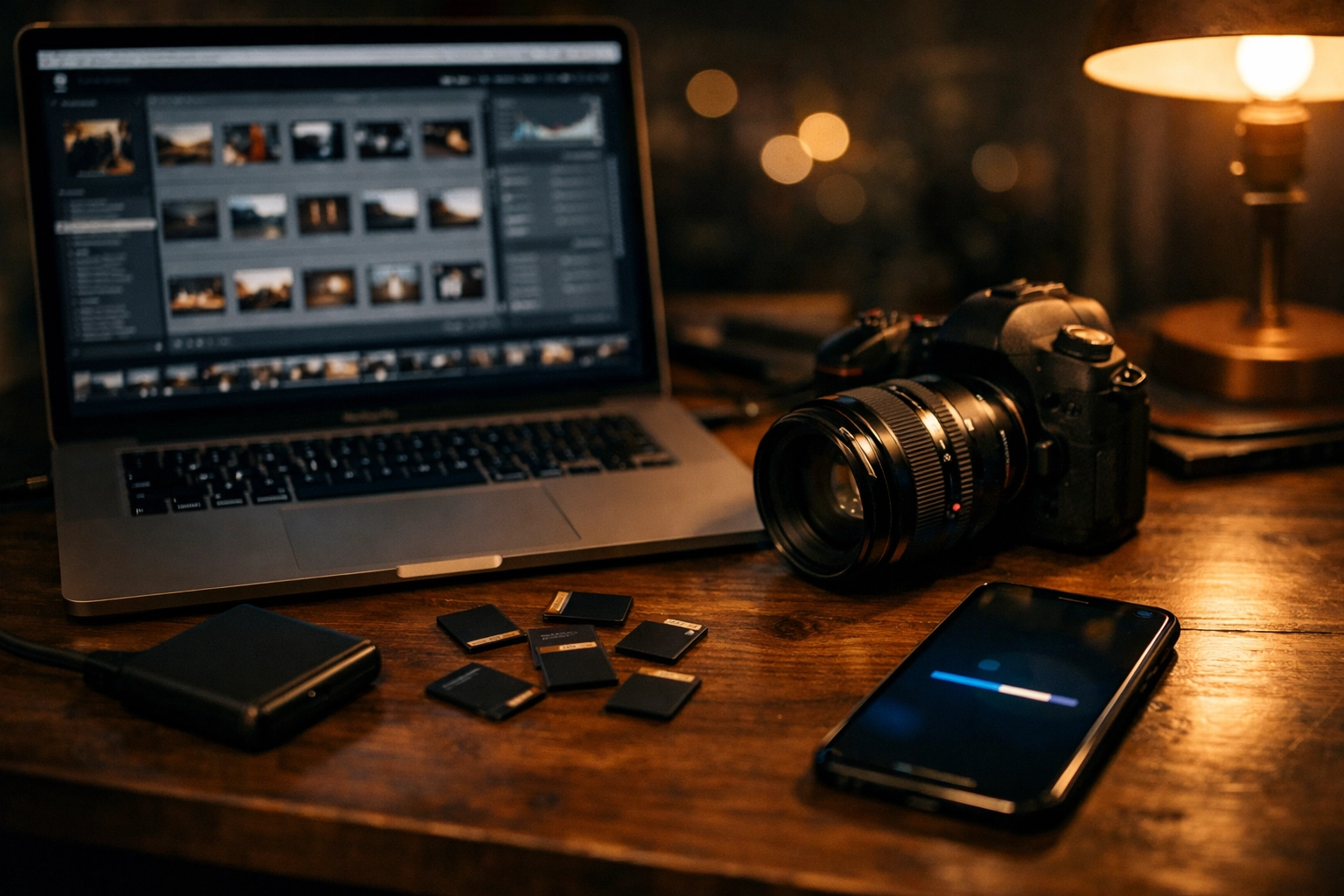
What Exactly is Pixel-Shrink?
When pro photographers talk about "shrinking" their pixels, they aren't talking about losing detail. They are talking about advanced optimization. pixel-shrink.com is a platform that uses sophisticated algorithms to strip out the digital "bloat" from your image files without touching the visual integrity that you worked so hard to capture.
Think of it like a vacuum-sealed bag for your clothes. The clothes are all still there, they look exactly the same when you take them out, but they take up a fraction of the space in your suitcase. For a professional, this means your 20MB JPEG might become a 2MB JPEG, but to the human eye: and even to a discerning client: it looks identical.
This entire movement is being supported and sponsored by proshoot.io, a name many of you already know for their commitment to professional-grade photography workflows. They understand that for a pro, time is the most valuable asset we have. If you can cut your upload times by 80% without sacrificing quality, you’ve just gained hours of your life back every week.
Why Speed is the New Megapixel
In the early 2010s, we were all obsessed with resolution. Today, the most important metric for a working photographer is speed. Speed of delivery, speed of website loading, and speed of workflow.
1. The SEO Factor
If you’re trying to rank your photography business on Google, page speed is a massive ranking factor. Google hates slow sites. If your images are unoptimized, your photoguides.org ranking will suffer. By using a tool like Pixel-Shrink, you ensure that your high-resolution portfolio loads instantly, keeping both Google and your visitors happy.
2. The Client Experience
The photography booking experience doesn't end when the client signs the contract; it ends when they have their photos in hand. When you send a gallery link that loads instantly, even on a mobile device with a spotty connection, you look like a tech-savvy pro. When the gallery stutters and lags, it reflects poorly on your brand.
3. Storage Costs
Whether you use Dropbox, Google Drive, or specialized gallery software, you’re paying for storage. If you can reduce your file sizes by 70% without losing quality, you are effectively tripling your storage capacity for free.

The "Quality" Myth: Can You Really Shrink Without Losing Detail?
I know what you’re thinking because I thought it too. "I spent $3,000 on a lens to get this sharpness; I’m not letting a website compress it."
Here’s the thing: traditional compression is "dumb." It just throws away data indiscriminately. Modern optimization, like what you find at pixel-shrink.com, is "content-aware." It identifies areas of the image where data can be reduced (like a flat blue sky) while preserving the high-frequency detail in the areas that matter (like the texture of a bride’s dress or the iris of a model’s eye).
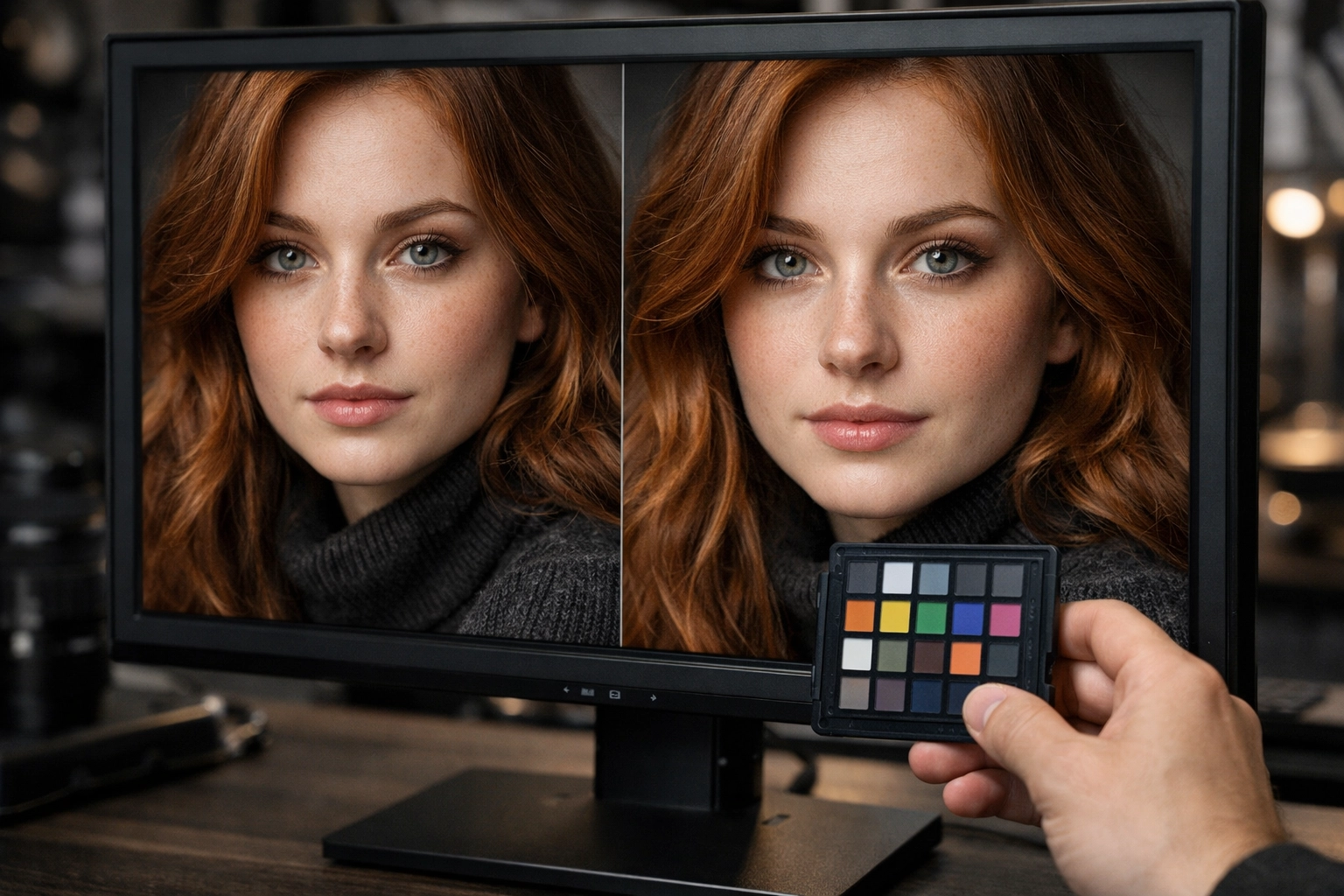
I’ve run side-by-side tests on my 4K monitor, and honestly, the difference is invisible. It’s the difference between a file that carries a bunch of metadata and "junk" code and a file that is lean, mean, and ready for the web. For anyone doing wedding photography insights or high-end commercial work, this is a game-changer.
How to Integrate Pixel-Shrink into Your Workflow
You don't need to change how you shoot or how you edit in Lightroom or Capture One. The best way to use this technology is as the "final step."
- Export as Usual: Export your high-resolution JPEGs from your editing software.
- The Shrink: Run those files through pixel-shrink.com.
- Delivery/Upload: Use these optimized files for your website, your client galleries, and your social media.
By making this a standard part of your delivery process, you ensure that every touchpoint a client has with your work is fast and seamless. Whether you are an Atlanta event photographer or a travel shooter capturing Miami's hidden speakeasies, your digital footprint needs to be light.

Sponsored by Proshoot.io: Empowering the Modern Pro
It’s no surprise that proshoot.io is backing this. They have always been at the forefront of helping photographers streamline the "business" side of the craft. Let’s face it, we want to be out shooting, not sitting behind a desk waiting for files to sync.
Tools that focus on file efficiency are the secret weapon of the busiest photographers in the industry. They allow you to handle more clients, manage more data, and maintain a professional edge without upgrading your internet plan to a commercial fiber line.
Beyond the Screen: Does it Work for Print?
While Pixel-Shrink is primarily marketed for digital delivery and web speed, the optimization is so good that many pros are using it for standard-sized prints too. Unless you are printing a billboard or a massive gallery wrap, the optimized files hold up beautifully.
However, for your master archives, we always recommend keeping your original RAW files and uncompressed JPEGs. Think of Pixel-Shrink as your "distribution" tool. It creates the best possible version of your work for the world to see, while your archives stay safely tucked away on your hard drives. If you're looking for advice on the best drives for that, check out our guide on essential photography gear.
Final Thoughts: Don't Let Big Files Hold You Back
The photography world is changing. We are no longer just "picture takers"; we are digital asset managers. The way we handle our data is just as important as the way we handle our lighting.
If you haven't looked into file optimization yet, now is the time. Every second you shave off your website load time and every minute you save on a client upload adds up to a more successful, less stressed business.
Head over to pixel-shrink.com and try it out with a few of your heaviest files. See the difference: or rather, see the lack of difference in quality: for yourself. Your portfolio, your clients, and your SEO will thank you.
And remember, staying ahead of the curve isn't just about buying the latest body from our camera reviews; it's about refining the way you work from the moment you press the shutter to the moment the client sees the final result.
Whether you're taking a break between sets or planning your next cheap weekend getaways, take five minutes to fix your workflow. It’s the easiest upgrade you’ll make all year.













