
If you’ve been in the photography game for more than five minutes, you know the struggle. We are living in a golden age of resolution. Our sensors are packing more megapixels than ever, capturing every stray hair and grain of sand in glorious detail. But there’s a massive downside to all those pixels: the file sizes are absolutely ballooning.
You finish a session, export your selects, and suddenly you’re staring at a folder that’s 15 gigabytes for a single gallery. Then comes the "fun" part: waiting three hours for those files to upload to a gallery service or cloud drive while your internet connection gasps for air.
This is exactly why a new tool called Pixel-Shrink.com has become the talk of the industry lately. It’s not just another "image resizer"; it’s a specialized tool designed specifically for high-end photography. Sponsored by the pros over at proshoot.io, it’s built to solve the biggest bottleneck in a modern photography workflow.
The High-Resolution Paradox
We spend thousands on the essential photography gear to ensure our images are tack-sharp. We want that medium-format look, that creamy bokeh, and the ability to crop in 400% if we need to. But the reality is that most of these images end up on a smartphone screen, a tablet, or a 4K monitor.
When you send a client 50MB JPEGs, you aren't just giving them quality; you’re giving them a headache. Their phones struggle to preview them, their emails bounce back, and their storage fills up instantly. More importantly, if you’re using these files on your own portfolio website, your SEO is likely taking a massive hit because your page load speeds are in the basement.
That’s where Pixel-Shrink.com comes in. It addresses the "High-Resolution Paradox" by giving you the quality of a massive file with the footprint of a tiny one.
What is Pixel-Shrink.com?
At its core, Pixel-Shrink is an AI-driven image compression tool. But before you roll your eyes: I know, there are a million "JPEG mini" clones out there: this one is different. It doesn't just blindly strip metadata or lower the "quality" slider to 60%.
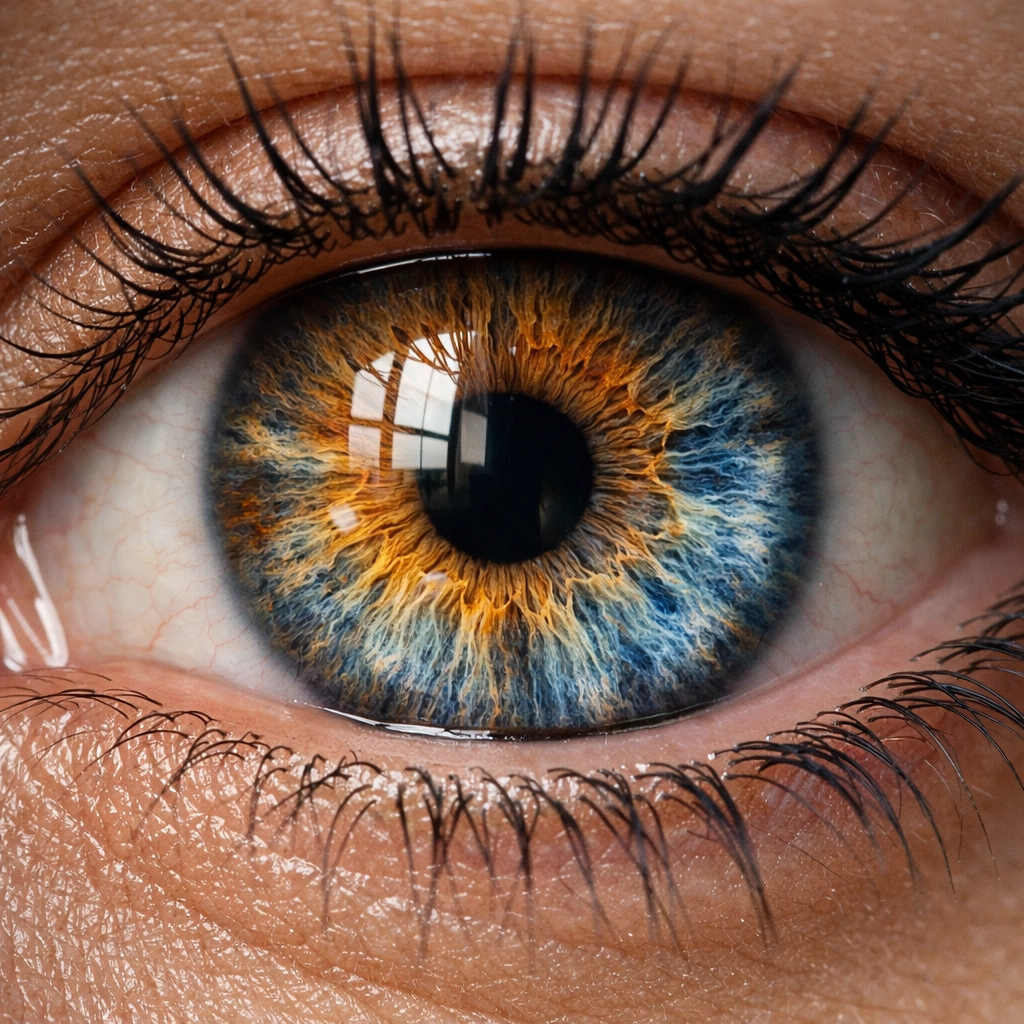
The AI behind Pixel-Shrink actually "looks" at the image. It identifies the areas where detail is critical to the human eye: like the iris of an eye in a portrait or the texture of a leaf in a landscape: and preserves those areas with 100% integrity. It then identifies areas where the human eye is less sensitive to variation, like a flat blue sky or a blurred background, and optimizes the data there.
The result? You can reduce your file sizes by 60% to 80% without any perceptible loss in quality.
Why the Pros are Switching
Professional photographers are busy. Between shooting, editing, and managing the photography booking experience, we don't have time to mess around with clunky software. Here is why Pixel-Shrink is gaining so much traction in pro circles:
1. Perceptual Quality is Everything
In the world of fine art and high-end commercial work, "good enough" isn't an option. If you check out some of the work over at Edin Fine Art, you’ll see that every pixel counts. Pro photographers are using Pixel-Shrink because they’ve done the side-by-side tests. On a high-end 5K calibrated monitor, the original file and the Pixel-Shrink file look virtually identical. The "perceptual quality" remains intact while the file size drops from 20MB to 4MB.
2. Blazing Fast Uploads
Time is money. If you are delivering a wedding gallery with 800 images, and each image is 15MB, you’re looking at a 12GB upload. For most home fiber connections, that’s a significant chunk of time. If you run those through Pixel-Shrink first, that 12GB folder might become 2.5GB. You’ve just saved yourself hours of upload time, meaning your client gets their photos faster.
3. SEO Benefits That Actually Matter
Google loves speed. If your portfolio is loaded with massive, unoptimized images, your search ranking is going to suffer. By using compressed images that load instantly, you improve your user experience and your SEO simultaneously. If you want to dive deeper into how tech affects your business, check out our camera reviews 2024 section to see how the latest tech demands better optimization.
Sponsored by Proshoot.io: A Seal of Approval
One reason Pixel-Shrink has gained so much credibility so quickly is its partnership with proshoot.io. For those who don't know, Proshoot.io is a powerhouse in the photography business space, helping creators streamline their operations. When a platform focused on professional efficiency puts its name behind a tool, the industry tends to listen. It’s a signal that this isn’t a gimmick: it’s a professional utility.
Integrating Pixel-Shrink into Your Workflow
The beauty of Pixel-Shrink is its simplicity. You don’t need to be a tech wizard to use it. Here is how most pros are integrating it:
- Cull and Edit: Do your usual work in Lightroom or Capture One.
- Export: Export your full-resolution JPEGs as you normally would.
- The "Shrink": Drag and drop your folder into Pixel-Shrink.com.
- Deliver: Take the optimized files and upload them to your client gallery or your website.
It’s an extra 30 seconds of work that saves you hours of downstream frustration. For more tips on streamlining your business, our educational category has a wealth of resources on workflow optimization.
The Cost of "Free" Storage
We often think that because cloud storage is relatively cheap, file size doesn't matter. But think about your long-term archives. If you’re a high-volume shooter, those 12GB galleries add up. Over five years, that’s terabytes of data. By optimizing your files, you aren't just saving time; you’re literally saving money on Dropbox, Google Drive, or Backblaze subscriptions.
Furthermore, many professional gallery services have storage caps. By using Pixel-Shrink, you can fit four to five times as many galleries into the same subscription tier. It’s a win for your bottom line.
Real-World Comparison: Landscape and Architecture
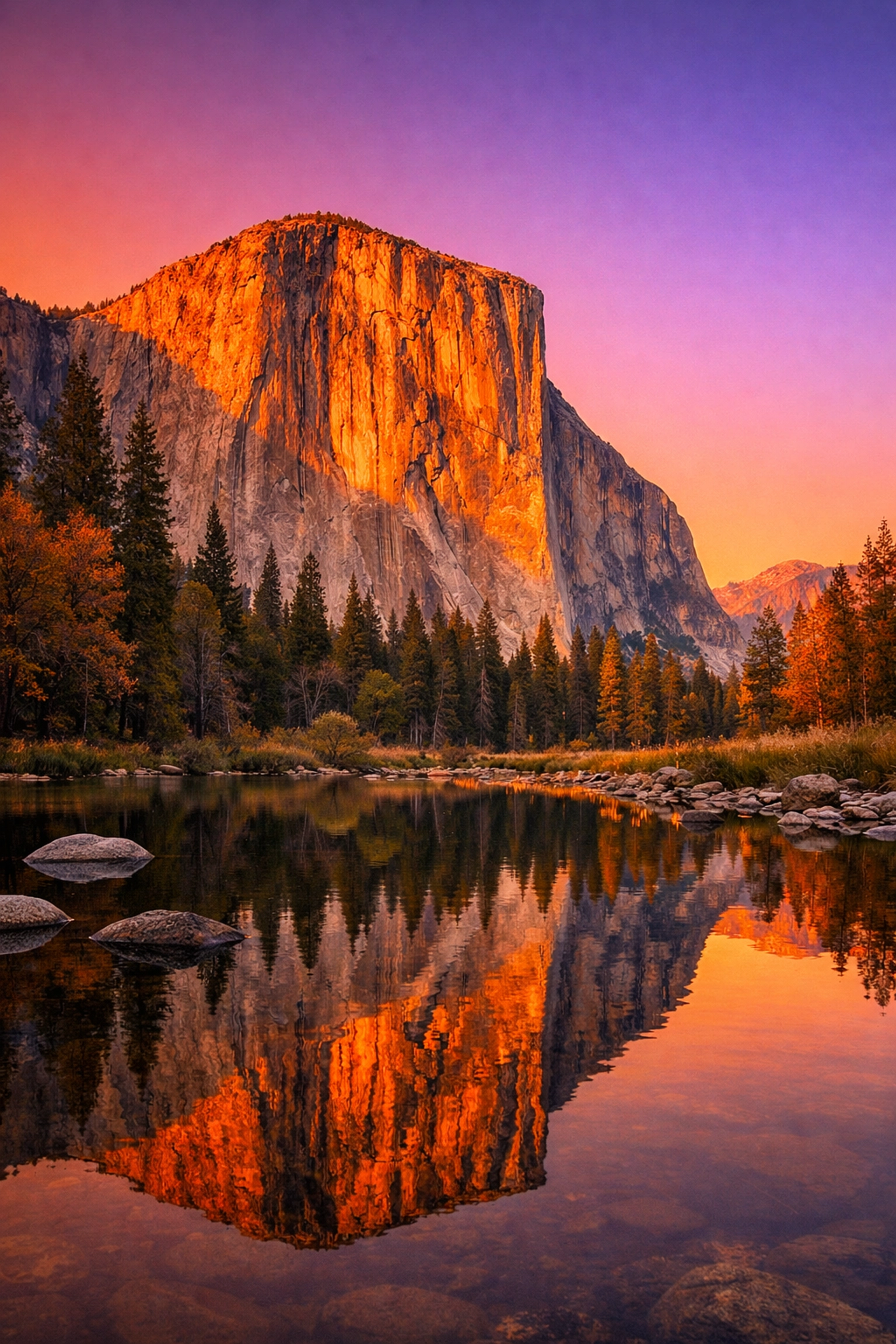
When I’m out shooting for the Edin Chavez Blog, I’m often dealing with complex textures: granite faces in Yosemite or the intricate lines of modern architecture. These are the "nightmare" scenarios for traditional compression algorithms. They usually end up with "banding" in the sky or "artifacts" around sharp edges.
Pixel-Shrink’s AI handles these with incredible grace. It maintains the tonal gradients in a sunset and the sharpness of a skyscraper’s edge while still cutting the file size down to a fraction of the original. This is why it’s becoming the go-to for photographers who specialize in high-detail work.
Is it Right for You?
If you are a hobbyist who only shares photos on Instagram, Pixel-Shrink might be overkill (though it’s still helpful for website owners). But if you are a professional: or an aspiring one: this tool is a no-brainer.
Whether you’re a wedding photographer delivering thousands of images a year or a commercial pro sending files to high-end clients, your reputation is built on quality and efficiency. Pixel-Shrink helps you maintain both.
At Photoguides, we are always looking for tools that actually make the job easier without compromising the art. We’ve seen a lot of trends come and go, but the shift toward AI-assisted optimization is here to stay. It’s reassuring to see tools like Pixel-Shrink.com that prioritize the photographer's vision while solving the technical headaches of the digital age.
Final Thoughts
The photography world moves fast. We’ve gone from film to digital, from 6MP to 60MP, and now we are in the era of AI optimization. Don't let your workflow get bogged down by the technical limitations of yesterday.
Give Pixel-Shrink.com a try on your next project. See how much faster your uploads go. See if your clients notice a difference in quality (spoiler: they won't). And most importantly, enjoy the peace of mind that comes with a leaner, faster, more professional business.
If you want to keep up with the latest in photography trends and gear, be sure to check out our reviews and stay tuned for more deep dives into the tools that are changing the way we work. Happy shooting!













