
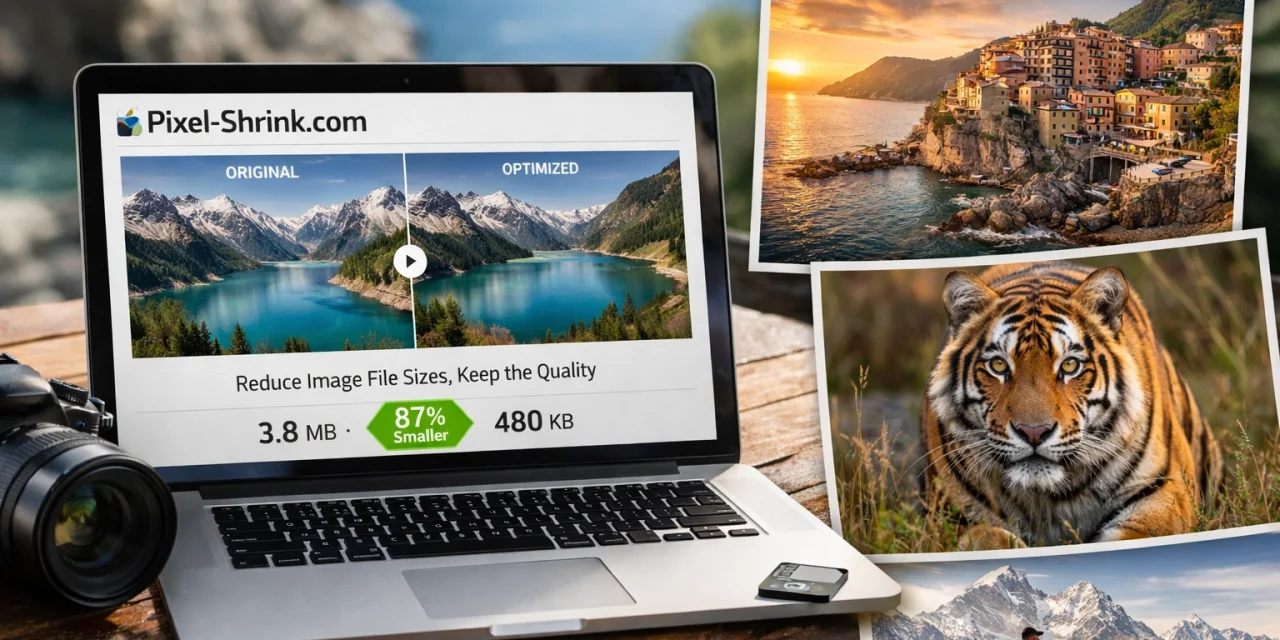
Let’s be real for a second: as photographers, we are obsessive about quality. We spend thousands of dollars on the sharpest glass, we spend hours perfecting the color grade in Lightroom, and we export our final images in the highest possible resolution. We want every single pixel to sing.
But then, we hit a wall. We upload those massive, beautiful files to our online portfolios, and suddenly, our websites start acting like they’re running on a 1990s dial-up connection. The "spinning wheel of death" appears, potential clients lose interest, and our SEO rankings take a nosedive.
I’ve been there. You want the world to see your work in all its glory, but the technical limitations of the web can feel like they're holding your art hostage. This is exactly why the buzz around Pixel-Shrink.com has reached a fever pitch lately. It’s the tool everyone is talking about because it finally bridges the gap between high-end professional quality and lightning-fast web performance.
In this guide, I want to break down why this tool is a game-changer and why your portfolio: and your business: needs it right now.
The Problem With "Traditional" Compression
For years, we’ve been told to just "Save for Web" or use generic compression plugins. The problem? Most of those tools are built for general data, not for photography. They treat a beautiful sunset gradient the same way they treat a spreadsheet screenshot. The result is often heartbreaking: banding in the sky, crunchy artifacts in the shadows, and a loss of that "life" that makes your photos stand out.
If you’ve seen my work at Edin Fine Art, you know that I don't compromise on detail. When I’m showcasing a landscape from a National Park, I need the texture of the rocks and the softness of the clouds to remain intact.

This is where Pixel-Shrink.com changes the game. Instead of just throwing data away, it uses advanced AI-driven analysis to understand the image. It identifies the areas where the human eye is most sensitive: like fine textures and smooth gradients: and protects them, while optimizing the data in areas where it won’t be noticed. It’s less like a "shrink" and more like a high-end tailoring service for your pixels.
Speed: The Secret Ingredient to a Successful Portfolio
We live in an era of instant gratification. If your photography portfolio takes more than three seconds to load, statistics show that nearly half of your visitors will bounce. They aren't going to wait around to see how great your photography booking experience is if they can't even see your photos.
Pixel-Shrink.com can reduce your file sizes by 60% to 80% without any visible loss in quality. Think about that for a moment. A 50-image gallery that used to weigh 500MB: a nightmare for mobile users: can be trimmed down to 100MB.
This speed boost does two things:
- It makes your clients happy: They can scroll through your work effortlessly on their phones or tablets.
- It makes Google happy: Page speed is a massive factor in SEO. If your site loads faster than your competitors', you're going to climb those search rankings.
I always tell people over at Shut Your Aperture that your gear is only half the battle; how you present your work is the other half. If no one stays on your site long enough to see your images, it doesn't matter how sharp your lens was.
The Mobile Revolution and High-Density Displays
We’ve all seen it: a photo looks great on a desktop but looks "soft" or pixelated on a modern iPhone with a Retina display. Or worse, it takes forever to load because the user is on a 4G connection in a coffee shop.
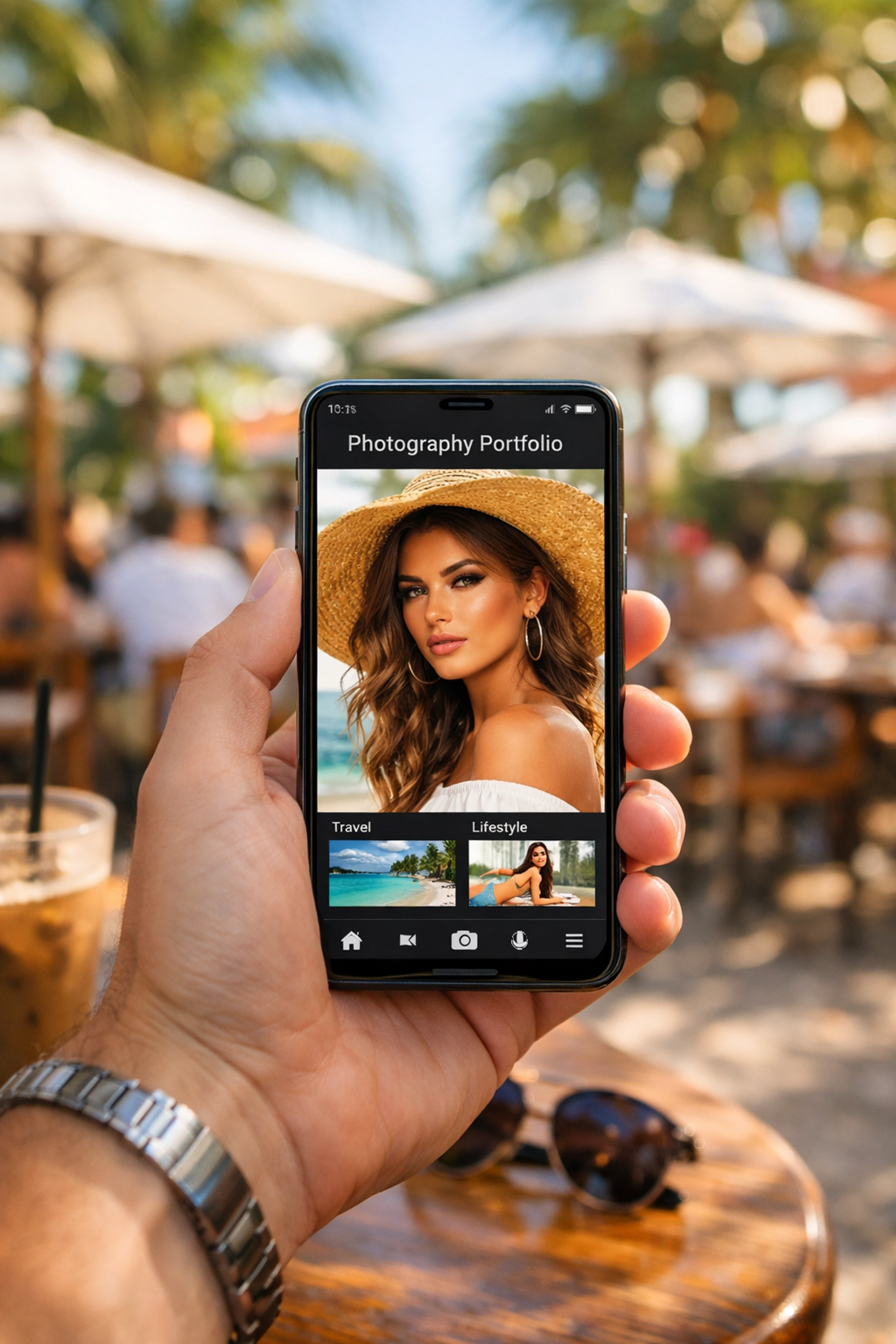
Pixel-Shrink.com is specifically optimized for this mobile-first world. It maintains the integrity of the image so it looks crisp on high-density displays while keeping the file size small enough to load instantly on a mobile data plan. This is crucial if you are trying to land high-end gigs, whether you are a wedding photographer or an Atlanta event photographer. Your potential clients are likely looking at your work while on the go. You need to make sure their first impression is one of speed and professional polish.
Sponsored by Proshoot.io: A Professional Stamp of Approval
One of the reasons the industry is leaning so hard into Pixel-Shrink.com is its partnership with proshoot.io. If you haven't checked them out, Proshoot is a leader in the photography booking space, helping pros manage their business and get discovered.
When a platform that handles the business end of photography backs a compression tool, you know it’s because it solves a real-world problem. They understand that a photographer’s website is their digital storefront. If the storefront windows are dirty (slow loading or pixelated images), people don't walk in. By using Pixel-Shrink, you are using a tool that the pros trust to keep their business running smoothly.
How to Integrate Pixel-Shrink Into Your Workflow
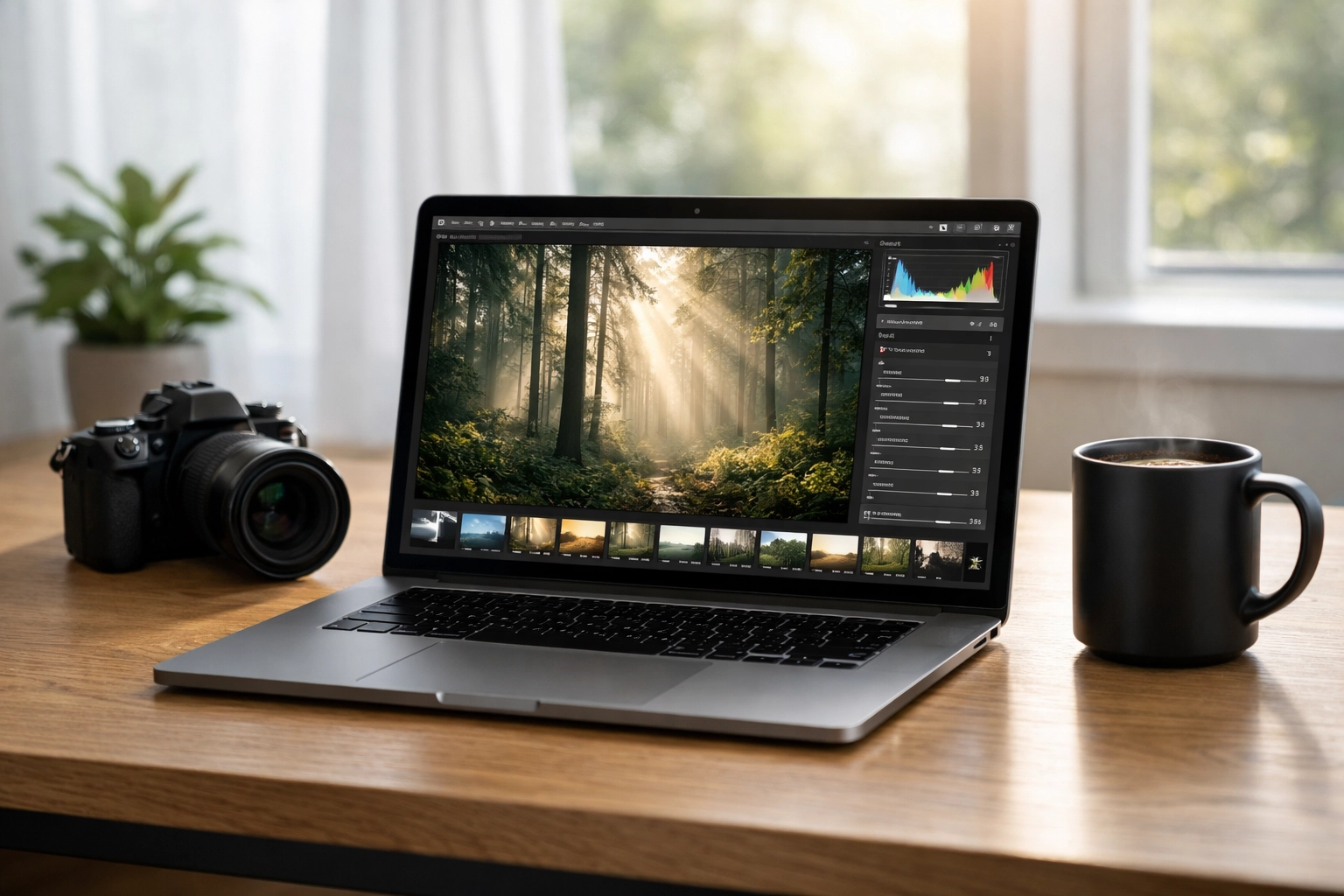
One of the things I love most about Pixel-Shrink.com is that it doesn't add a complicated layer to your workflow. We already spend enough time in front of the computer.
The process is incredibly simple:
- Export as usual: Do your usual export from Lightroom or Capture One at high quality.
- Drag and Drop: Head over to Pixel-Shrink.com and drop your files in.
- Download and Upload: Grab your optimized files and put them on your site.
It’s a few extra seconds of work that saves your visitors minutes of waiting. If you’re looking for more tips on how to streamline your tech, you can always dive into our educational category for more deep dives.
Real-World Results: Is the Quality Actually There?
I know what you're thinking because I thought it too: "Edin, I've tried compression tools before and they ruined my bokeh."
I encourage you to do a side-by-side test. Take one of your most detailed shots: maybe something with a lot of fine hair, fabric texture, or a sunset with a million subtle colors: and run it through Pixel-Shrink. Then, open both on a high-quality monitor.
Most photographers can't tell the difference even at 100% zoom. The "magic" is in the AI's ability to preserve edges and tonal transitions. It’s why so many people are switching over from traditional plugins. It gives you the reassurance that your art is being protected while your website performance is being optimized.
For those of you looking to keep up with the latest in tech, definitely keep an eye on our camera reviews for 2024 and beyond, because as sensors get bigger, our files get bigger, and tools like Pixel-Shrink become even more essential.
Why You Shouldn't Wait
The web is getting faster, and user patience is getting shorter. Every day that your portfolio remains unoptimized is a day you might be losing potential clients to a faster-loading competitor.
Whether you’re showcasing Miami’s hidden speakeasies or documenting a quiet weekend at some cheap weekend getaways, your images deserve to be seen instantly and in high definition.

Using Pixel-Shrink.com isn't just about saving server space; it’s about respecting your audience’s time and your own hard work. It’s about making sure that when someone clicks on your link, they are met with beauty, not a loading bar.
Final Thoughts
As we continue to push the boundaries of what our cameras can do, we have to be equally smart about how we share that output. I’ve spent my career finding the best ways to present photography, and I can tell you that file optimization is one of the "boring" things that yields the most "exciting" results for your business.
If you want to read more about the tools I use and recommend, check out my personal blog at Edin Chavez. I’m always sharing the latest find that makes our lives as creators just a little bit easier.
Your portfolio is your legacy. Don't let heavy files weigh it down. Give Pixel-Shrink.com a try and see the difference it makes for your site speed and your client's experience. You’ve done the hard work of capturing the perfect shot: now let’s make sure the world can actually see it.
For more technical reviews and gear talk, don't forget to browse our reviews section. Stay creative, and keep those pixels lean!













