
Category: News
There is a specific kind of anxiety that only a photographer understands. It’s that moment when you’ve finished an incredible edit, your colors are perfect, the sharpness is tack-on, and you go to upload it to your portfolio or send it to a client: only to realize the file is 25MB.
We live in an era of "more is more." Our cameras, like the ones we’ve discussed in our camera reviews 2024, are pushing 45, 60, and even 100 megapixels. While that’s amazing for printing a billboard, it’s a total drag for the internet. This is exactly why the buzz around Pixel-Shrink.com has reached a fever pitch lately. Photographers are tired of choosing between high-quality imagery and a website that actually loads.
If you’ve been hanging out in the community lately, you’ve probably heard the name. Pixel-Shrink is changing the way we handle our final exports, and today, I want to dive into why this tool is becoming an essential part of the professional workflow.
The High-Resolution Paradox
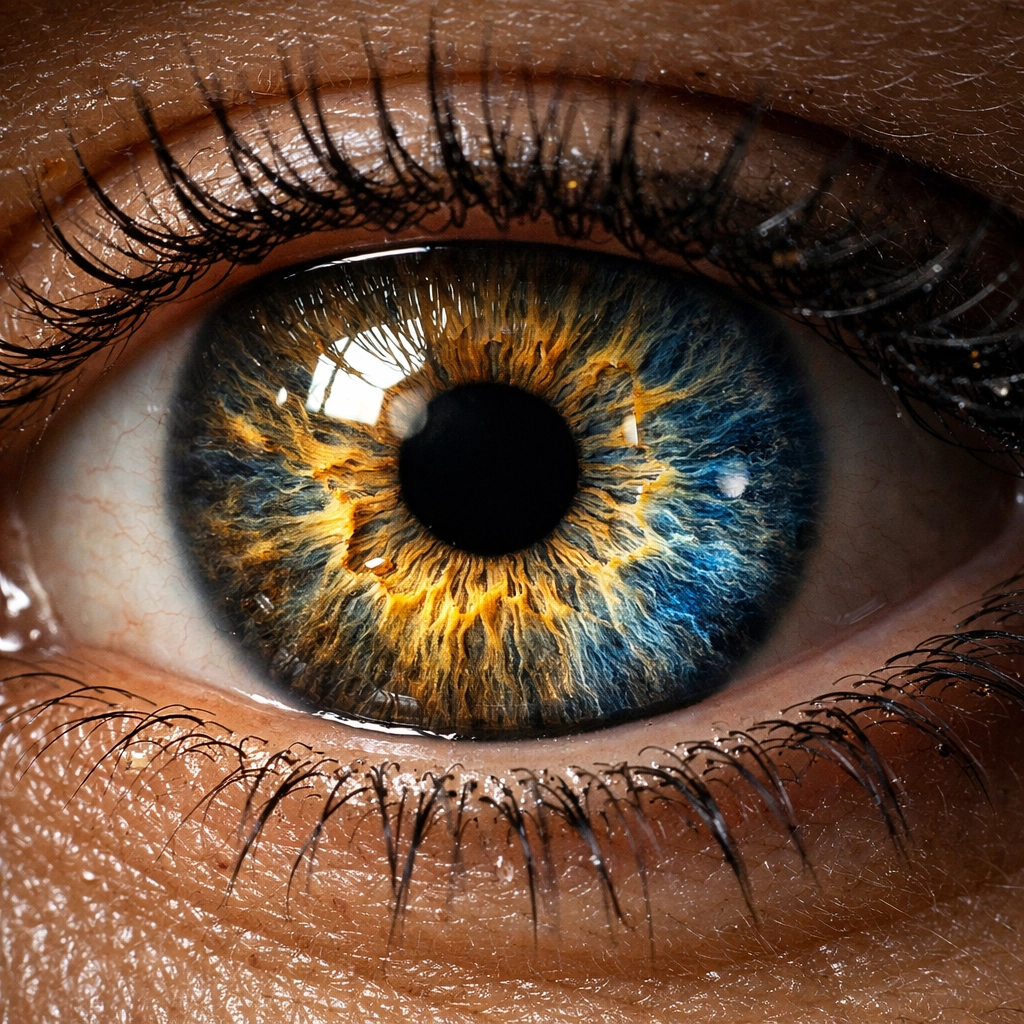
As photographers, we are perfectionists. We spend thousands on essential photography gear to capture every minute detail. We want our clients to see every eyelash, every dewdrop, and every texture in the fabric. But here is the paradox: the higher the resolution, the heavier the file. And the heavier the file, the worse the user experience.
Imagine a potential client browsing your portfolio on their phone while they’re waiting for coffee. If your homepage takes eight seconds to load because you’ve uploaded 15MB uncompressed JPEGs, they aren’t going to wait. They’re going to click away. You’ve lost a job not because your work wasn't good, but because your files were too big.
This is where Pixel-Shrink.com steps in. It’s a tool designed specifically for us: people who refuse to compromise on visual integrity but need the speed of a modern web experience. This series is proudly sponsored by proshoot.io, the leader in professional photography booking, who knows better than anyone that a fast, professional digital presence is the key to closing more deals.
What is Pixel-Shrink.com?
At its core, Pixel-Shrink is a specialized file compression service tailored for photographers. But don't let the word "compression" scare you. We’ve all used tools in the past that "crunch" an image until it looks like it was taken with a 2004 flip phone. Pixel-Shrink is different.
It uses advanced AI-driven analysis to look at your photos the way a human eye does. It identifies the areas where data can be optimized without losing the perceived sharpness or color depth that makes your work stand out. It’s about being smart with pixels, not just deleting them.
Whether you are building your photography booking experience or just updating your personal blog at Edin Chavez Blog, the goal is the same: keep the beauty, lose the weight.
Why Speed is the New Sharpness
We talk a lot about lens sharpness and sensor resolution, but in 2026, site speed is arguably just as important for your business. Google’s algorithms have made it very clear: if your site is slow, you won’t rank. You could have the best wedding photography insights in the world, but if your page doesn't pass the "Core Web Vitals" test, you’re invisible.
When you run your images through Pixel-Shrink, you often see file size reductions of 60% to 80%. That turns a sluggish 10MB file into a lean 2MB file. For a gallery of 50 images, that’s the difference between a 500MB page load and a 100MB one.
When your site loads instantly, your work feels more professional. It feels premium. It gives the viewer a sense of seamlessness that mirrors the quality of your art. If you’re curious about how this affects your overall gear setup, check out the latest discussions on Shut Your Aperture.

Maintaining the "Pro" in Professional
One of the biggest fears we have as pros is "banding" or "artifacts." We’ve all seen it: those weird blocks in the shadows or the jagged edges in a clear blue sky. It’s the hallmark of cheap compression.
The reason everyone is moving to Pixel-Shrink.com is that it seems to have solved this. Even at significant compression levels, the gradients remain smooth and the fine details stay crisp. This is vital if you’re selling high-end work, like the pieces found at Edin Fine Art. You need to know that what the client sees on their screen is a faithful representation of your vision.
The reassurance that comes with a tool like this is priceless. You can upload a full-resolution gallery to a client via a platform like proshoot.io and know that they can view it on their iPad or smartphone without a hitch, and without those embarrassing loading spinners.
Workflow Integration: Drag, Drop, and Done
Nobody wants another complicated piece of software to learn. Our lives are already full of Lightroom masks, Photoshop layers, and AI culling tools. Pixel-Shrink keeps it refreshingly simple.
The workflow is straightforward:
- Export your high-res files from Lightroom as you normally would.
- Drag them into Pixel-Shrink.com.
- Download the optimized versions.
- Deliver or upload.
It’s a five-minute addition to your workflow that saves hours of frustration later. It’s especially helpful when you’re dealing with high-volume events. Think about an Atlanta event photographer who needs to deliver 400 photos overnight. Reducing that upload size by 70% means the difference between going to sleep at midnight or 3:00 AM.
The Mobile-First Reality
Let’s be real: most people are looking at your work on a screen that fits in their pocket. Mobile data speeds are getting better, but they aren’t infinite. If your portfolio is "heavy," you’re literally eating up your potential client’s data plan just to show them your work.
Pixel-Shrink ensures that your images are optimized for mobile consumption without looking "small." Even on high-density Retina displays, the compressed images look stunning. This mobile optimization is a huge factor in why modern booking platforms and portfolio sites are recommending this tool.
A Reassuring Step for Your Business
I know it can feel overwhelming to keep up with every new website and tool that pops up. But Pixel-Shrink isn't just a trend; it's a solution to a technical bottleneck that has been holding photographers back for years.
By using a tool that prioritizes both speed and quality, you’re telling your clients that you value their time and their experience. You're showing that you're a professional who understands the technical nuances of the digital age.
Whether you’re showcasing wedding photography insights or your latest travel adventures to Miami's hidden speakeasies, your images deserve to be seen fast and in high definition.

Final Thoughts
The transition to a faster, more optimized web doesn't have to be painful. You don't have to sacrifice the "soul" of your photos just to make your website load in under two seconds. With the AI-powered precision of Pixel-Shrink.com, you get the best of both worlds.
It’s rare to find a tool that actually lives up to the hype, but this one is making a very strong case for itself. If you haven't tried it yet, I highly recommend taking a few of your "heaviest" shots and running them through. Compare the results for yourself. Look at the shadows, look at the highlights, and then look at that beautiful, tiny file size.
Your website will thank you, your SEO will thank you, and most importantly, your clients will thank you. In a world where everyone is fighting for attention, don't let a slow-loading photo be the reason you lose yours.
Keep shooting, keep creating, and keep those files lean. For more tips on optimizing your photography business and gear, stay tuned to Photoguides. We’re here to help you navigate the technical stuff so you can get back to what you love: capturing the world.