

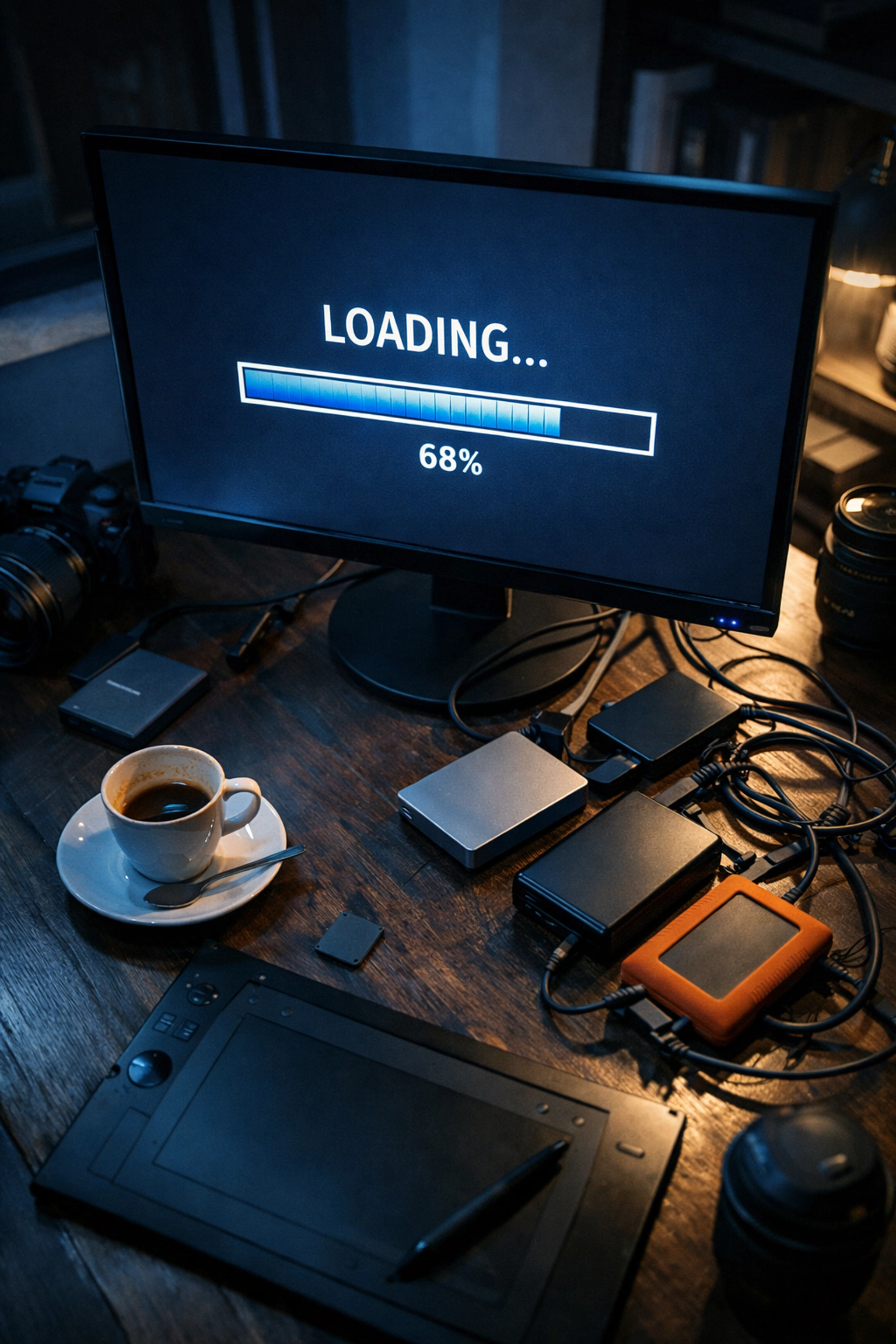
If you’ve been in the photography game for more than five minutes, you know the "export anxiety." You’ve finished a stunning set of images: maybe it was a high-energy wedding or a moody editorial session: and now comes the final boss: the delivery. Your raw files are massive, your exported JPEGs are still hefty, and you’re watching that little blue progress bar crawl across the screen like it’s stuck in molasses.
We live in an era of 50, 60, and even 100-megapixel sensors. While that detail is incredible for fine art prints, it’s a logistical nightmare for digital delivery. This is exactly where Pixel-Shrink.com steps in. If you’re tired of paying for extra cloud storage and waiting hours for uploads, this tool is about to become your new best friend.
In this first part of our series on smarter photography workflows, we’re diving into why file compression isn't just a technical "nice-to-have": it's a business necessity.
The Problem with Being "Too Big"
Let’s be real: clients don’t care about your bit depth or the specific color science of your sensor. They care about two things: how the photos look and how quickly they can see them. When you send a gallery where each image is 25MB, your client is going to struggle to open it on their phone, their computer will lag, and they’ll likely run out of space on their own cloud storage trying to save them.
Beyond the client experience, there is the internal cost. Huge files eat up your hard drives and bloat your subscription costs for gallery hosting sites. I’ve spent years refining the photography booking experience, and one thing I’ve learned is that friction is the enemy of a happy customer. Slow delivery is friction.
What is Pixel-Shrink.com?
Pixel-Shrink.com is a specialized file compression service designed specifically for photographers who refuse to compromise on quality. Sponsored by our friends at proshoot.io, this platform focuses on one specific goal: making your files significantly smaller without losing the "soul" of the image.
We aren't talking about the kind of compression that leaves artifacts in your shadows or turns your gradients into a blocky mess. We’re talking about intelligent optimization. It’s about stripping away the digital weight while keeping the sharpness, color accuracy, and dynamic range intact.
Speed: The Unsung Hero of Your Workflow
Time is the one thing we can’t buy more of. Every minute you spend waiting for a gallery to upload to a site is a minute you aren't shooting, marketing, or, heaven forbid, actually relaxing.
When you use Pixel-Shrink.com to optimize your exports before they hit your delivery platform, your upload times are often cut by 50% to 70%. Imagine finishing a session at 5:00 PM and having the full, high-res gallery delivered by 6:00 PM because the upload took minutes instead of an entire evening. That kind of speed creates a "wow" factor that clients remember.
For those of us working in high-volume niches like wedding photography, this is a game changer. Delivering 800 optimized images is a vastly different experience than delivering 800 "raw" high-res JPEGs.
Maintaining the Pro Standard
A common concern I hear from fellow pros is: "But Edin, won't compression hurt my brand's image?"
It’s a valid question. If you are known for tack-sharp imagery, you don't want to hand over a file that looks like it was taken on a 2004 flip phone. However, modern compression algorithms: the kind Pixel-Shrink.com utilizes: are incredibly sophisticated. They target the data that the human eye can't actually perceive, leaving the textures, skin tones, and fine details exactly where they should be.
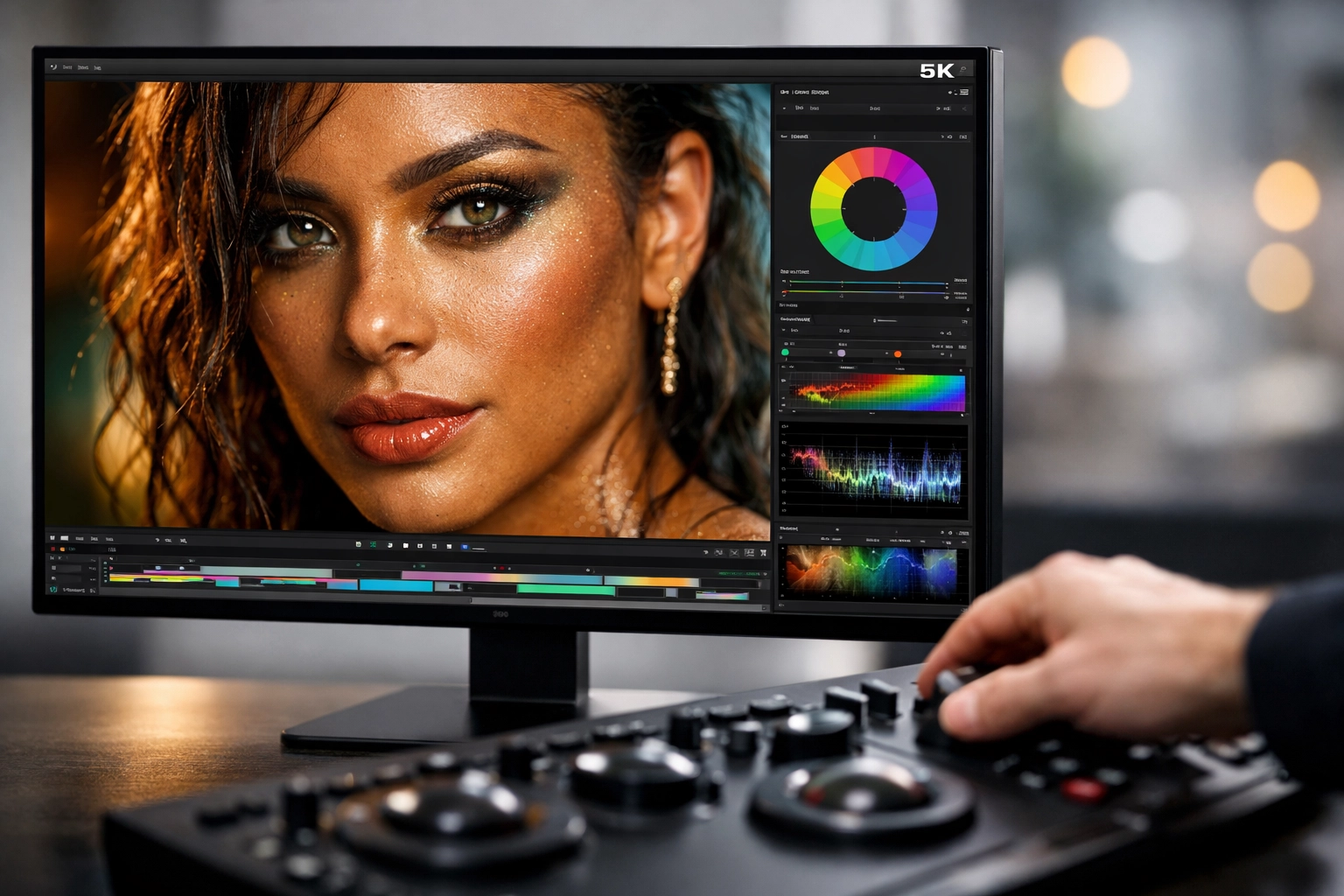
In my own work, whether I'm documenting the streets or creating educational content, I’ve found that an optimized 5MB file is visually indistinguishable from a 20MB file on a 4K monitor. The only difference is that the 5MB file loads instantly. If you want to dive deeper into the technical specs of gear that produces these massive files in the first place, check out my thoughts on essential photography gear.
Why ProShoot.io is Backing This
The team at proshoot.io understands the professional landscape. They know that a photographer’s workflow is only as strong as its weakest link. By sponsoring tools like Pixel-Shrink.com, they are helping creators bridge the gap between high-end production and efficient distribution.
When you integrate these tools into your daily routine, you’re not just "shrinking pixels"; you’re optimizing your entire business model. You’re becoming more agile. This synergy is something we talk about a lot over at Shut Your Aperture, where the focus is always on the community and the tech that moves us forward.

SEO Benefits You Might Not Have Considered
Here is a little secret: file compression isn't just for your clients. It’s for your own website too. If you host a portfolio or a blog, the size of your images directly impacts your site speed. Google loves fast websites.
By using Pixel-Shrink.com to optimize the images you post on your blog, you are inadvertently boosting your SEO. Faster load times lead to lower bounce rates, which tells search engines that your site is a high-quality resource. Whether you’re a photographer in a competitive market or just sharing your latest travel adventures, speed is a ranking factor you can't afford to ignore.
How to Get Started
The beauty of Pixel-Shrink.com is its simplicity. You don't need a PhD in computer science to use it.
- Export your photos from Lightroom or Capture One as you normally would.
- Upload them to Pixel-Shrink.com for a quick optimization pass.
- Download the lightened versions and send them off to your client gallery or your website.
It’s a small extra step that saves massive amounts of time on the backend. It’s about working smarter, not harder.

Reassurance in a High-Res World
It’s easy to feel overwhelmed by the technical demands of modern photography. We are expected to be artists, editors, social media managers, and IT experts all at once. My goal with Photoguides is to always provide a sense of reassurance. You don’t have to struggle with the "too-big-file" problem anymore.
Pixel-Shrink.com is one of those rare tools that actually delivers on its promise without adding complexity to your life. It keeps your quality high, your file sizes low, and your clients happy.
If you’re looking for more ways to streamline your business or just want to see what’s new in the industry, feel free to browse our latest camera reviews. We’re always testing the latest tech to see what actually works for real-world photographers.

Final Thoughts
The way we deliver images is just as important as the way we take them. A professional delivery is fast, seamless, and high-quality. By incorporating Pixel-Shrink.com into your workflow, you’re telling your clients that you value their time and their experience.
Stay tuned for the next part of this series, where we’ll dig deeper into the actual science of compression and how to find the "sweet spot" for different types of photography. For now, go give your hard drives a break and try shrinking those pixels. Your upload bar will thank you.













