
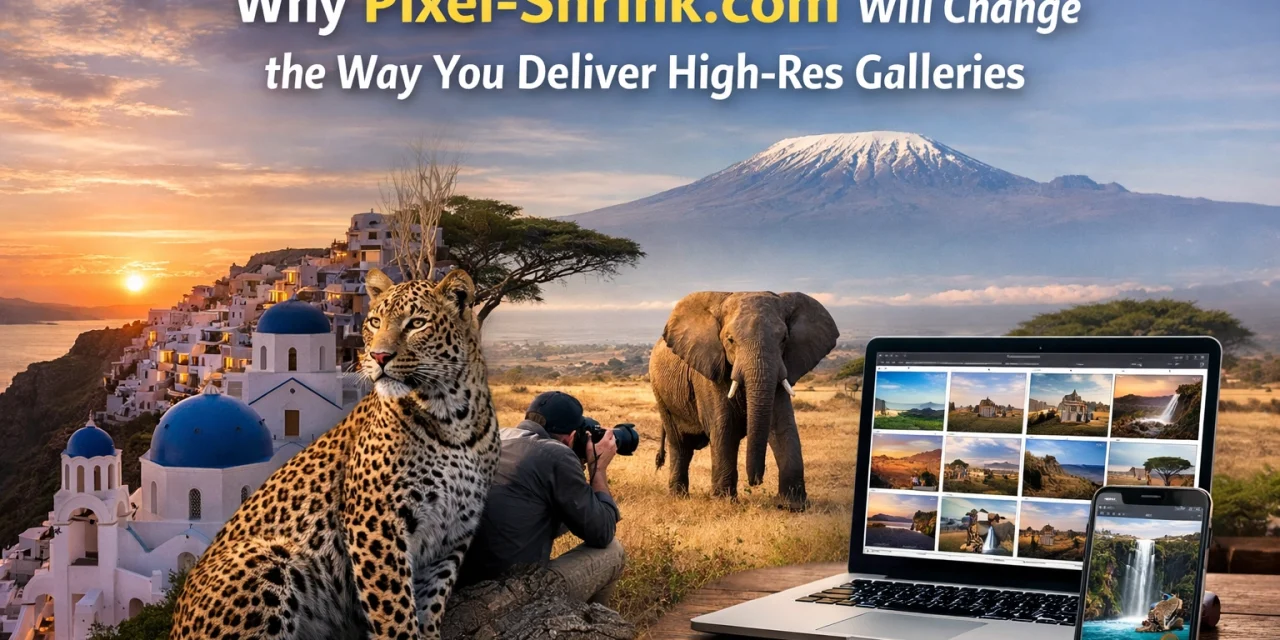
We’ve all been there. You just finished an incredible session: maybe it was a high-stakes wedding or a stunning landscape shoot for a gallery: and you’ve spent hours meticulously editing every frame. Your colors are perfect, the sharpness is tack-on, and the story is all there. But then comes the bottleneck: the delivery.
Modern cameras are technical marvels, but the files they produce are absolute monsters. When you’re pushing 45 or 60 megapixels, a single JPEG can easily tip the scales at 30MB or more. Multiply that by a gallery of 500 images, and you’re looking at a delivery process that feels more like moving a mountain than sending a link.
This is exactly where Pixel-Shrink.com enters the frame. It’s a tool designed by people who understand the photography struggle, sponsored by our friends at proshoot.io, and it’s about to change your entire workflow.
The High-Res Delivery Paradox
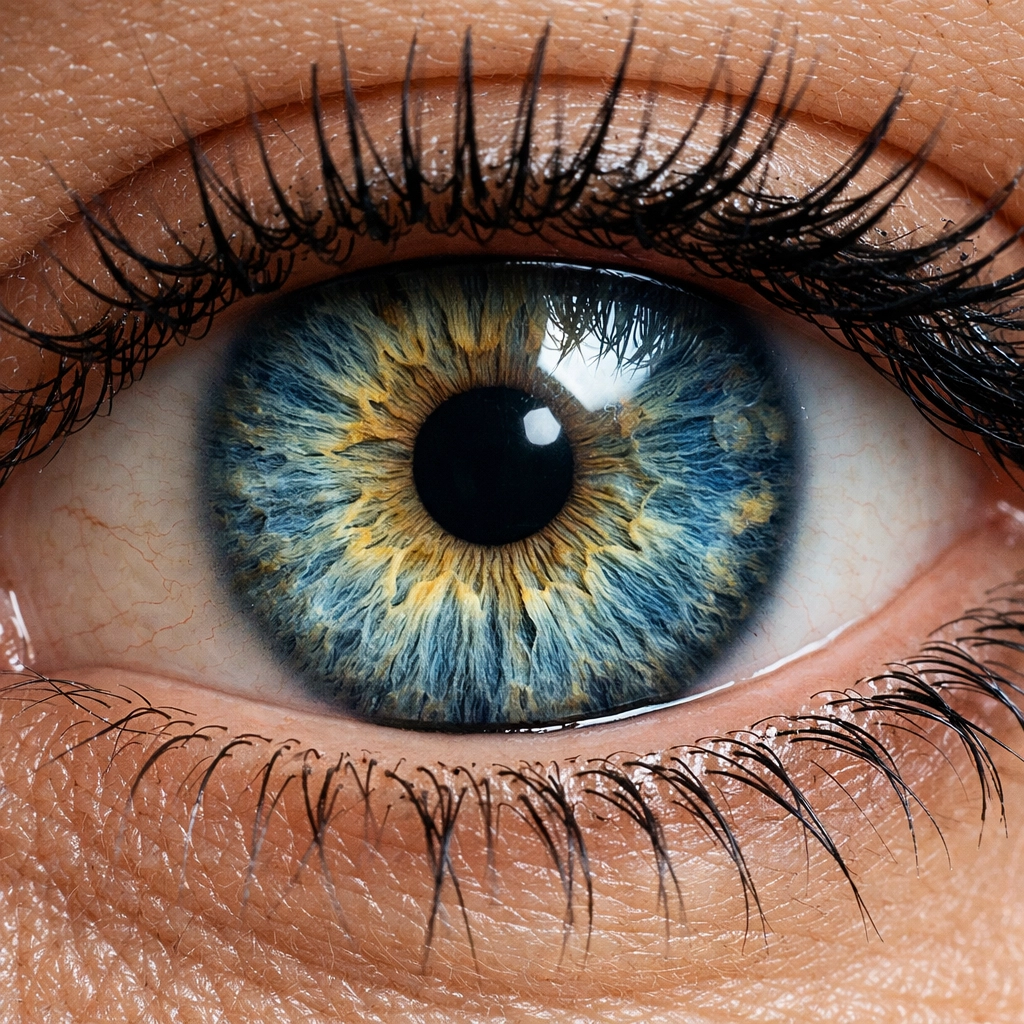
As photographers, we take pride in our resolution. We want our clients to see every eyelash, every leaf, and every detail in the fabric. However, the "more is better" philosophy hits a wall when it comes to the internet.
When you send a client a massive gallery of uncompressed high-res files, you’re often unintentionally creating a bad user experience. They try to open the gallery on their phone while on a 5G connection, and it hangs. They try to download the "Full Resolution" ZIP file, and it takes an hour. Even worse, if you’re using these files on your own portfolio or blog, your page load speed tanks, which sends your SEO straight into the basement.

I’ve spent years exploring the best ways to present work, whether it’s through my fine art prints or shared digital galleries. One thing I’ve learned is that visual quality is paramount, but efficiency is what keeps a business running smoothly. You need a way to keep that "wow" factor without the "wait" factor.
How Pixel-Shrink.com Solves the Problem
The magic of Pixel-Shrink.com lies in its proprietary compression technology. Now, I know the word "compression" can make some photographers break out in a cold sweat. We’ve all seen what happens when social media platforms butcher our photos: artifacts, banding, and a general loss of soul.
Pixel-Shrink is different. It uses a smart algorithm that focuses on removing redundant pixel data and bloated metadata that the human eye literally cannot perceive. It’s about trimming the fat without touching the muscle.
1. Speed That Keeps Up With Your Vision
One of the standout features is the sheer speed. Many web-based compressors make you upload one file at a time, which is a non-starter for pros. Pixel-Shrink allows for bulk processing. You can drag and drop an entire folder of 100+ images, and the parallel processing kicks in. While you grab a coffee or start on your next photography booking experience, the tool handles the heavy lifting in the background.
2. Maintaining the "Professional" Look
The tool offers different levels of compression to suit your specific needs:
- High Fidelity: This is your hero image setting. It’s perfect for the shots you’re sending to a print lab or using as a full-screen background on your website.
- Professional: This is the "Goldilocks" zone. It significantly reduces file size (often by 70% or more) while preserving the fine details that professional clients expect.
- Balanced: Perfect for social media, quick previews, or blog posts where speed is the absolute priority.
Why SEO Experts (and Your Clients) Will Love You
Let’s talk about the business side of things for a second. If you’re running a photography site, you’ve probably spent some time looking at camera reviews from 2024 and trying to stay ahead of the curve. But no matter how good your gear is, Google doesn't care about your megapixels: it cares about your speed.
Large images are the #1 reason for slow websites. By using Pixel-Shrink.com to optimize your images before they hit your site or your client’s inbox, you are directly improving your search engine rankings. A fast site is a healthy site.
When I’m updating my personal blog, I ensure every single image is optimized. It allows me to post more frequently and include more visuals without worrying about the site crashing or users bouncing because a page took five seconds to load.
A Seamless Part of the Pro Workflow
The integration of Pixel-Shrink into a professional workflow is what makes it a game-changer. Since it’s sponsored by proshoot.io, there’s a clear understanding of what professional shooters need. It’s not just about the final delivery; it’s about the entire lifecycle of the image.
Imagine this: You come back from an event shoot. You cull your images, run your edits in Lightroom, and export them. Instead of waiting for a 2GB folder to upload to a gallery service, you run them through Pixel-Shrink first. Suddenly, that 2GB folder is 400MB. Your upload time is cut by 80%. Your client receives their images faster, they can share them on Instagram instantly, and they aren't calling you because "the download link is stuck."

This level of efficiency is what separates a hobbyist from a professional who values their time and their client’s experience. I often talk about gear and techniques over at Shut Your Aperture, but the "boring" stuff: like file management and optimization: is often what actually makes you more money.
Practical Tips for Getting the Most Out of Pixel-Shrink.com
To really see the change in your business, I recommend a few simple steps:
- Test the Limits: Take one of your most detailed shots: something with a lot of texture, like a fabric close-up or a forest scene. Run it through the "Professional" setting and do a side-by-side comparison at 100% zoom. You’ll be shocked at how little (if anything) changes visually, despite the massive file size drop.
- Optimize Your Portfolio: Go back to your website's most popular pages. Download the images, run them through Pixel-Shrink, and re-upload them. Check your page speed before and after. The difference is usually night and day.
- Educate Your Clients: Tell your clients that you are providing "Web-Optimized High-Resolution" files. Explain that these files are designed to look incredible on any screen and print beautifully, but they won't clog up their hard drives or take forever to download.
Reassuring Your Artistic Integrity
I know that as artists, we are protective of our pixels. We work hard for that clarity. But the truth is, the delivery method matters just as much as the creation. If a client can’t easily see or share your work, the quality of the original file is irrelevant.
Pixel-Shrink.com offers a reassuring balance. It respects the work you’ve put into your photography. It’s a tool that works for you, ensuring that the transition from your export folder to the client’s heart is as fast and flawless as possible.

Final Thoughts
The photography industry is constantly evolving. We have better sensors, faster lenses, and smarter AI editing tools. It’s only natural that our delivery methods evolve too. Pixel-Shrink.com isn't just a utility; it's a strategic advantage.
Whether you are delivering a gallery to a bride, uploading a new series to your fine art collection, or just trying to keep your blog running lean and mean, this is the tool you've been waiting for. It’s fast, it’s high-quality, and it’s built for the way we work today.
Give it a try on your next set of images. Your clients: and your sanity: will thank you. Stop letting giant files slow down your success and start shrinking those pixels without losing the soul of your work.













