
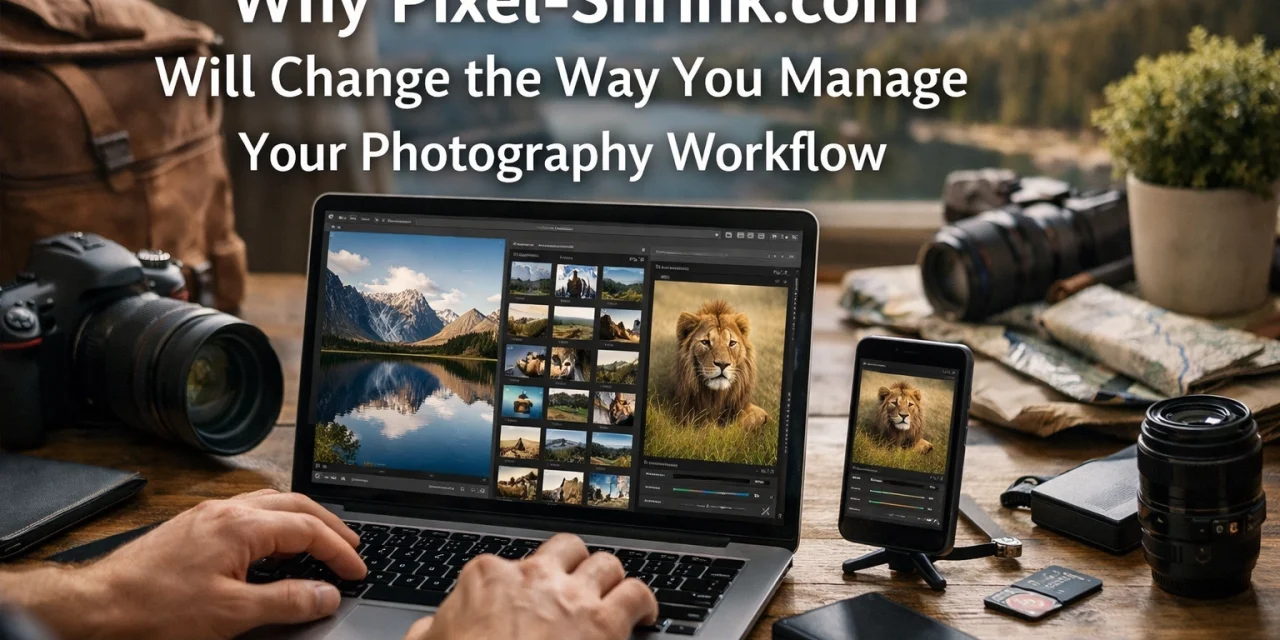
If you’ve been in the photography game for more than a minute, you know the struggle. You just finished a marathon wedding shoot or a high-stakes commercial gig. You’ve spent hours in Lightroom or Capture One perfecting every shadow and highlight. Your images look incredible. But then comes the bottleneck: the export and delivery.
You’re looking at thousands of files, each one clocking in at 20MB or more. You hit "upload" to your client gallery, and suddenly your high-speed internet feels like dial-up from 1998. You’re tethered to your desk, watching a progress bar crawl across the screen while you could be out shooting, marketing your business, or: heaven forbid: getting some sleep.
This is exactly why we need to talk about Pixel-Shrink.com. It’s a tool that is quietly revolutionizing how professional photographers handle their post-production pipeline. Sponsored by our friends at proshoot.io, Pixel-Shrink isn't just another "image optimizer." It’s a workflow game-changer designed specifically for those of us who refuse to compromise on quality but desperately need more speed.
The High-Resolution Paradox
We live in an era of incredible essential photography gear. Modern sensors are pushing 45, 60, and even 100 megapixels. While that detail is fantastic for huge prints and aggressive cropping, it creates a massive logistical headache. High resolution means high file sizes, and high file sizes mean slower everything.
Most photographers try to solve this by lowering the "Quality" slider in their export settings to 70% or 80%. But that’s a blunt instrument. It applies a blanket compression across the entire image, often introducing artifacts in the sky or muddying up the fine textures in a bride’s lace veil. You’re essentially guessing how much quality you can afford to lose.
Pixel-Shrink.com changes that math entirely. Instead of a "one-size-fits-all" approach, it uses something far more sophisticated.
The Secret Sauce: Perceptual Compression
What sets Pixel-Shrink apart is its proprietary "Perceptual Compression" engine. This isn't just tech-speak; it’s a fundamental shift in how files are processed. The engine analyzes images the same way the human eye does. It understands where detail is critical: like the sharp architectural lines of a building or the catchlight in a subject's eye: and where it can afford to be more efficient.
The result? You can reduce your file sizes by 70% to 80% without any visible loss in quality. If you were to put a Pixel-Shrinked file and an original JPEG side-by-side, even at 100% zoom, your eyes (and more importantly, your client's eyes) wouldn't be able to tell the difference. This level of precision is why it's becoming a staple for those following deep wedding photography insights.
Integrating Pixel-Shrink Into Your Current Workflow
The best part about this tool is that it doesn’t require you to learn a new piece of complex software or change your editing style. It fits right into the gap between your export and your delivery.
Here is what a modern, optimized workflow looks like:
- Cull and Edit: Use your usual tools (Lightroom, Capture One, etc.).
- Export: Export your JPEGs at full resolution and 100% quality. Don't hold back here.
- Pixel-Shrink: Drop those full-sized JPEGs into Pixel-Shrink. The batch processing happens in seconds.
- Deliver: Upload the compressed files to your client gallery or photography booking experience platform.
By adding that one simple third step, you actually save a massive amount of time on the fourth step. If your gallery upload used to take two hours, it now takes twenty minutes. That is time you get back in your day, every single time you shoot.
Speed is the New Professional Standard
In the modern market, the photography booking experience doesn't end when the shutter clicks. It ends when the client sees their photos. We live in a world of instant gratification. When a client knows you’ve finished their session, every hour they wait for the gallery link feels like an eternity.
By using Pixel-Shrink.com to slash your upload times, you can deliver galleries faster than your competition. It allows you to be the photographer who delivers the "sneak peek" or the full gallery while the excitement of the event is still fresh. Speed is a feature. Efficiency is a brand value.
Furthermore, smaller files mean your clients can download their images faster, they take up less space on their devices, and they load more quickly when shared on social media. It’s a better experience for everyone involved.
Preserving the Details That Matter
One of the biggest fears photographers have is that compression will "ruin" their art. We spend thousands on the best lenses to get that edge-to-edge sharpness. The last thing we want is a piece of software softening those edges.
Pixel-Shrink was built with professional standards in mind. It excels at preserving the elements that define high-end work:
- Architectural Lines: No jagged edges or "stair-stepping" on clean horizons.
- Fine Textures: Skin texture, fabric weaves, and nature details remain crisp.
- Color Gradation: It avoids the "banding" often seen in out-of-focus areas or clear blue skies.
Because the tool is sponsored by proshoot.io, it’s backed by a community that understands the needs of working pros. They know that a wedding photographer in the Dominican Republic vs Cancun or an Atlanta event photographer needs reliability above all else.

Beyond the Upload: Storage and SEO
The benefits of smaller file sizes extend beyond just the initial delivery.
1. Hard Drive Longevity
As photographers, we are data hoarders. We have stacks of hard drives or massive cloud storage bills. If every wedding you shoot takes up 15GB instead of 50GB, your storage costs drop significantly. You can keep more work online and spend less on physical hardware.
2. Website Performance
If you host a portfolio on your own site, image size is the number one factor in page load speed. Google loves fast websites. By using Pixel-Shrink on your portfolio images, you improve your SEO, making it easier for new clients to find you. Whether they are looking for restaurants in Downtown Golden or a professional photographer, a fast-loading site keeps them from clicking away.
A Reassuring Choice for Your Business
At Photoguides, we are always looking for tools that actually make the job easier without adding unnecessary fluff. We’ve reviewed plenty of gear in our camera reviews 2024 section, but sometimes the most impactful changes to your business come from software, not glass and silicon.
Pixel-Shrink.com is one of those rare tools that offers a pure "win-win." You get smaller files, faster uploads, and lower storage costs, all while maintaining the professional image quality your clients expect. It’s a way to future-proof your workflow as camera resolutions continue to climb.
If you’re tired of the "uploading…" screen being the bane of your existence, give it a try. It’s a simple change that yields immediate, tangible results. Your workflow should work for you, not the other way around.
For more tips on optimizing your business and mastering the craft, check out our educational category or dive into our latest reviews. Your journey to a faster, leaner, and more professional photography business starts with the small steps: and sometimes, those steps involve shrinking a few pixels.













