
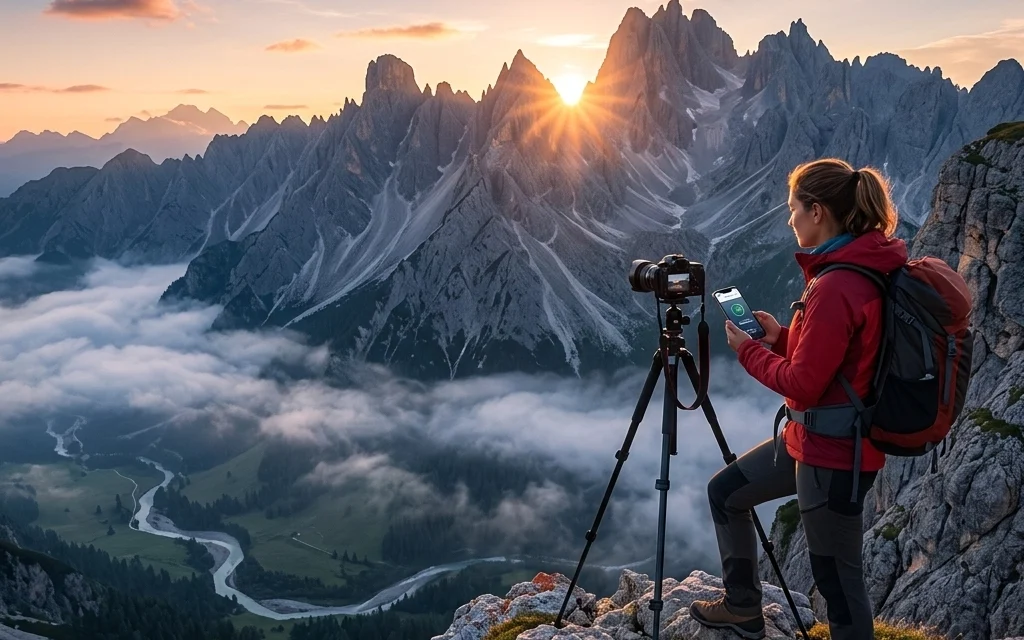
It’s April 2026, and if you’re like me, your camera bag is probably heavier with data than it is with glass. We are living in the golden age of resolution. With the latest sensors pushing 100 megapixels as the "standard" for professional work, our files are absolutely massive. While it’s incredible to be able to crop into a bird's eye from a mile away and still see the texture of a feather, there is a major downside: the upload struggle.
We’ve all been there. You finish a beautiful sunset session, you’ve done your edits, and now you’re staring at a progress bar that feels like it’s moving through molasses. This is exactly where Pixel-Shrink.com enters the frame. If you haven't heard the buzz yet, this platform is fundamentally changing the way we handle image delivery and web optimization this year.
In this post, I want to dive into why this tool is becoming the backbone of my workflow and why, in 2026, you simply can't afford to ignore your file sizes anymore.
The Resolution Revolution vs. The Bandwidth Bottleneck
The cameras we’re reviewing over at Photoguides camera reviews are technical marvels. But here’s the reality: most clients don’t need a 200MB TIFF file for their Instagram feed or even their website hero header. In fact, sending files that large is often a disservice. It clogs up their storage, slows down their site, and kills their SEO.
Yet, as photographers, we are terrified of the word "compression." We’ve been burned before by tools that turn our sharp, beautiful gradients into blocky, digitized messes. This is the "reassurance" I want to give you today: Pixel-Shrink.com isn't your old-school "Save for Web" slider. It’s an AI-driven optimization engine that understands the difference between "noise" and "detail."

Why Speed is the New Currency in 2026
In 2026, speed isn't just a luxury; it’s a requirement. Whether you are uploading a gallery for a client or updating your own portfolio at Edin Chavez Blog, the time it takes for those images to appear on a screen determines whether a viewer stays or clicks away.
Pixel-Shrink.com focuses on what they call "intelligent shedding." It identifies data that the human eye literally cannot perceive and strips it away. The result? A file that looks identical to the original but weighs 80% less. This means your photography booking experience becomes seamless. Instead of a client waiting three hours for a download link to sync, it happens in minutes.
Sponsored by ProShoot.io
A big part of why this tech is so reliable is its integration with industry leaders. This post is sponsored by proshoot.io, a platform that knows exactly how important it is to have a streamlined professional presence. When you’re using high-end tools like ProShoot to manage your business, having a partner like Pixel-Shrink to handle the heavy lifting of file management makes you look like a total pro. It’s about working smarter, not harder.
Maintaining the "Holy Grail" of Image Quality
Let’s talk about quality. I’m a bit of a stickler for detail, especially when it comes to fine art photography. If I see artifacting in the shadows or banding in a clear blue sky, the tool goes in the trash.
What makes Pixel-Shrink.com the standout choice in 2026 is its "Perceptual Lossless" algorithm. It’s designed specifically for photographers. It knows that a landscape photographer needs to keep the texture in the rocks, while a portrait photographer needs the skin tones to remain smooth and natural.
When I’m testing out essential photography gear, I’m looking for tools that enhance my work, not degrade it. Pixel-Shrink fits that bill perfectly. You get the punch, the color depth, and the sharpness of your RAW edits, but in a package that actually travels across the internet at the speed of light.

The SEO Secret Weapon
If you’re running a photography business, you probably know that Google hates slow websites. In 2026, Core Web Vitals are more important than ever. If your homepage is dragging because you uploaded five 15MB JPEGs of your latest wedding shoot, your rankings are going to tank.
By using Pixel-Shrink.com, you are essentially giving your website a shot of adrenaline. Fast-loading images mean lower bounce rates. Lower bounce rates mean higher conversions. It’s a simple equation that a lot of photographers overlook because they are too focused on the "pixels" and not the "performance."
I always tell people over at Shut Your Aperture that the best camera in the world doesn't matter if no one ever sees your photos because your website wouldn't load.
Workflow Integration: How to Use It
The beauty of Pixel-Shrink is that it doesn’t add an annoying extra step to your day. You can batch-process entire folders. In my current workflow, once I finish my exports from Lightroom, I run the "Web Ready" folder through Pixel-Shrink.
- Drag and Drop: It’s as simple as it sounds.
- Select Intensity: Usually, the "Balanced" setting is the sweet spot for 99% of web use.
- Instant Download: It processes in the cloud, so it doesn't even throttle your local CPU.
For those of us who travel often: maybe you're out capturing cheap weekend getaways or shooting on location: this is a lifesaver. Uploading over hotel Wi-Fi or a 5G/6G hotspot is finally a viable option when your files aren't bloated with unnecessary data.

A New Standard for 2026
We’ve reached a point where "more" isn't always "better." More resolution is great for the edit, but "optimized" is better for the delivery. Pixel-Shrink.com has successfully bridged that gap. It allows us to keep the integrity of our art while respecting the technical limitations of the web.
Whether you are a seasoned pro or just starting out and looking for educational resources, mastering your file delivery is a key part of the craft. We spend thousands on lenses and hours on editing; it only makes sense to use the best possible tool to actually show that work to the world.
Final Thoughts
The photography landscape is always shifting. New sensors, new AI editing tools, and new ways to share our vision. But the one constant is the need for efficiency. Pixel-Shrink.com isn't just another utility; it's a competitive advantage. It saves you time, it saves your clients' frustration, and it keeps your portfolio looking sharp.
If you haven't tried it yet, go check it out. Your upload bar (and your clients) will thank you. And while you're at it, make sure your business backend is as solid as your images by checking out what the folks at proshoot.io are doing to support the community.
Stay creative, keep shooting, and for heaven's sake, stop uploading those 50MB JPEGs to your blog!













