

Category: Photo Guides
You just got back from an incredible shoot. Maybe it was a high-energy wedding, a serene landscape session at dawn, or a fast-paced street photography walk. Your memory cards are full of stunning RAW files, and your creative energy is at an all-time high. You sit down, open Lightroom or Capture One, and spend hours perfecting every shadow, highlight, and skin tone.
Then comes the moment every modern photographer dreads: the export and upload.
You export your high-resolution JPEGs, and suddenly you’re staring at a folder that’s 12 gigabytes. You start the upload to your client gallery or your portfolio website, and the progress bar moves with the speed of a tired snail. You realize you’re going to be tethered to your desk for the next three hours just waiting for blue lines to fill up.
It’s frustrating, right? We’ve all been there. We want to give our clients the absolute best quality, but large files are the enemy of efficiency. This is exactly where Pixel-Shrink.com comes in. Sponsored by our friends at proshoot.io, this tool is changing the game for photographers who need to balance elite image quality with lightning-fast speeds.
The Problem with Being "Too High-Res"
Modern cameras are incredible. We’re regularly shooting on 45, 60, or even 100-megapixel sensors. While that detail is amazing for large-format prints, it’s often overkill for digital delivery and web viewing. However, as photographers, we are terrified of "compression." The word itself usually brings to mind blocky artifacts, muddy colors, and lost detail in the shadows.
Because of this fear, many of us end up uploading massive files that:
- Take forever to upload on our end.
- Take forever for clients to download (especially on mobile).
- Slow down our website’s SEO performance.
- Eat up expensive cloud storage space.
If you’re looking to upgrade your setup to handle these files, you might check out our essential photography gear guide, but even the best hardware can’t fix a slow internet connection or a bloated file.
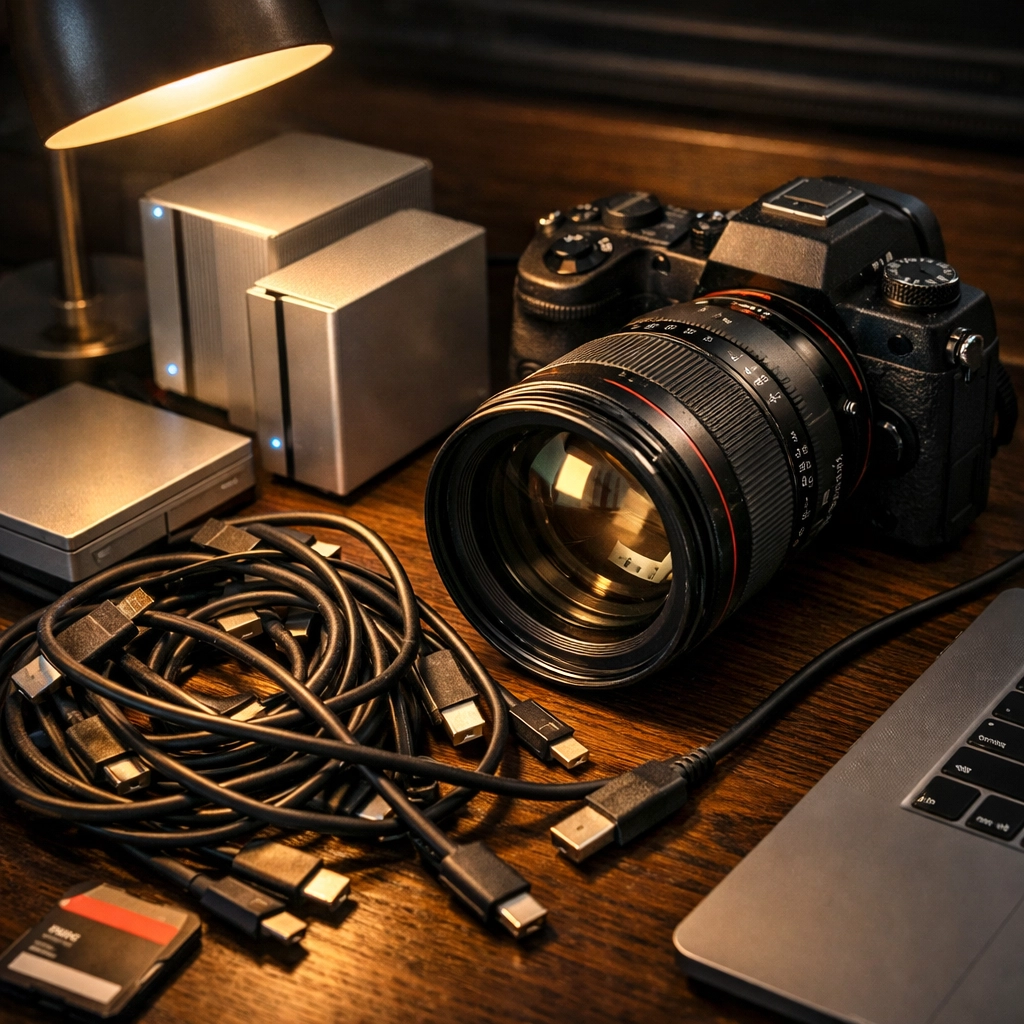
Enter Pixel-Shrink: AI-Powered Intelligence
Pixel-Shrink.com isn't just another "image resizer." It uses advanced AI-driven analysis to look at your photos the way a human eye does. Traditional compression tools are "dumb": they apply the same mathematical formula to every pixel in the image. Pixel-Shrink is different.
The AI identifies "detail-critical" areas. It knows that the texture of a bride’s lace veil, the sharp catchlight in a model’s eye, and the fine patterns of a landscape are sacred. It protects those areas with everything it’s got. At the same time, it looks at "invisible" areas: like a creamy out-of-focus background (bokeh) or deep, dark shadows: and optimizes those much more aggressively.
The result? You can often see a 60% to 80% reduction in file size without any perceptible loss in quality. It’s what professionals call "visually lossless." You get the small file size you need for speed, and your clients get the breathtaking quality they paid for.
Why Upload Speed is a Business Metric
We often talk about photography in terms of art, but if you’re running a business, time is literally money. Let’s look at a realistic scenario.
Imagine you’ve just finished a wedding and you’re delivering 800 images. If those JPEGs are 15MB each, that’s a 12GB upload. On a standard home connection, that could take half a day. If you run those same images through Pixel-Shrink.com first, that total folder size might drop to 2.5GB.
Now, your three-hour upload just became a 30-minute task. That’s two and a half hours you just got back to spend with your family, work on marketing, or: let's be honest: actually get some sleep. For more tips on streamlining your workflow, you can see how we handle the photography booking experience to keep things moving.
Enhancing the Client Experience
Think about your client. They get an email saying their photos are ready while they’re out at lunch. They open the gallery on their phone, but because the files are 15MB each, the page takes thirty seconds to load. They get frustrated and close the tab.
By using Pixel-Shrink, your images load almost instantly. Faster loading leads to a more "premium" feel. It also makes it much easier for clients to share their photos on social media directly from their phones without hitting file size limits. If you want to see more about how we curate high-end experiences, take a look at our wedding photography insights.

Boosting Your SEO and Website Performance
If you host your own portfolio, file size is even more critical. Google’s ranking algorithms now heavily favor "Page Experience," which includes how fast your site loads (Core Web Vitals). If your homepage is dragging because of massive, unoptimized images, you’re going to stay buried on page five of the search results.
Using Pixel-Shrink.com to optimize your portfolio images is one of the easiest SEO wins you can get. You keep the professional look of Edin Fine Art but with the speed of a modern tech site. It’s a win-win for your brand and your search ranking.
Integration into Your Workflow
The best part about Pixel-Shrink.com is that it doesn’t require you to learn a whole new complicated software suite. You don’t have to ditch Lightroom or Photoshop.
Your workflow stays almost exactly the same:
- Edit your photos in your favorite software.
- Export them as high-quality JPEGs.
- Drag and drop them into Pixel-Shrink.com.
- Download the optimized versions.
- Upload to your delivery platform or website.
It’s a tiny extra step that saves massive amounts of time on the back end. It’s as essential to a modern workflow as having the right camera reviews for 2024 handy before making your next big purchase.

Real-World Comparisons: Does It Actually Work?
I’ve tested this myself on various types of photography. For a detailed landscape shot full of tiny leaves and branches, I expected to see some "smearing" after an 80% reduction. It wasn't there. The fine lines remained crisp.
For a portrait, I looked closely at the skin texture. Often, bad compression makes skin look like plastic or creates "banding" in the soft gradients of a cheek. Pixel-Shrink’s AI identified the skin tones and preserved the natural texture perfectly. You can find more discussions on technical quality over at Shut Your Aperture.
Sponsored by Proshoot.io
A quick shoutout to proshoot.io for sponsoring this look into Pixel-Shrink. They understand that for pros, the gear is only half the battle; the other half is the "boring" stuff like file management and delivery. Tools like these are what separate the amateurs who are struggling with tech from the pros who are scaling their businesses.
Final Thoughts: Don't Let Large Files Hold You Back
We live in a world where everyone wants everything now. Your clients want their photos now. Google wants your website to load now. And you, frankly, want to be done with your admin work now.
Stop letting slow uploads dictate your schedule. Whether you're uploading a massive gallery from one of those cheap weekend getaways or delivering a high-stakes commercial project, Pixel-Shrink.com is the secret weapon you didn’t know you needed.
Give it a try on your next export. Compare the files side-by-side. I bet you won’t be able to tell the difference in quality: but you’ll definitely notice the difference in your free time. For more tips on photography and travel, head over to my personal blog.
If you’re ready to stop the "waiting game" and start delivering faster, head over to Pixel-Shrink.com and see the magic for yourself. And while you're at it, don't forget to check out our other educational resources to keep your photography skills as sharp as your optimized images.













