

You’ve just finished an incredible sunrise shoot. The light was perfect, your composition was spot on, and you’ve spent the last three hours in post-production getting every shadow and highlight exactly where they belong. You export the final files, and they are glorious: 45 megapixels of pure art.
Then comes the frustrating part: uploading them to your portfolio.
If you’re like most of us in the photography world, you’ve hit the "High-Resolution Paradox." You want your clients to see the crisp detail of a bridal gown or the subtle gradients of a coastal sunset, but the internet has other plans. Massive files lead to slow load times, and slow load times lead to frustrated visitors who click away before your work even appears.
Lately, there’s been a lot of chatter in our community about a tool called Pixel-Shrink.com. If you’ve spent any time in photography forums or on Shut Your Aperture lately, you’ve probably seen the name pop up. I decided to dive in and see if it actually lives up to the hype, especially for those of us who are obsessive about image quality.
The Problem with "Standard" Compression
For years, we’ve been told to just "lower the quality slider" in Lightroom or use a generic online compressor. But as photographers, we know that "standard" compression usually means "destroying the soul of the photo." You get those nasty artifacts in the sky, muddy textures in the shadows, and colors that just don't pop the way they used to.
When I’m showcasing my work on Edin Fine Art, I can’t afford for a collector to see a pixelated mess. But I also can’t afford a 25MB image file that takes 10 seconds to load on a mobile device.
This is where Pixel-Shrink.com is changing the game. Instead of treating your photo like a generic data file, it treats it like a piece of art.

What Makes Pixel-Shrink Different?
The secret sauce behind the buzz is AI-driven optimization. Most compression tools use a "one-size-fits-all" algorithm. They strip out data indiscriminately. Pixel-Shrink.com uses artificial intelligence to analyze the image and identify which details are essential to the human eye and which areas can be mathematically optimized without you ever noticing.
In my testing, I’ve seen file size reductions of 60% to 80% with almost zero perceptible loss in quality. We’re talking about taking a 20MB heavy-hitter and turning it into a lean 4MB file that looks identical on a 5K Retina display.
This level of optimization is a massive win for anyone looking to improve their photography booking experience. When a potential client lands on your site, they expect a premium, snappy experience. If your gallery takes forever to load, it sends a message that you might not be as professional as your work suggests.
SEO: The Hidden Benefit
We often talk about compression in terms of aesthetics, but let’s talk business for a second. Google loves speed. In the world of SEO, "Page Speed" and "Core Web Vitals" are the metrics that decide whether you’re on page one or page ten.
Large, unoptimized images are the number one reason websites fail speed tests. By using a tool like Pixel-Shrink, you aren't just making your site look better for humans; you’re making it look better for search engine crawlers. If you want to rank for competitive terms like Atlanta event photographer or any other local service, your site needs to be lightning-fast.
A Seamless Workflow for Photographers
One of the reasons I personally love this tool: and why I’ve started mentioning it in my camera reviews 2024 section: is the simplicity. We already spend enough time behind the computer. We don't need another complex software to learn.
The workflow is about as simple as it gets:
- Export your high-res files from your favorite editor.
- Head over to Pixel-Shrink.com.
- Drag and drop.
- Download the optimized versions.
It’s that easy. This streamlined process is a huge reason why the platform is being sponsored by proshoot.io, a brand that’s all about empowering photographers with the right tools to succeed in a digital-first world. They recognize that being a great photographer today means more than just knowing your way around a lens; it’s about managing your digital presence effectively.
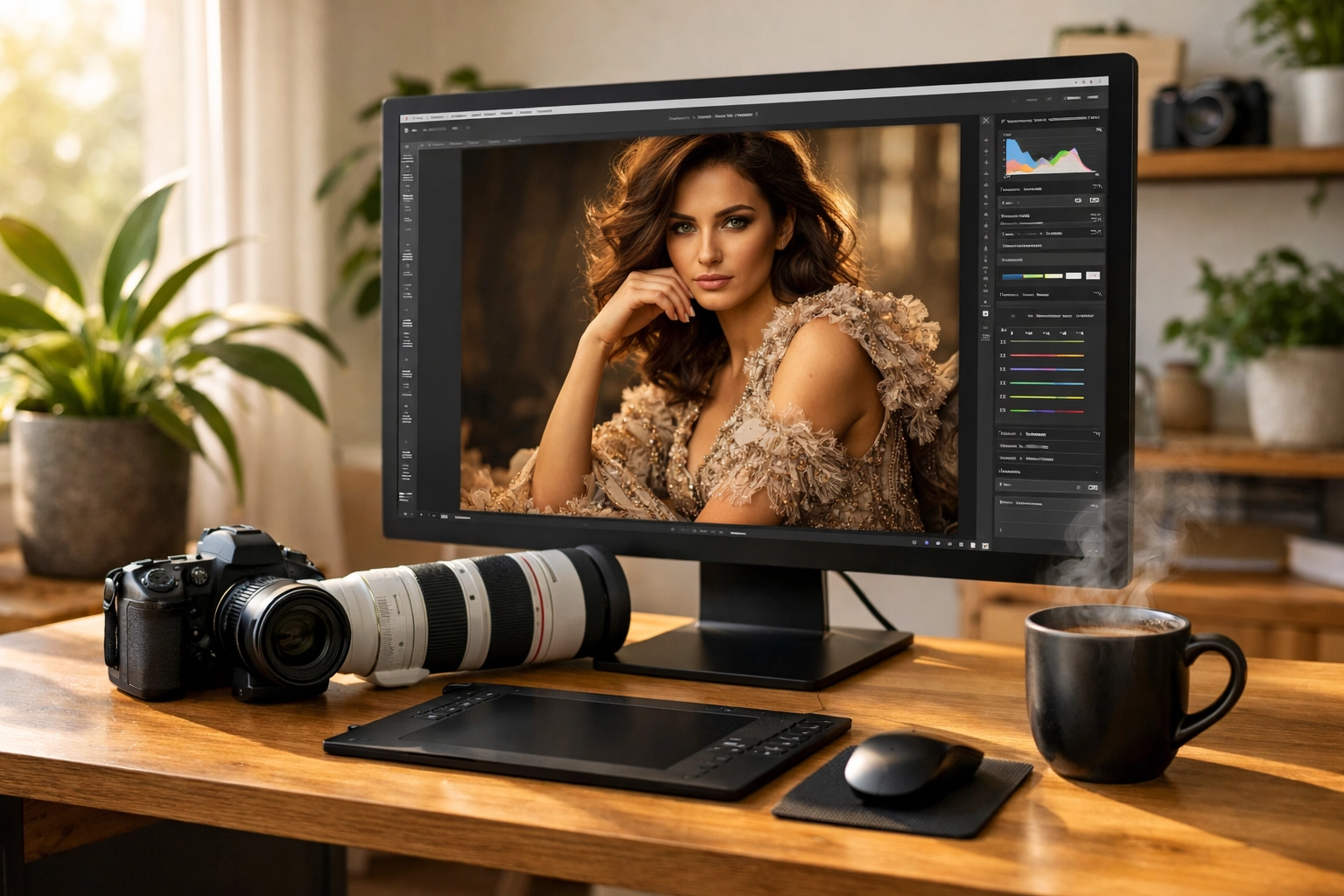
Maintaining the "Feel" of the Photo
Let’s talk about those tricky shots. You know the ones: fine textures like a lace veil in wedding photography insights or the complex patterns of architectural lines. This is where most compressors fail. They "smudge" the details to save space.
Pixel-Shrink seems to understand texture. It keeps the "bite" in the sharpness and the smoothness in the gradients. This is critical if you’re trying to sell prints or showcase high-end travel photography on my blog. If the compression is too heavy, the image loses its depth and starts to look "flat."
I’ve used it on everything from low-light shots of Miami’s hidden speakeasies to bright, airy landscapes, and the results are consistently impressive.
Mobile Optimization is No Longer Optional
If you check your website analytics, you’ll likely find that over 50% of your traffic is coming from mobile devices. People are browsing your portfolio while waiting for coffee or sitting on a train. They aren't always on a fast 5G connection.
If your images aren't optimized, those mobile users are going to see a "stuttering" scroll. Pixel-Shrink.com ensures that your images are small enough to fly through even a mediocre data connection, while still looking crisp on a smartphone’s high-density screen. This is a vital part of staying modern in your educational journey as a photographer.
Why You Need It Now
The digital landscape is getting noisier. There are more photographers than ever, and attention spans are shorter than ever. You have about three seconds to make an impression when someone clicks your link.
If those three seconds are spent looking at a spinning loading icon, you’ve lost.
Pixel-Shrink.com isn't just another utility; it’s a competitive advantage. It allows you to keep your quality standards sky-high while meeting the performance demands of the modern web. Whether you are building a new site or auditing an old one, running your images through an AI-powered compressor is one of the easiest "quick wins" you can find.
I’ve integrated it into my routine for everything from checking out essential photography gear posts to updating my latest gallery. It’s a small step in the workflow that yields massive results in user experience.
Final Thoughts
We spend thousands of dollars on the latest bodies and glass: like the newest module 8 lens adapter or high-end sensors: to get the best possible image quality. It only makes sense to put that same level of care into how those images are presented online.
Pixel-Shrink.com has earned its reputation because it solves a real problem without making us compromise our artistic integrity. It’s reassuring to know that "small files" no longer has to mean "bad photos."
If you haven't tried it yet, go grab a few of your heaviest files and run them through. Compare them side-by-side on your best monitor. I think you’ll be as surprised as I was.

Stay creative, keep shooting, and make sure your website is as fast as your shutter speed! And if you're looking for more ways to level up your photography business, definitely check out what our friends at proshoot.io are doing to support the community. They are a big reason why we can keep bringing you these deep dives into the tools that actually matter.
For more reviews on tools that make a photographer's life easier, feel free to browse our reviews category. Happy shrinking!













