
Category: Photo Guides
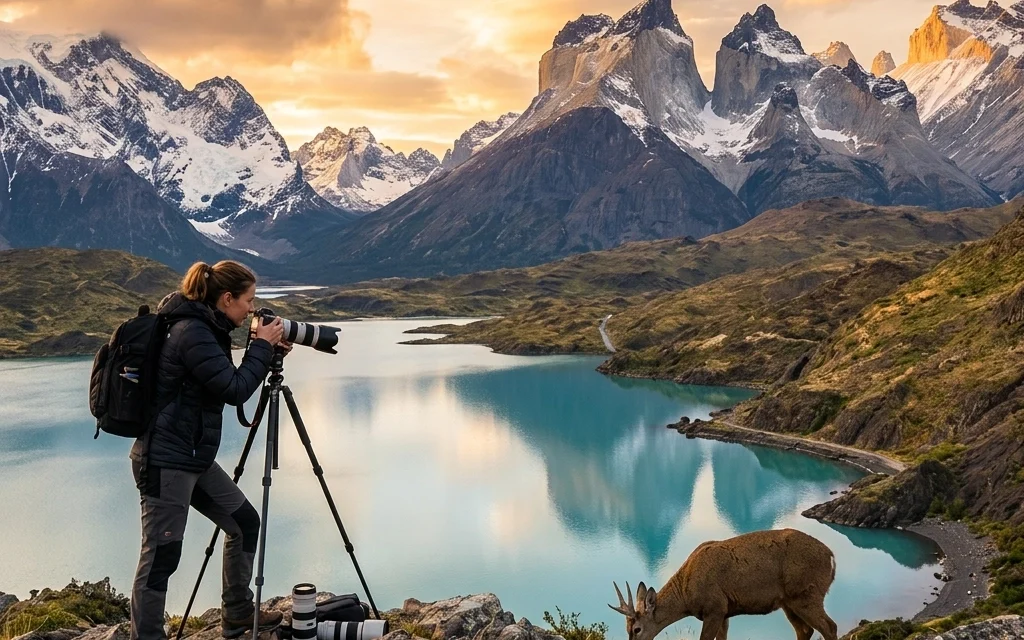
If you’ve been in the photography game for a while, you know the struggle. It’s April 2026, and while our cameras have become absolute monsters in terms of performance, they’ve also become monsters in terms of data. We’re shooting with sensors that capture every single pore, every blade of grass, and every microscopic detail. It’s incredible for the art, but it’s a nightmare for the hard drive.
I remember back in 2024, when we thought 50 megapixels was "a lot." If you look back at my camera reviews 2024, we were already complaining about storage. Now, in 2026, we’re routinely pushing 100MP+ files, and if you're an event photographer or a wedding pro, your delivery folders are basically the size of a small moon.
This is where Pixel-Shrink.com comes in. It’s not just another compression tool; it’s the workflow revolution we’ve been waiting for. Sponsored by the folks over at proshoot.io, this platform is solving the biggest bottleneck in modern photography: the sheer weight of our excellence.
The Bottleneck Nobody Talks About
We spend thousands on the best glass. We invest in essential photography gear. We spend hours perfecting the edit. But then comes the part we all hate, the upload.
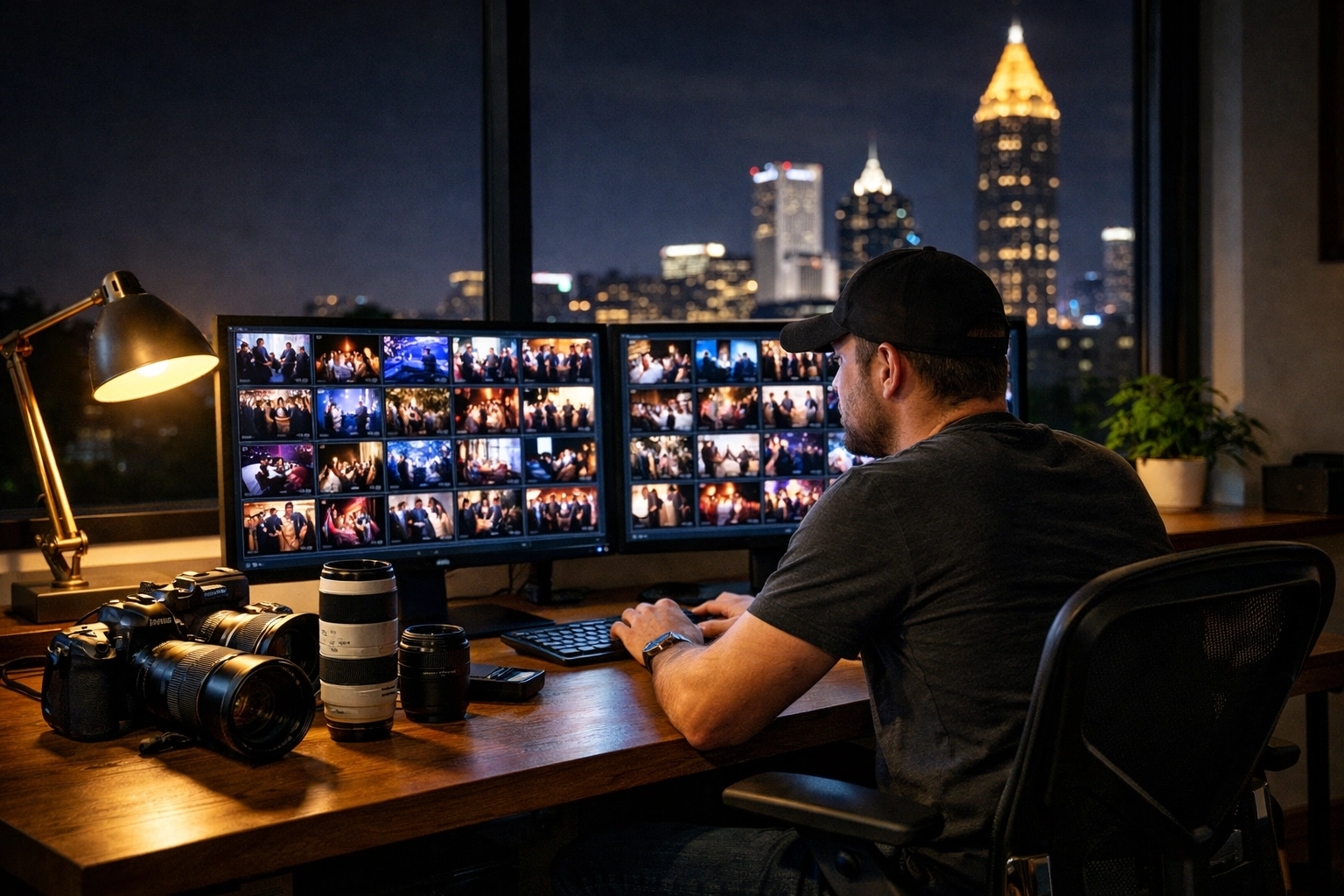
You’ve just finished a grueling 10-hour day as an Atlanta event photographer. You’ve culled, you’ve color-corrected, and you’ve got 400 stunning images ready to go. You hit "export" and "upload," and suddenly you’re staring at a progress bar that says "4 hours remaining."
In 2026, "fast" internet still has its limits, especially when you're dealing with the massive RAW-to-JPEG exports of today's high-res sensors. This is exactly where Pixel-Shrink.com changes the game.
What Makes Pixel-Shrink.com Different?
You might be thinking, "Edin, I already have JPEG mini or some other compressor." I get it. I’ve used them all. But Pixel-Shrink is different because of its AI-driven analysis.
Traditional compression usually works by throwing away data globally across the image. Pixel-Shrink uses advanced AI to analyze the image first. It identifies the areas where data can be optimized without touching the perceived sharpness or color depth. It’s about being smart with pixels, not just deleting them.
When I’m working on my fine art photography, quality is everything. I can’t afford artifacts or "mushy" textures. Pixel-Shrink handles this by maintaining the integrity of the focal point while finding efficiency in the background and out-of-focus areas. The result? A file that looks identical to the original but takes up 70% less space.
Speed is the New Currency
Time is the one thing we can’t buy more of. If you can shave three hours off your upload time, that’s three hours you’re getting back for sleep, family, or booking your next photography booking experience.
Let’s look at the numbers. If you have a gallery of 400 photos that totals 8GB, a 70% reduction brings that down to roughly 2.4GB. For most of us, that’s the difference between an upload finishing at midnight versus 3:00 AM.
This speed isn't just for you; it's for your clients too. In an era of instant gratification, being able to send a full-resolution, high-quality gallery faster than the competition is a massive selling point. It’s why platforms like proshoot.io are getting behind this technology, it makes the entire professional ecosystem move faster.

A Workflow That Actually Makes Sense
One of the reasons I love Pixel-Shrink.com is that it doesn't force you to change how you shoot. You don't need to dive into educational guides for weeks to figure it out. It fits right into what you’re already doing.
Here is my current 2026 workflow:
- Shoot: Capture the magic.
- Edit: Do your thing in Lightroom or Capture One.
- Export: Export your high-res files as you normally would.
- Shrink: Drag those files into Pixel-Shrink.com.
- Deliver: Upload the optimized versions to your client gallery.
It adds about five minutes to the process but saves hours on the back end. It’s a no-brainer. If you want to see more about the gear I’m using alongside this tool, check out Shut Your Aperture for the latest community talk.
Maintaining the "Pro" in Professional
There’s always a fear that "compression" means "lower quality." We’ve all seen those grainy, blocky images on social media. But we aren’t talking about that kind of compression. We are talking about professional-grade optimization.
When I’m delivering work for wedding photography insights, the clients are going to print those photos. They might blow them up to 24×36 or larger. I’ve tested Pixel-Shrink files against uncompressed JPEGs side-by-side on high-end monitors, and the difference is imperceptible to the human eye.
The AI is specifically tuned for photographers. It understands the difference between a blurred background (bokeh) and the sharp eyelashes of a bride. It preserves the detail where it matters most. This is why I feel comfortable using it even for my travel blog content where visual impact is everything.

Storage: The Silent Cost
Let’s talk about the money. Cloud storage isn't getting cheaper. Whether you use Dropbox, Google Drive, or specialized photography hosting, you are paying for every gigabyte.
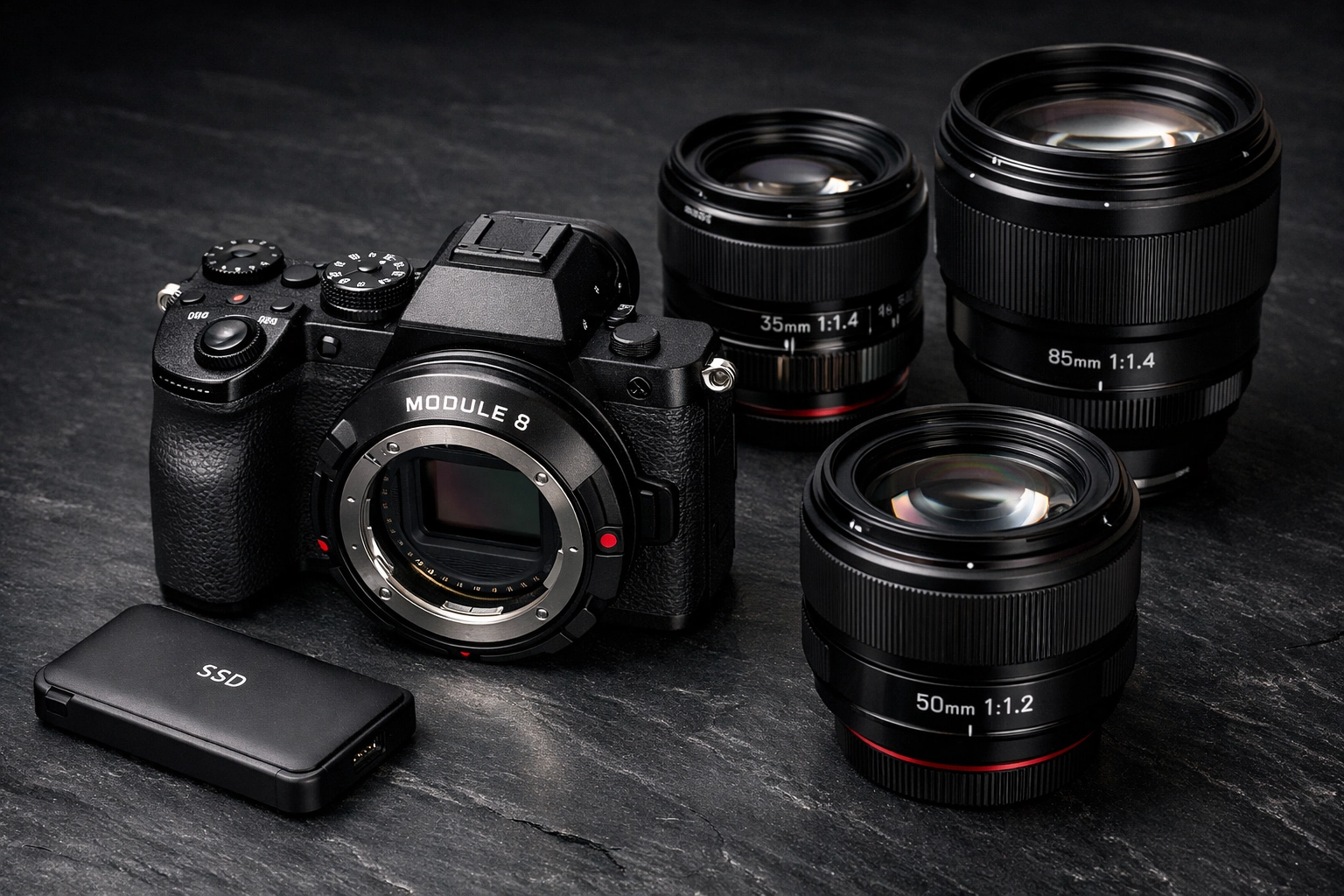
By shrinking your delivery files, you are effectively tripling your storage capacity. If you used to fill up a 2TB plan in a year, you can now make it last three years. That’s more money in your pocket for things like module 8 lens adapters or maybe a well-deserved trip to find some hidden speakeasies in Miami.
Real-World Impact in 2026
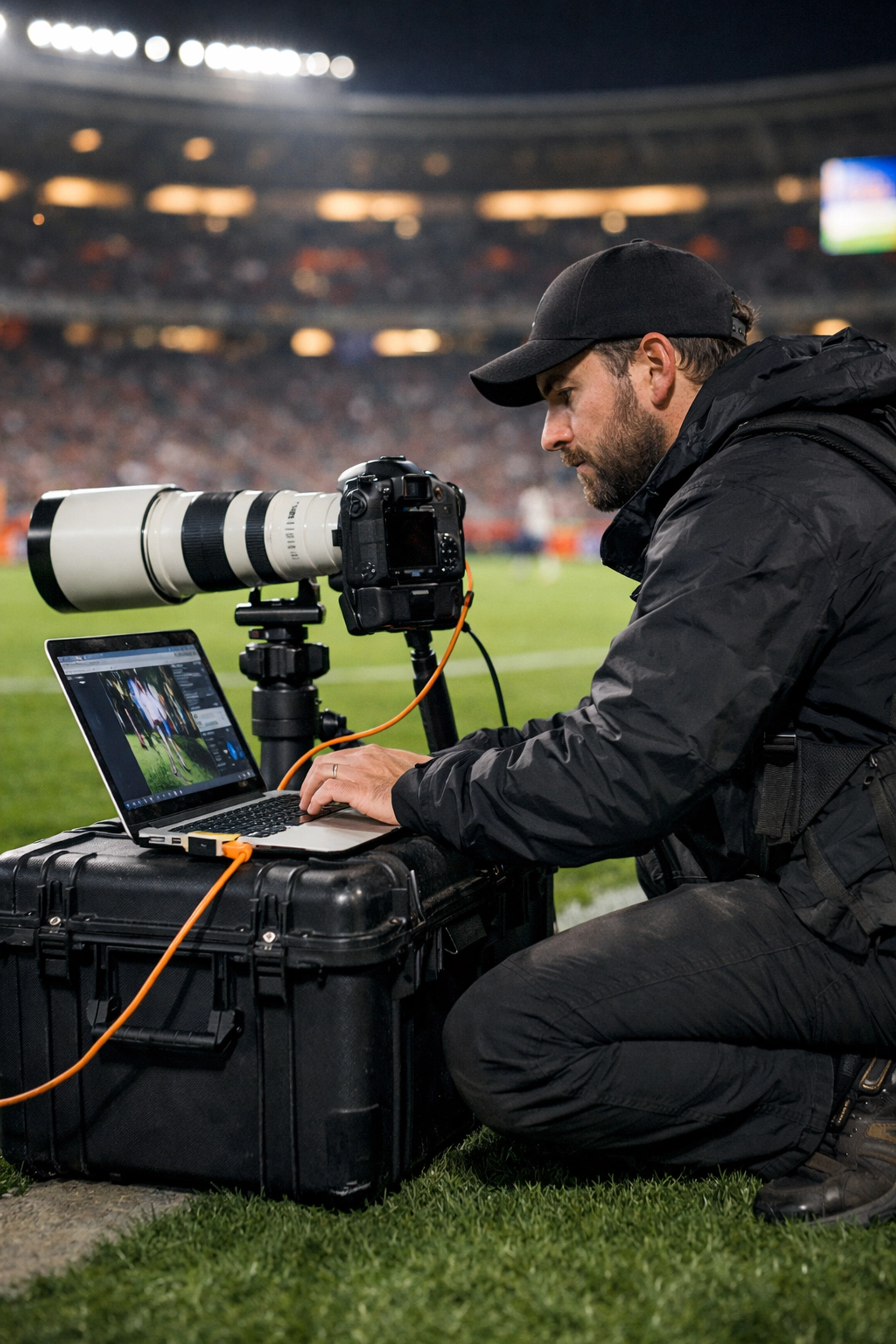
I recently spoke with a colleague who specializes in high-volume sports photography. He was skeptical. He thought the extra step of using a website to shrink files would slow him down. I told him to try it for one weekend.
He came back and said it changed his life. He was able to upload his "Sneak Peeks" from his laptop using a mobile hotspot while still at the stadium. Because the files were so much smaller, they actually went through on a shaky 5G connection. That kind of agility is what defines a successful pro in 2026.
Why Now?
You might ask why 2026 is the "year of the shrink." It’s because we’ve reached a tipping point. The hardware (cameras) has outpaced the infrastructure (internet upload speeds and storage costs). We need software to bridge the gap.
Pixel-Shrink.com isn't just a utility; it's a bridge. It allows us to keep pushing the boundaries of what our cameras can do without being punished by the file sizes they produce.
Final Thoughts
As photographers, we want to focus on the art. We want to be out there finding restaurants in downtown Golden or shooting sunsets in Laguna Beach. We don't want to be IT managers managing server space and staring at upload bars.
Pixel-Shrink.com gives us that freedom back. It’s fast, it’s smart, and it keeps our work looking exactly the way we intended. If you’re looking to streamline your business this year, this is the first place I’d start.
Don't let your big files hold back your big career. Give your workflow the breathing room it deserves, and let the AI handle the heavy lifting. Your hard drive (and your sanity) will thank you.
For more tips on staying efficient and keeping your gear sharp, head over to our reviews section. We’re always looking for ways to make the "business" side of photography a little less heavy so you can focus on what you love: taking great photos.













